
AI image maker · 40 styles · 73 tools
Make any image.
Type it and get it in one of 40 styles, or start from a photo you already have — a person, a pet, a product, a plate, a room, a car — and remake it. 73 tools, one canvas.
Made here
Twelve results straight off the canvas — half from a sentence, half from a photo. The tag says where each one started.
- AI Image Generator
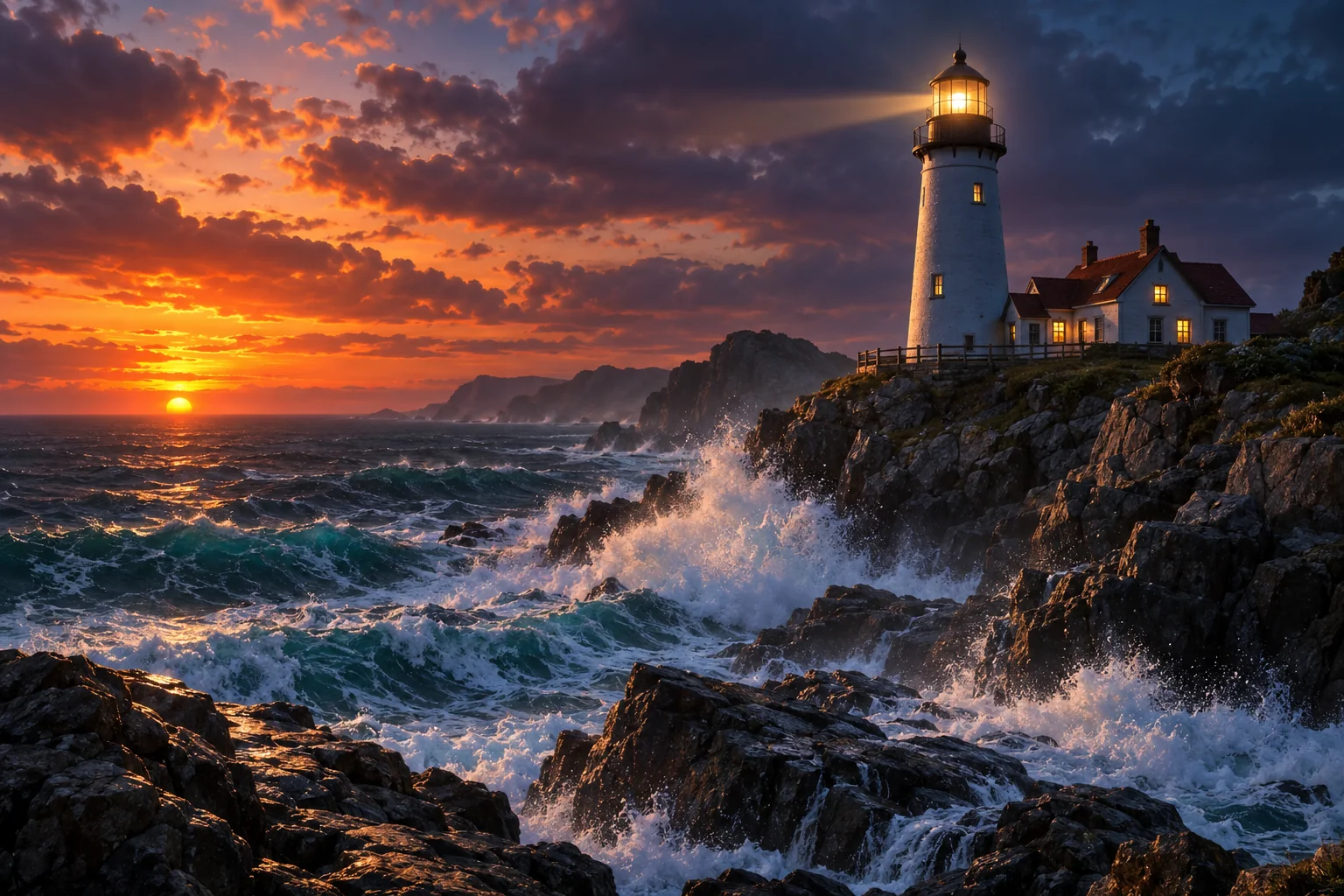 From words
 - Headshot Maker
 From a photo
 - AI Illustration Generator
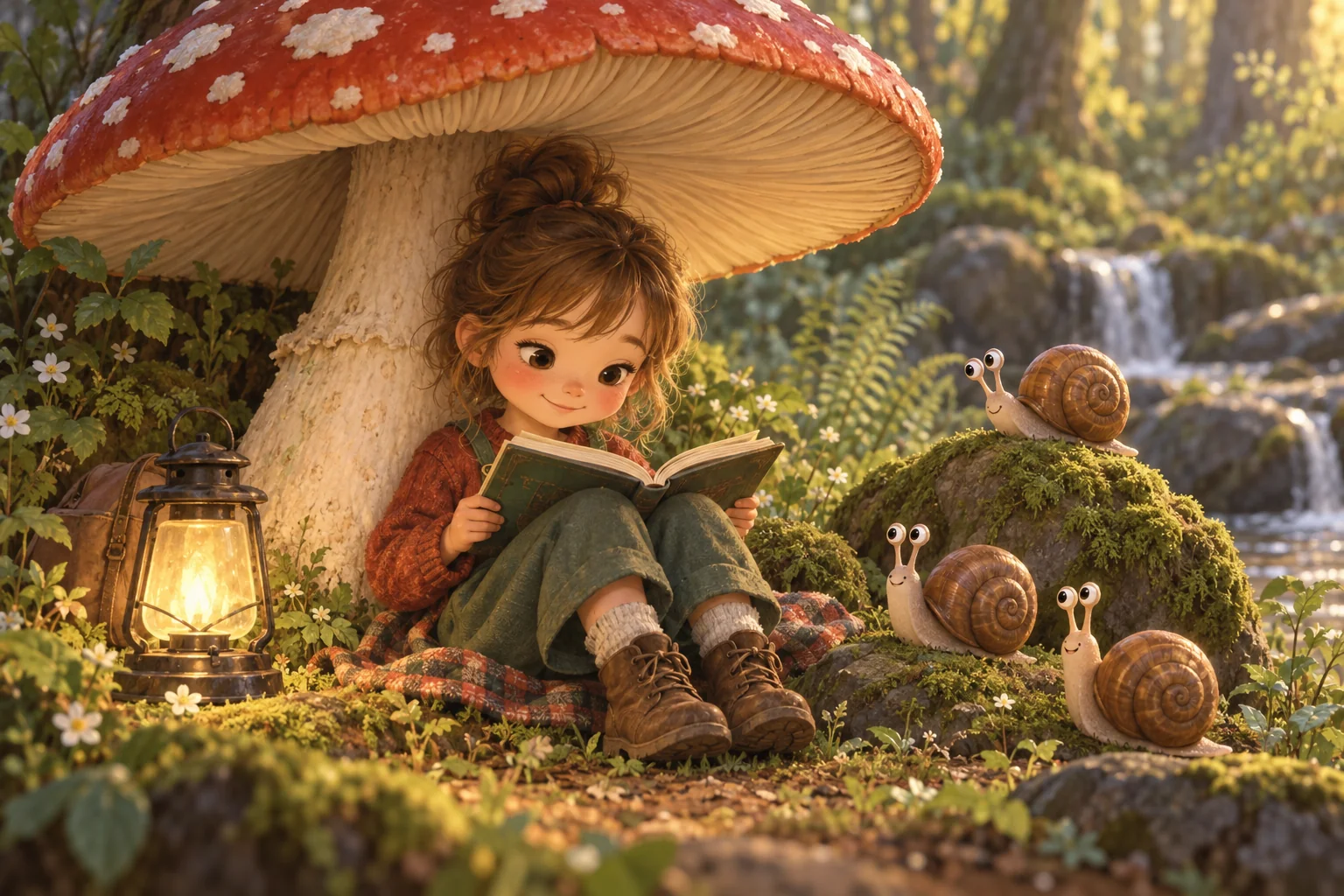 From words
 - Product Cutout on White
 From a photo
 - AI Poster Maker
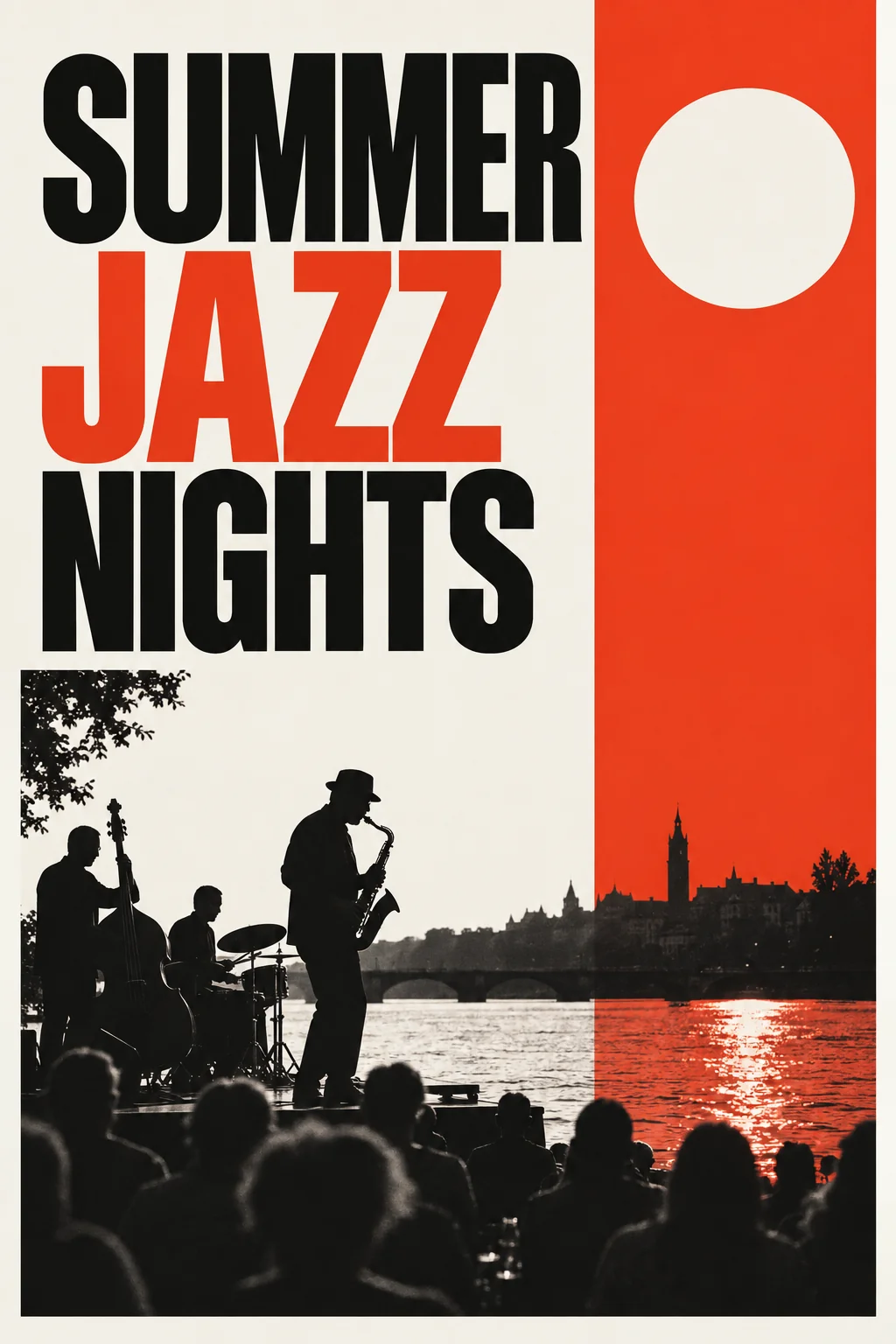 From words
 - Pet Portrait Maker
 From a photo
 - Concept Art Generator
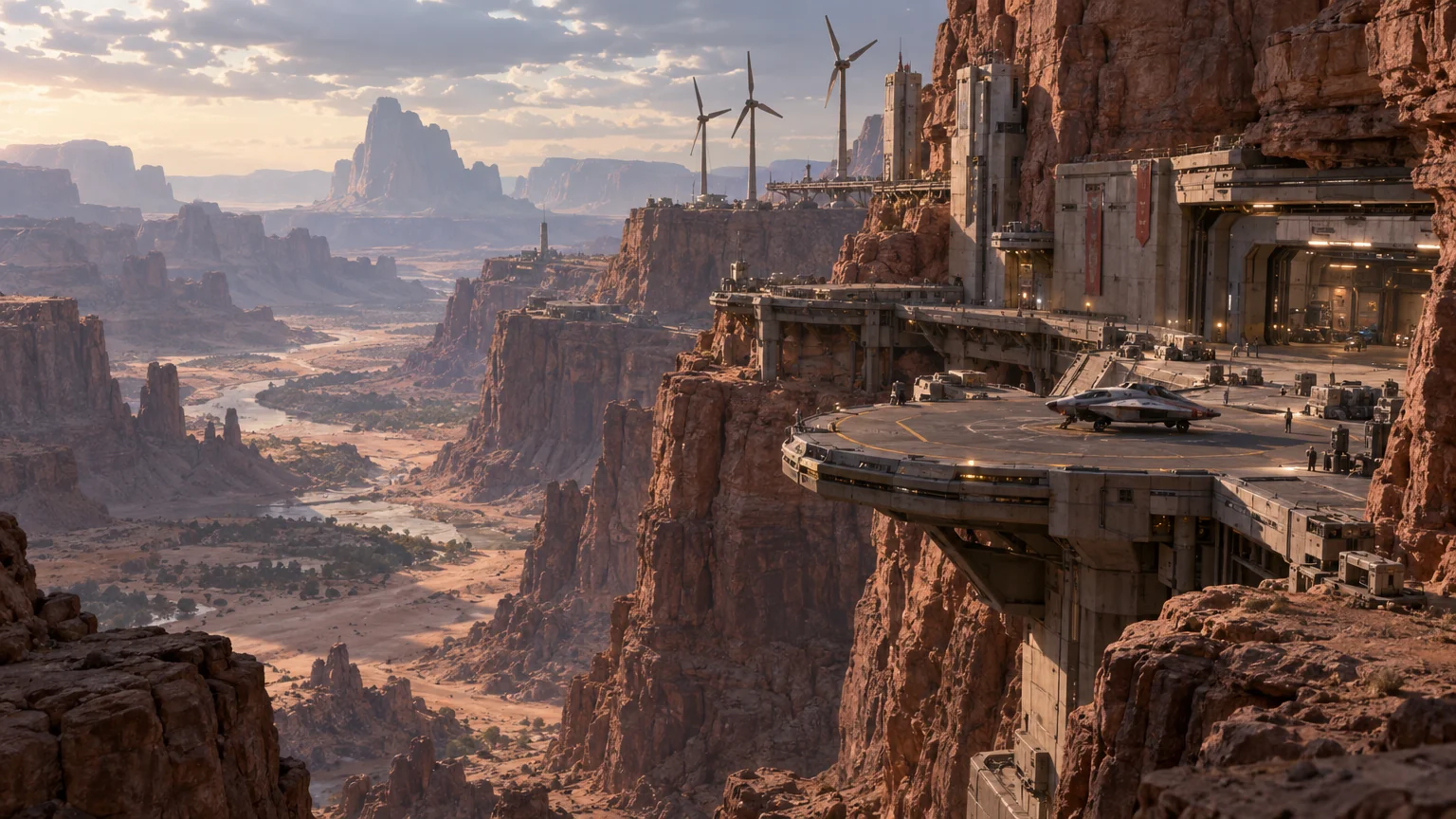 From words
 - Food Shot Maker
 From a photo
 - AI Logo Maker
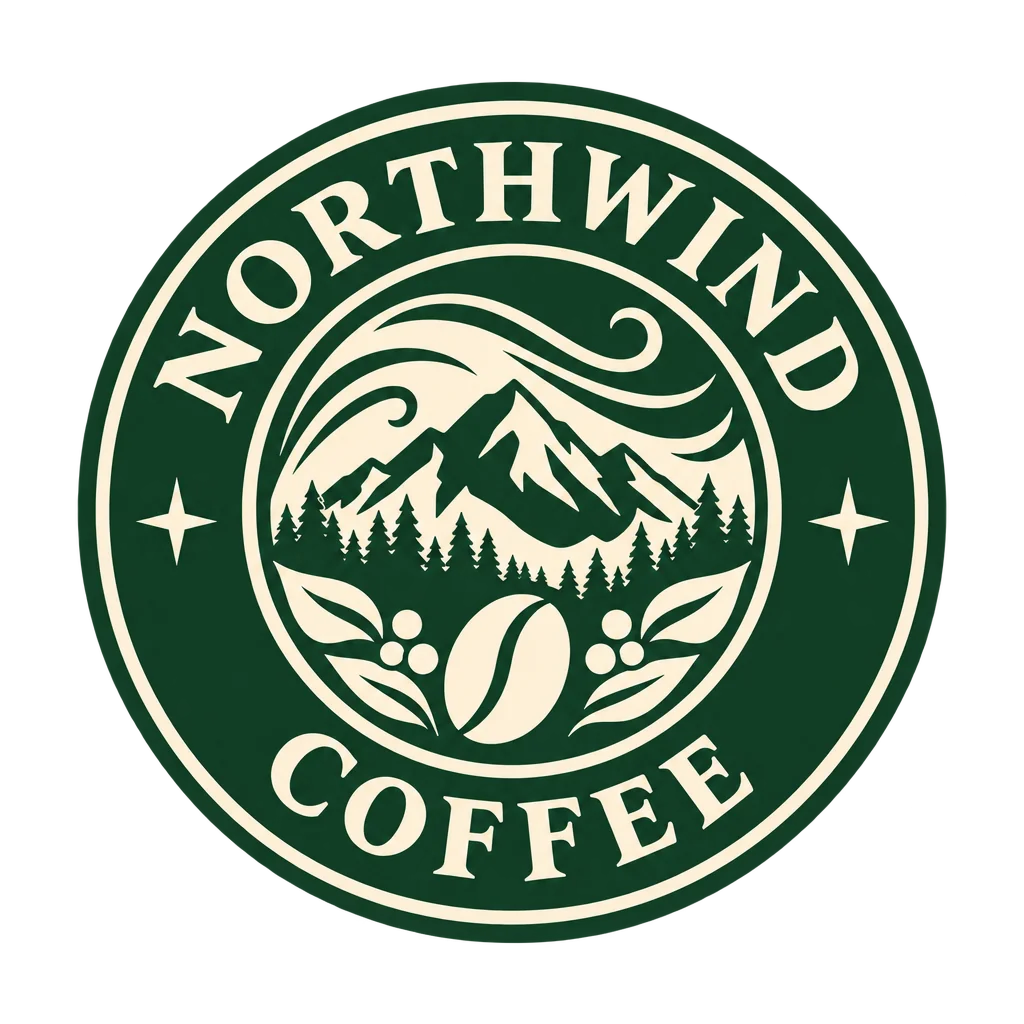 Design & art
 - Old Photo Restorer
 Restore
 - AI Character Designer
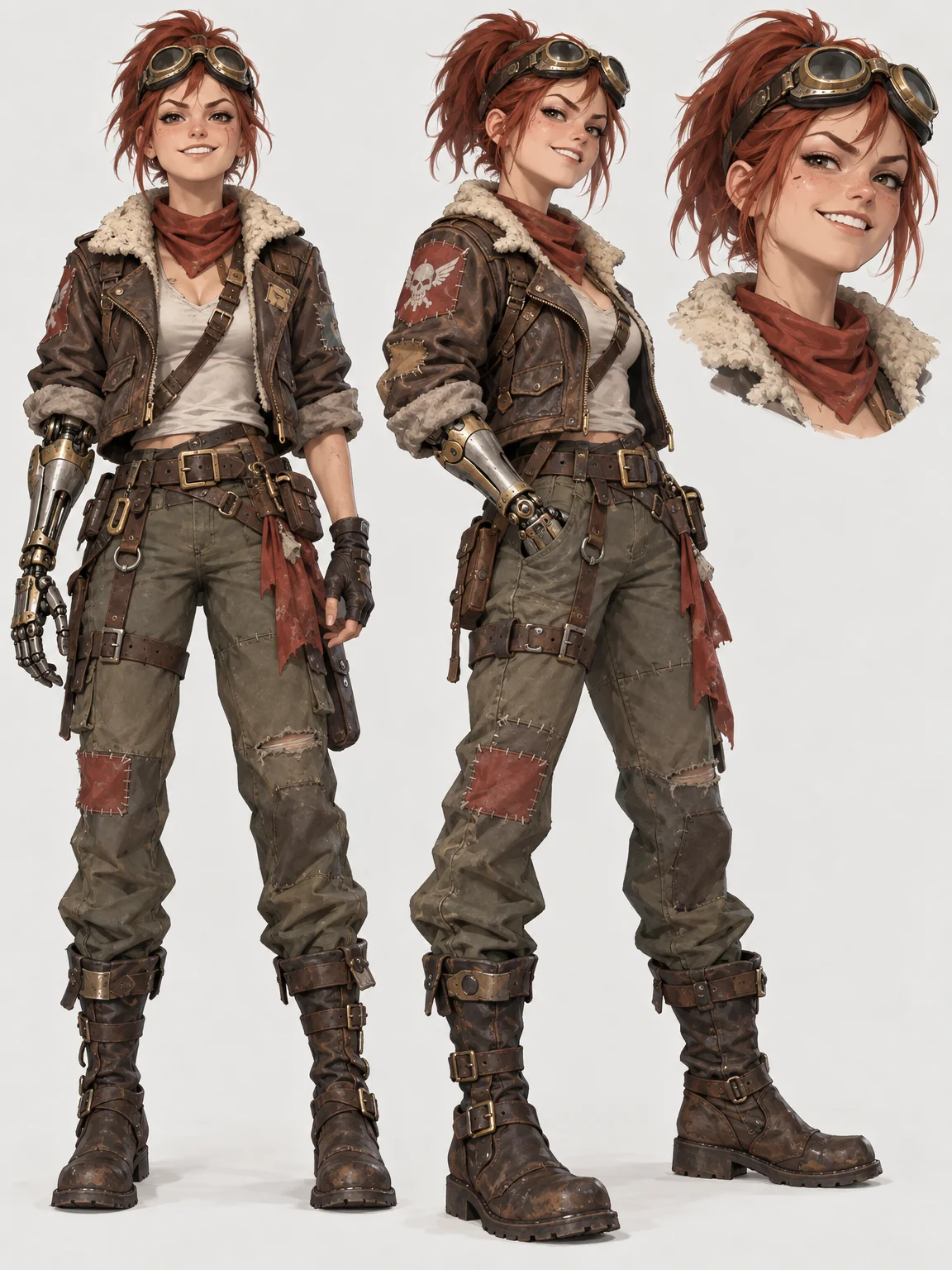 From words
 - Car Shot Maker
 From a photo
Five ways in
Start from what you have.
Words or a photo, a small fix or a whole new picture — every tool in the studio belongs to one of five modes. Pick the one that matches what is in your head.

Create from words
Type what you want to see. Get a finished image in any of 40 styles, at the size you need.
- AI Image Generator
- AI Illustration Generator
- Concept Art Generator
- AI Character Designer
- Wallpaper Generator
- AI Poster Maker


Remake a photo
Bring a phone photo of a person, a pet, a product, a plate, a room or a car. Leave with the picture you meant to take.
- New Photos of You
- Headshot Maker
- Product Cutout on White
- Food Shot Maker
- Listing Photo Fixer
- Car Shot Maker


Retouch & fix
Small, exact fixes: skin, smiles, glare, closed eyes, a stray person, a missing object, the wrong crop.
Open retouch

Restore
Scan a damaged or faded print. Get it back sharp, clean and, if you want, in color.
- Old Photo Restorer
- Black-and-White Colorizer
- Image Upscaler
- Face Cleanup
- Reframe & Expand
- Edit With Words

Design assets & art
Logos, icons, stickers, patterns, tattoos, coloring pages — plus every way to turn one picture into a different kind of picture.
- AI Logo Maker
- AI Sticker Maker
- Seamless Pattern Maker
- AI Style Transfer
- Photo to Anime
- Avatar from a Selfie
Uploaded, then made
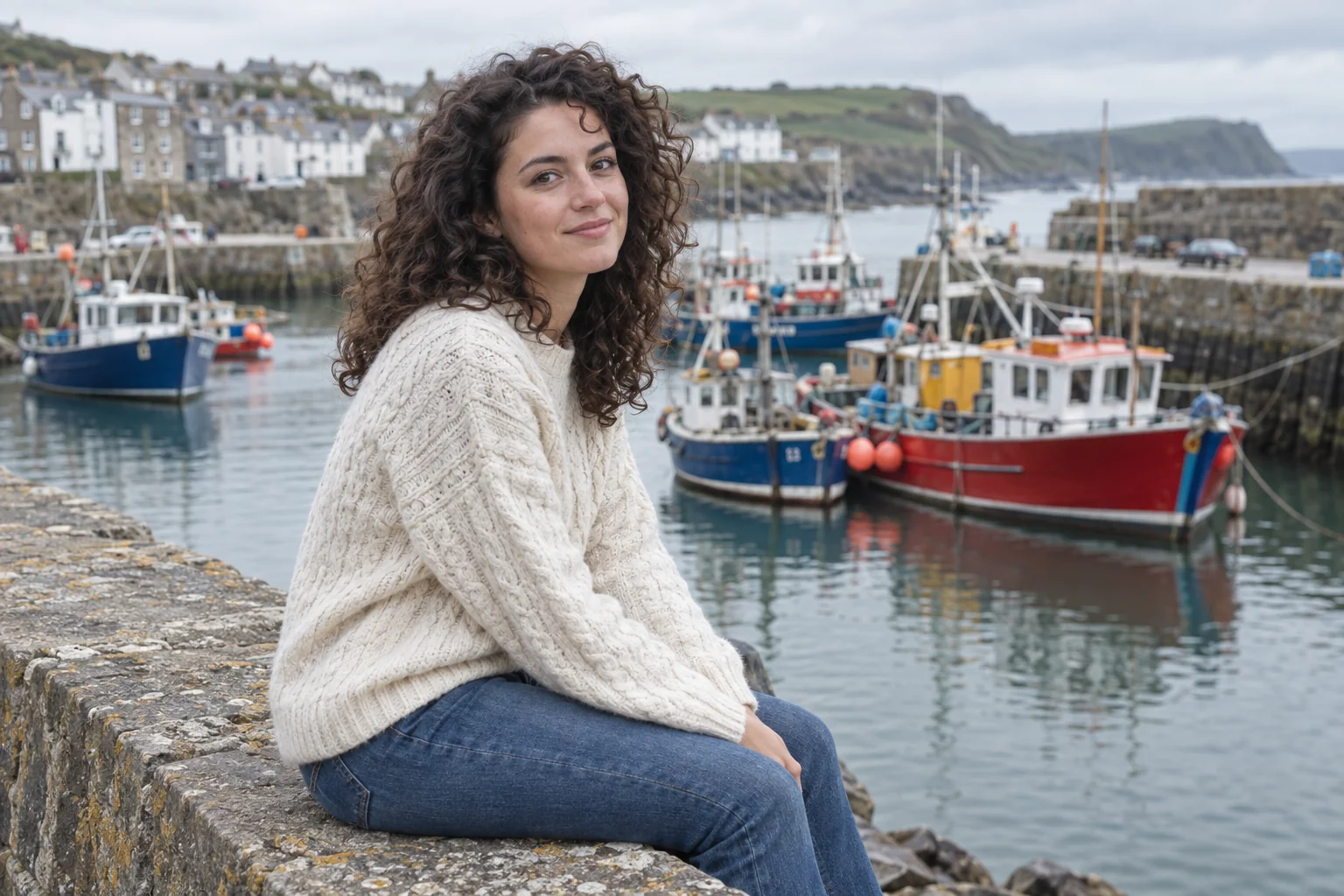
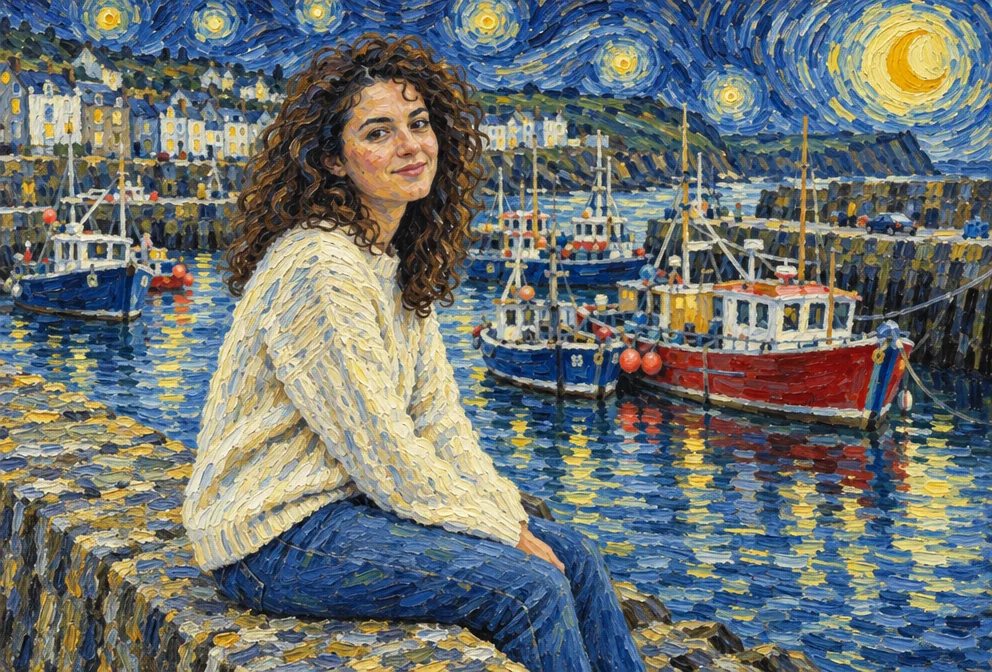
Nine photos, nine remakes.
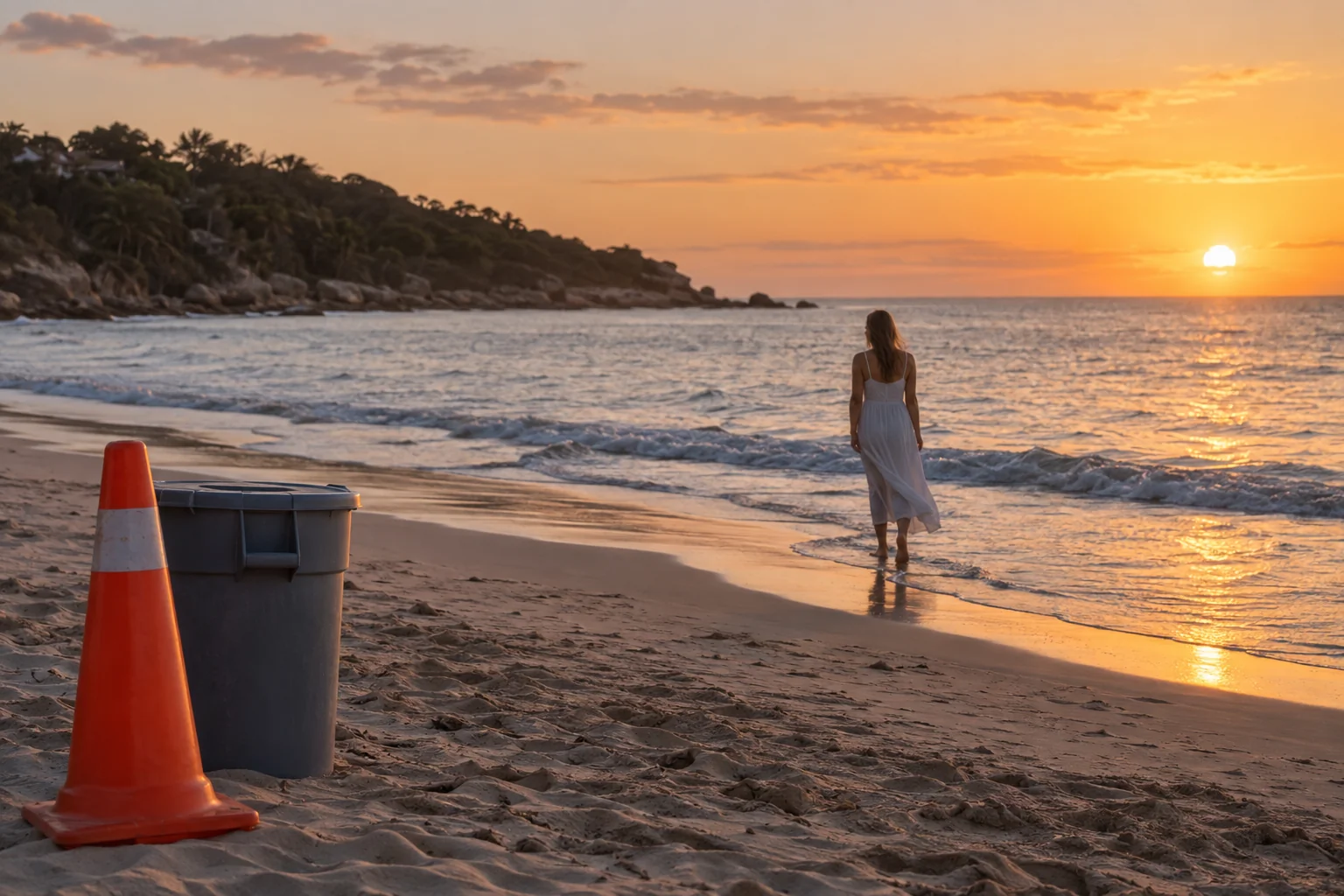
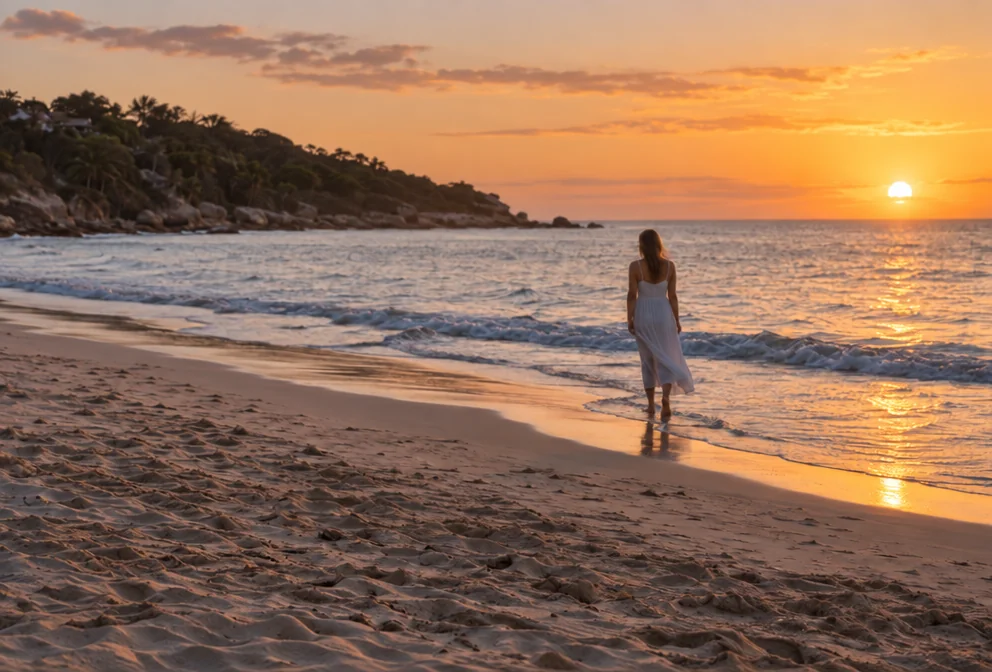
The left half of every pair is a phone photo. The right half is what the named tool made from it, unedited.


How it works
Three moves, start to finish.
- 1
Start
Write a sentence, or drop a photo of a person, a pet, a product, a plate, a room or a car. Both land on the same canvas.
- 2
Choose and set
Pick the tool that matches what you want to make and set its few options — a style, a scene, an aspect ratio — in plain words.
- 3
Make, then keep going
The image appears in a few seconds. Edit it with a sentence, enlarge it for print, turn it into a short clip or hand it to another tool.
Made for
Pick your situation. The tools are already lined up.
Each page opens the studio with the right tool and its options filled in, plus a three-step route to the finished image.
- Dating profilesNew profile pictures made from selfies you already like

- LinkedInHeadshots for your profile, company page and speaker bios

- Etsy sellersClean white listing photos and lifestyle scenes for every product

- RestaurantsMenu photos and delivery-app tiles from a quick kitchen picture

- Real estate agentsBrighter, bluer, decluttered listing photos before they go live

- Pet ownersPortraits of your dog or cat in styles worth printing

- Car dealersShowroom-look pictures for every vehicle on the lot

- Family archivesTorn, faded and water-stained prints brought back to sharp

- Small businessesA logo, icons and social graphics for a business that is just you

- AuthorsA book cover from your title, name and genre, plus promo art

- StreamersAn avatar from your selfie for panels, emotes and the offline screen

- TeachersColoring pages and classroom visuals made from a lesson plan

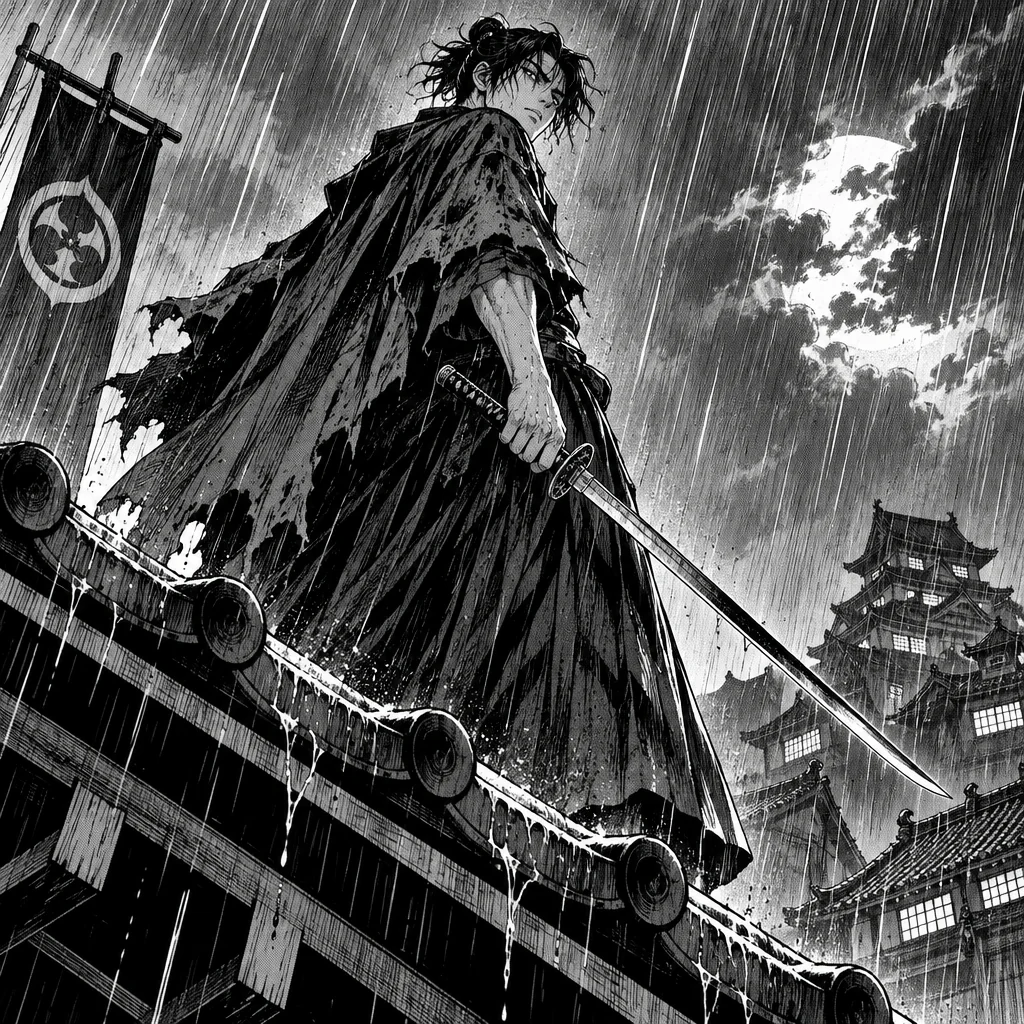
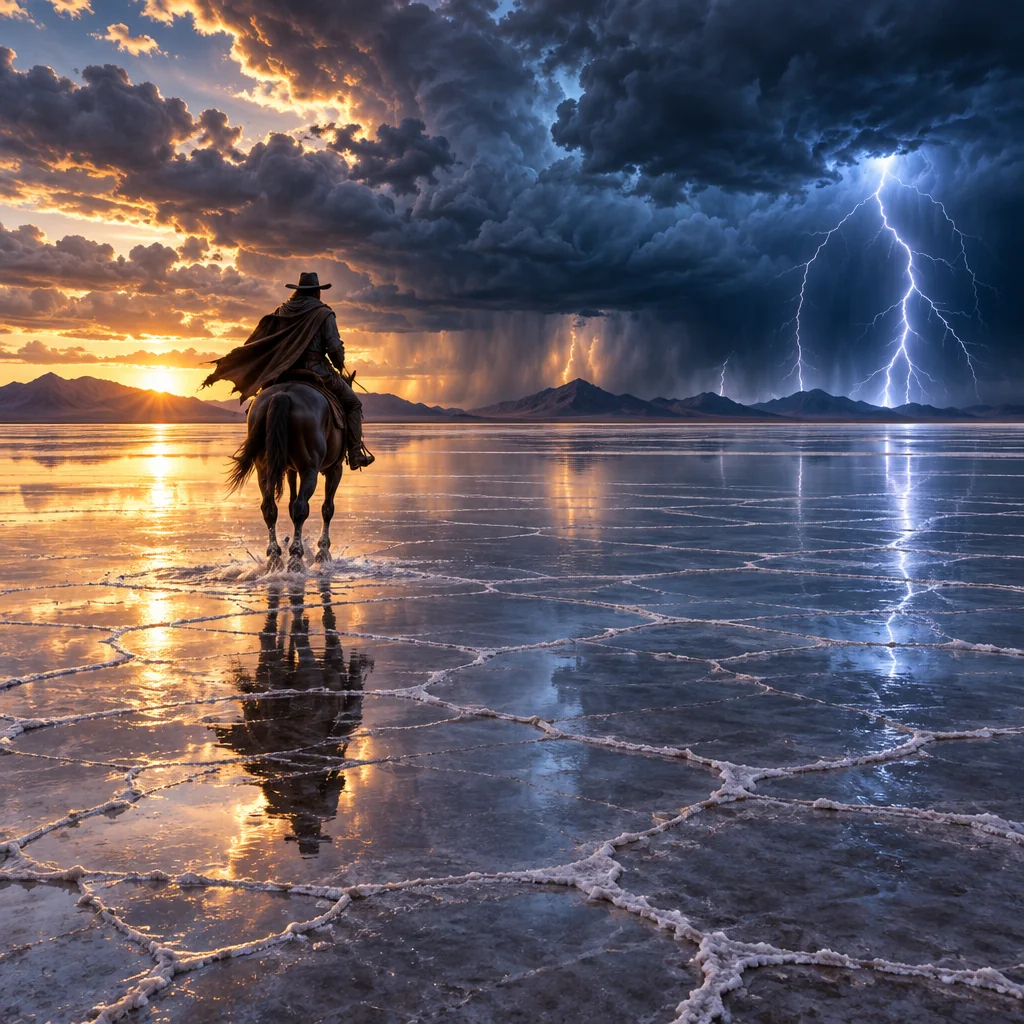
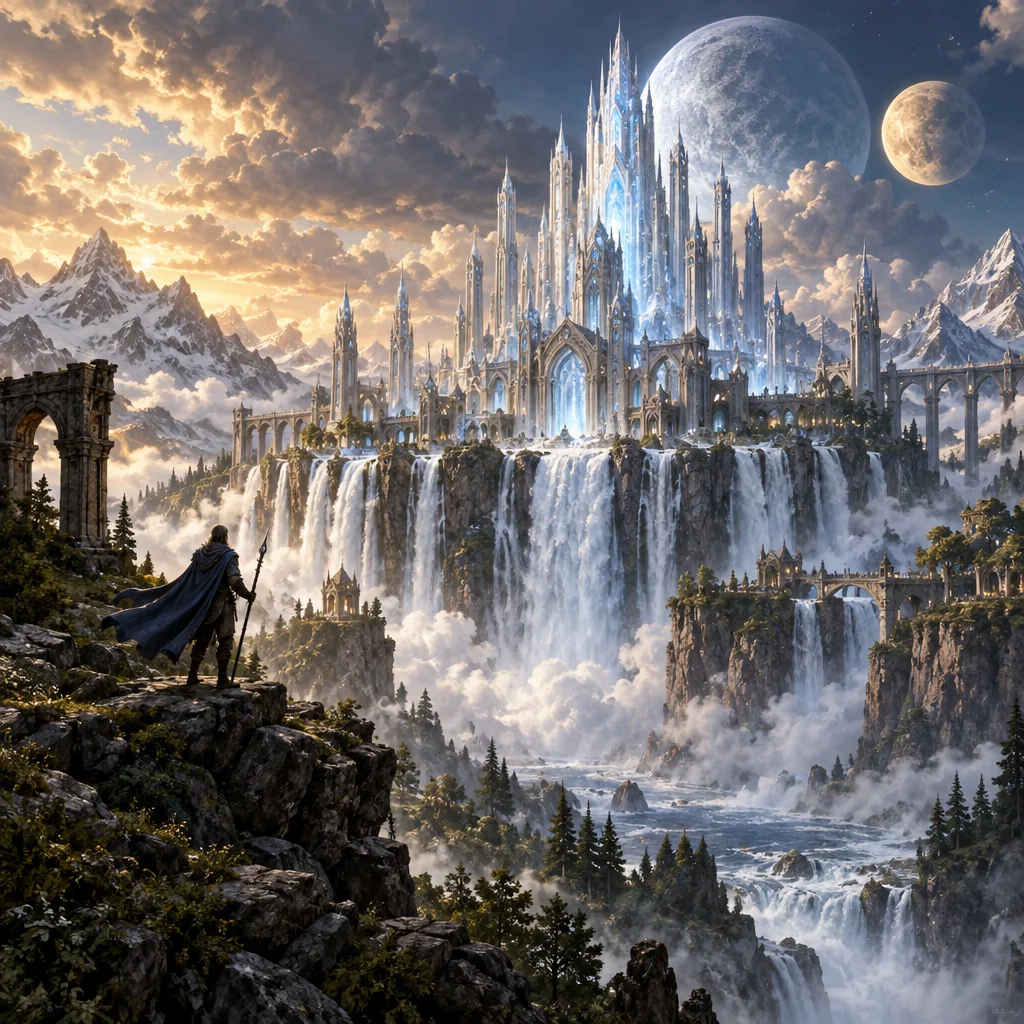
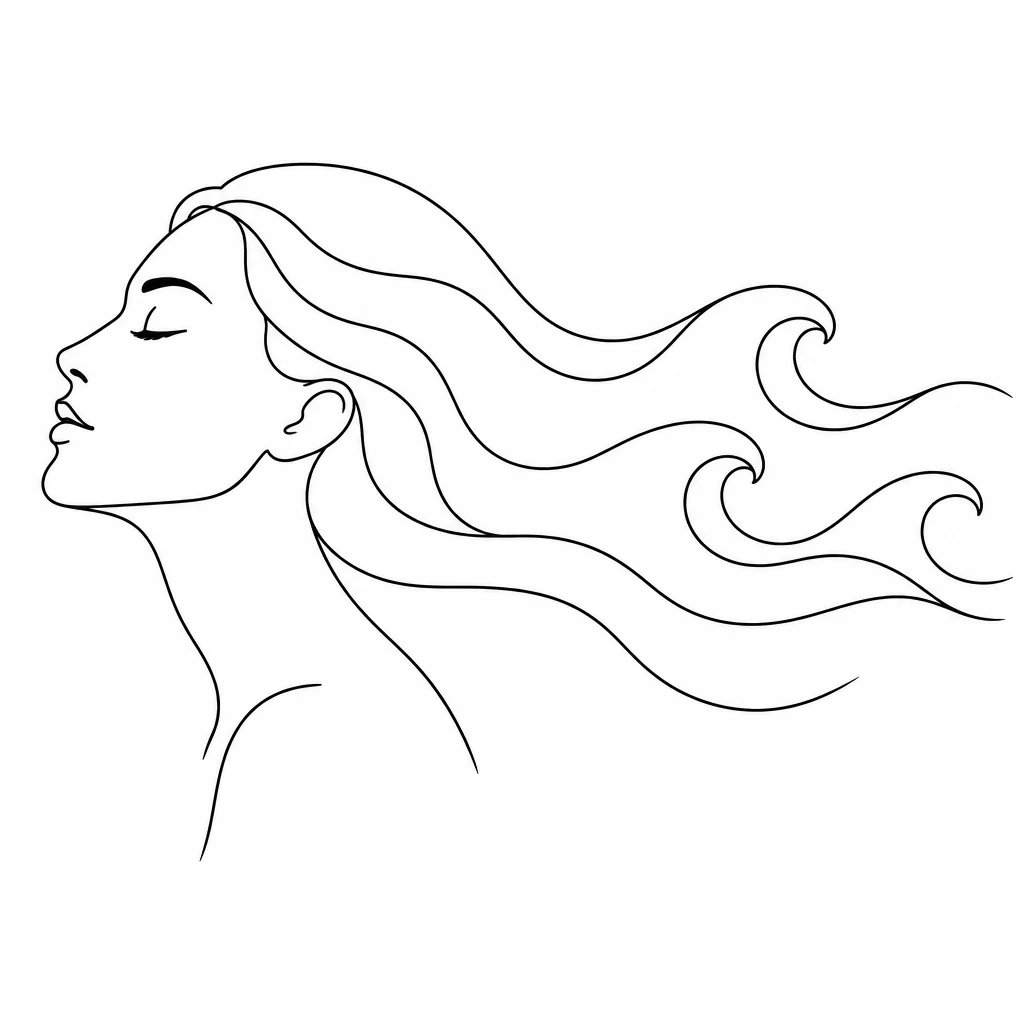
Styles
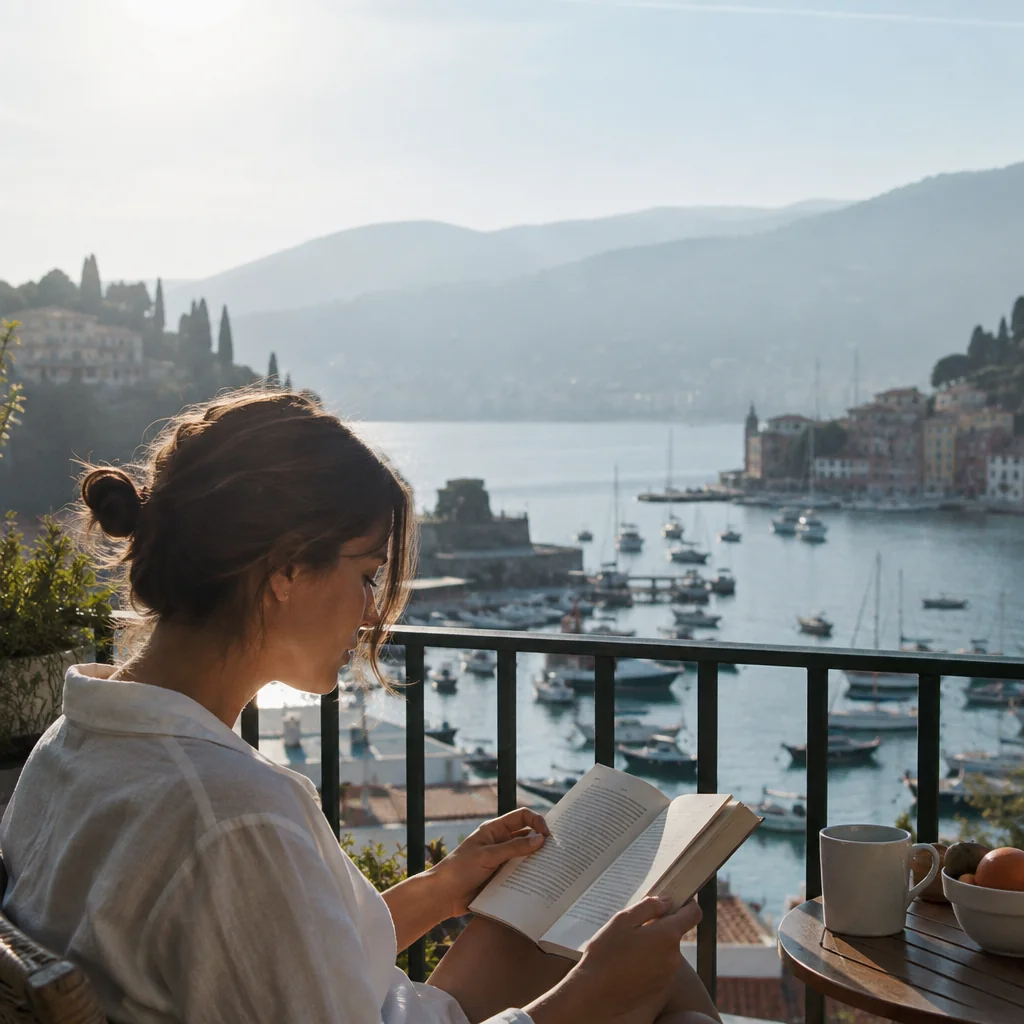
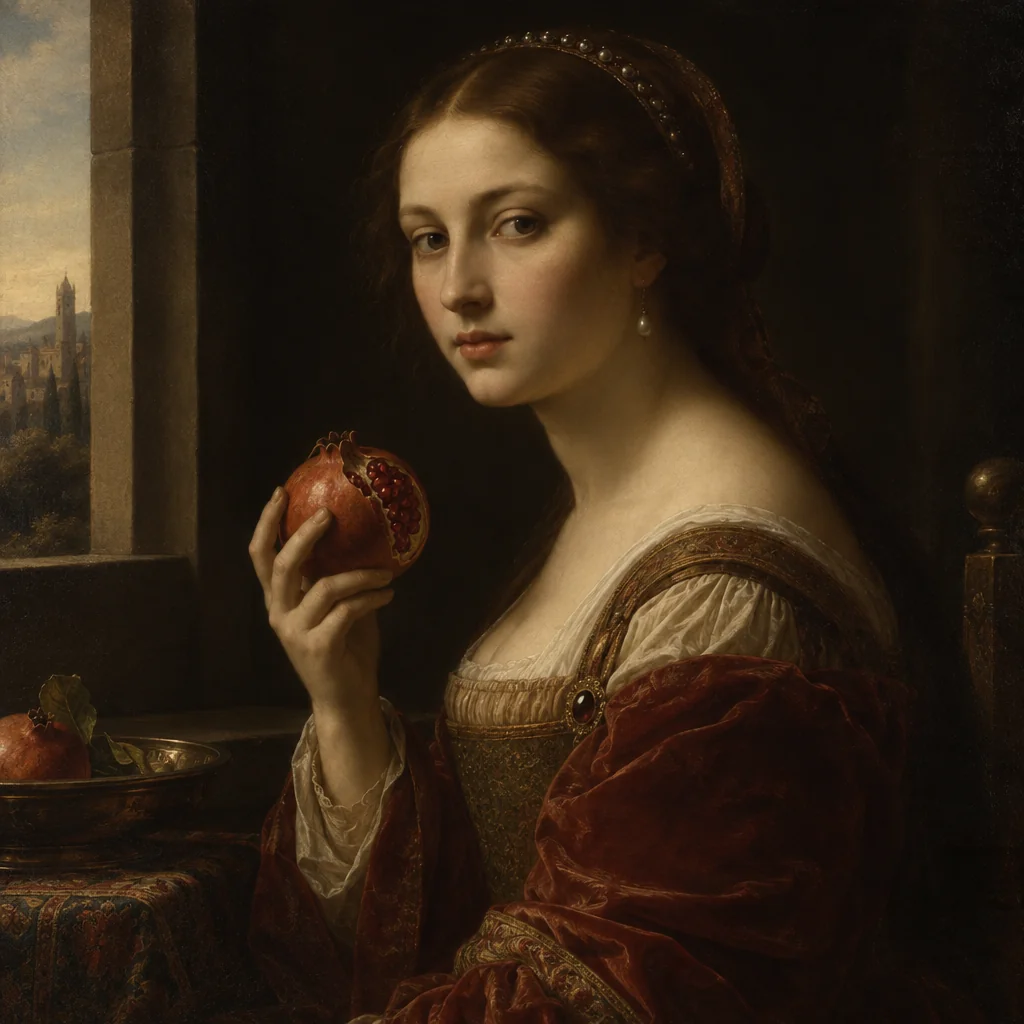
Forty named looks for anything you type.
Every one of the 39 named styles in the text-to-image select has its own page with prompt ideas — plus a neutral “no style” option.


Pricing
Credits, not seats.
Plans refill every month; packs never expire. A text-to-image make costs 2 credits at Standard, a photo remake 4.
| Plan or pack | Price | Credits | Good for |
|---|---|---|---|
| Starter | $15 monthly | 1,000 | About 500 text-to-image makes, or 250 from a photo |
| Pro | $30 monthly | 2,500 | Room for Pro quality every day |
| Studio | $50 monthly | 5,000 | For shops, teams and heavy output |
| Small pack | $4.99 one-time | 250 | Try a handful of ideas |
| Medium pack | $9.99 one-time | 600 | One project, start to finish |
| Large pack | $22.99 one-time | 1,500 | Stock up before a launch |
Questions, answered
- Do I need a photo to start?
- No. Nine tools make an image from words alone — the generator, illustrations, concept art, characters, pixel art, wallpapers, posters, covers. The other sixty-four start from an image you upload or one you made a moment ago.
- What kinds of photos can I remake?
- People (new pictures of you, headshots, couples, groups, passport photos), pets, products, food, jewelry, rooms and listings, cars, clothing, and old prints that need restoring. Each has its own tool with plain options.
- Will my subject still be recognizable?
- The remake tools keep the subject — face, fur, label, layout, trim — and rebuild the setting, light and wardrobe around it. A Compare button on the canvas shows the original at any time, so you can judge for yourself.
- What does one image cost?
- From words: 2 credits at Standard, 10 at Pro, 42 at Max. From one photo: 4 / 12 / 44. From two photos: 4 / 14 / 46, plus 2 for each extra. Background removal is 1 or 4, upscaling starts at 3, video from 1 credit per second.
- How do I try it before paying?
- Sign in and you get 4 free credits — enough for your first Standard image with any tool, without adding a card. After that, choose a monthly plan or a one-time pack.
- Can I use what I make in my shop, on my site or in print?
- You own the images you make to the fullest extent the law allows, subject to the Terms of Service. Downloads are full size with no watermark; check each result before publishing, especially where trademarks or other people's likenesses are involved.
The canvas is empty. Fill it.
4 free credits on sign-up. Plans from $15 a month, packs from $4.99.