
Cute stickers AI image generator
Cute stickers renders one chunky character with the thick white border of a die-cut sticker already drawn in. Drop it on a plain background and it is ready to peel.
Inside the Studio, Cute stickers is a single pick in the style select of the AI Image Generator, so any prompt can wear it — expect cheerful primaries and pastels, thick white outline around the whole shape, and a mood that reads friendly and bright. Keep the subject singular and give it an emotion — "sleepy", "proud", "shocked". The 8 idea pages below apply Cute stickers to portraits, animals, fantasy creatures, vehicles and more.
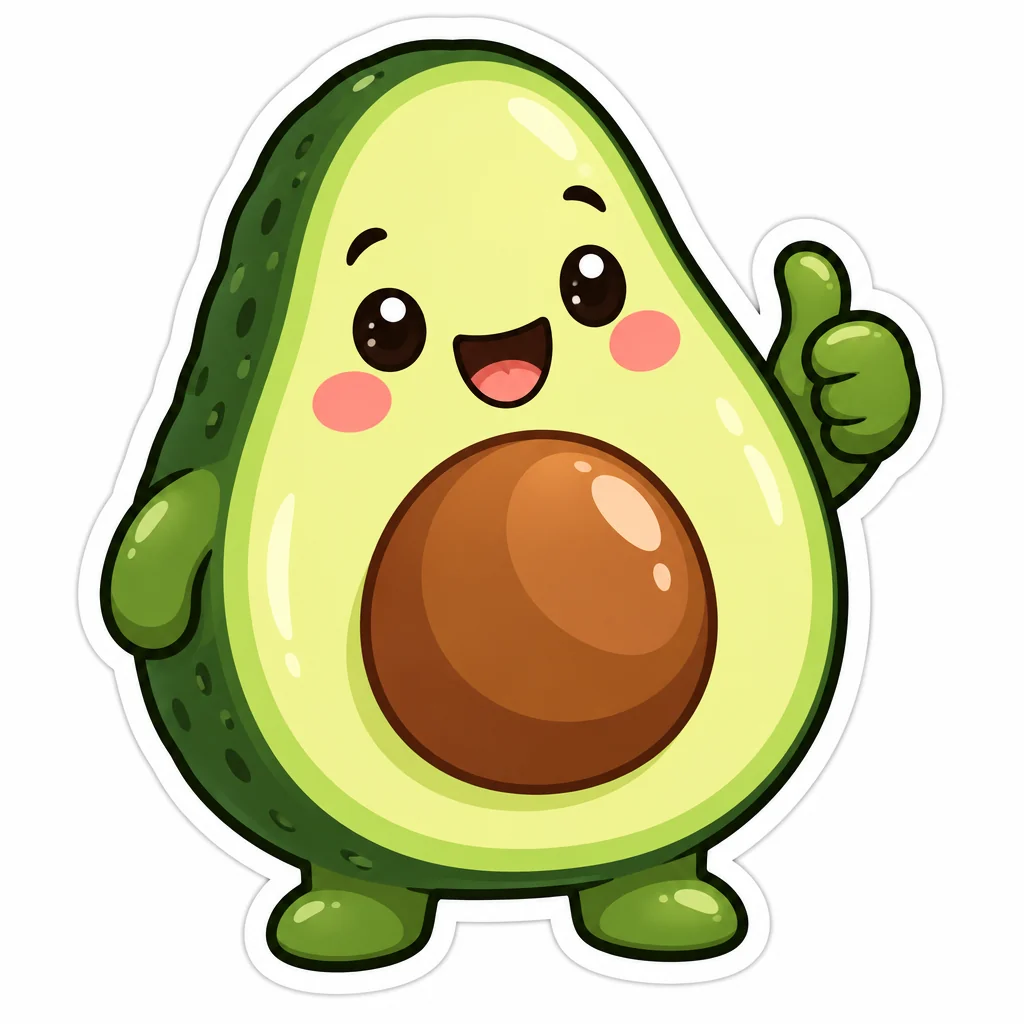
Made with the preset on this page.
Where it shines
- Medium: flat cartoon shapes with a white die-cut border
- Palette: cheerful primaries and pastels
- Edges and lines: thick white outline around the whole shape
- Reach for it when you need messaging sticker packs, laptop stickers or packaging accents
The recipe
- 01
Render with Cute stickers selected
The canvas opens with the style preset and a starter prompt ("a chubby avocado giving a thumbs up") you can replace with your own subject.
AI Image Generator - 02
Spin off variations
Get siblings of the best render — same Cute stickers treatment, different composition — before committing.
Image Variations - 03
Upscale the keeper
Take the final Cute stickers image to 8, 16 or 32 megapixels for print or a wallpaper.
Image Upscaler
Questions
- How is Cute stickers different from a neutral render?
- A neutral render follows only your prompt, whereas Cute stickers layers flat cartoon shapes with a white die-cut border on top — thick white outline around the whole shape, cheerful primaries and pastels — and shifts the mood to friendly and bright.
- Can I apply Cute stickers to a photo I already have?
- The style select belongs to text-to-image, so for an existing photo use Style Transfer or Photo to Art, which offer looks related to Cute stickers, or describe the photo's content as a new prompt with Cute stickers selected.
- What is Cute stickers best used for?
- Messaging sticker packs, laptop stickers and packaging accents are the common cases — anywhere a picture should feel friendly and bright.
Keep exploring