
Manga AI image generator
Manga strips color away and replaces it with ink discipline: heavy contours, halftone dots for shading, motion lines that make a still frame feel like it is moving. It prints beautifully in one color.
Manga sits in the same style select as the other 38 styles, one click from a neutral render. What it adds is black ink with screentone halftones — bold line work and speed lines, pure black and white with gray tones, everything dramatic and kinetic. Add "low angle" or "close-up" to get panel-ready framing. There are 10 Manga subject pages further down, from portraits, landscapes, cityscapes, animals onward.
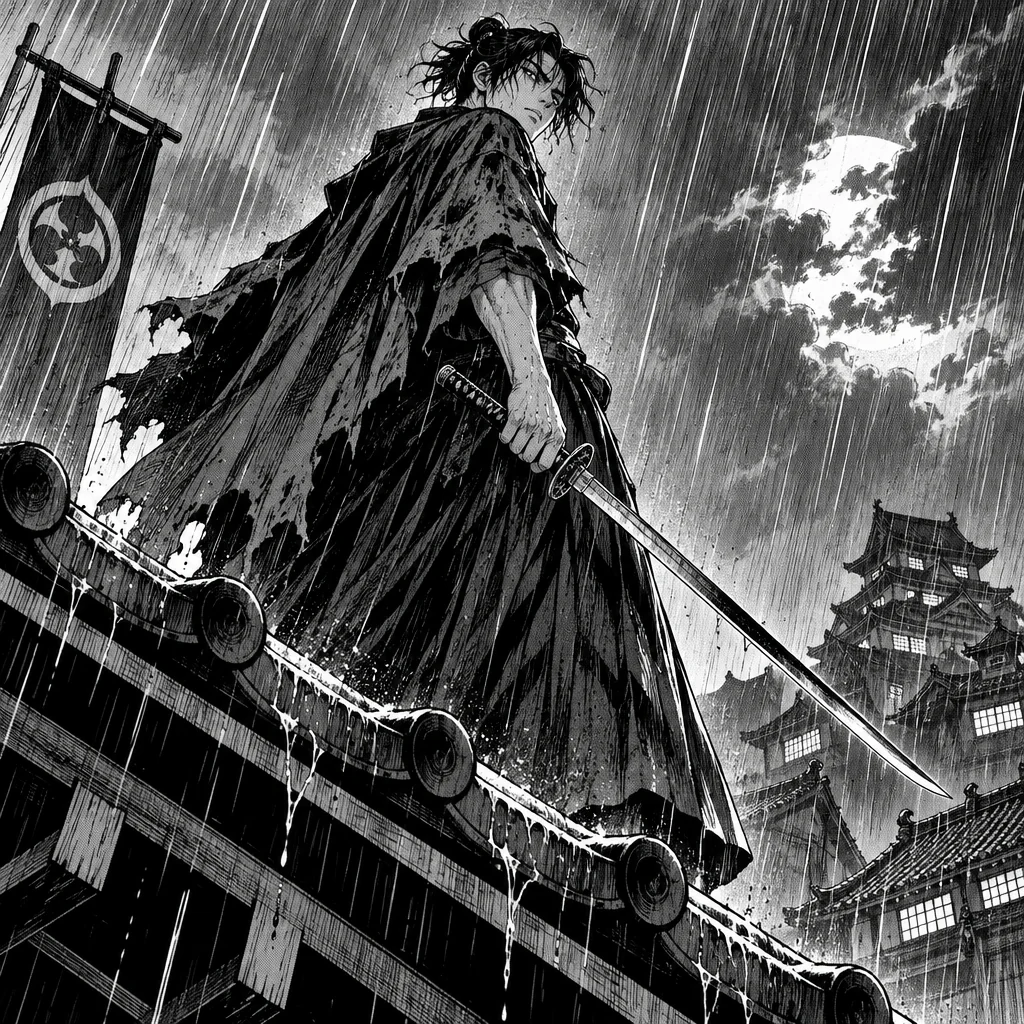
Made with the preset on this page.
Where it shines
- Medium: black ink with screentone halftones
- Palette: pure black and white with gray tones
- Edges and lines: bold line work and speed lines
- Reach for it when you need comic pages, zine covers or black-and-white merch
The recipe
- 01
Render with Manga selected
The canvas opens with the style preset and a starter prompt ("a swordsman standing in rain on a rooftop, dramatic low angle") you can replace with your own subject.
AI Image Generator - 02
Spin off variations
Get siblings of the best render — same Manga treatment, different composition — before committing.
Image Variations - 03
Upscale the keeper
Take the final Manga image to 8, 16 or 32 megapixels for print or a wallpaper.
Image Upscaler
Questions
- Do I need to write "manga" in the prompt?
- No. Selecting Manga in the style select adds the medium, palette and edge treatment automatically; repeating it in words is harmless but unnecessary.
- Which quality tier suits Manga images?
- Standard (2 credits) is fine for exploring Manga compositions, while Pro (10) and Max (42) resolve bold line work and speed lines more faithfully, which matters for comic pages and zine covers.
- Is Manga free to try?
- Every new account starts with 4 free credits — two Standard renders of the AI Image Generator with Manga selected — and no card is needed to try Manga that way.
Keep exploring