
AI Sticker Maker
Die-cut stickers with the white border already drawn — print or message-ready
4 free credits on sign-up — your first Standard image with any tool, no card required.
- 01Describe the sticker's subject and, if you like, its mood
- 02Choose a sticker style — die-cut cartoon, kawaii, retro, holographic or minimal
- 03Render, then download the transparent PNG or make variations for a pack
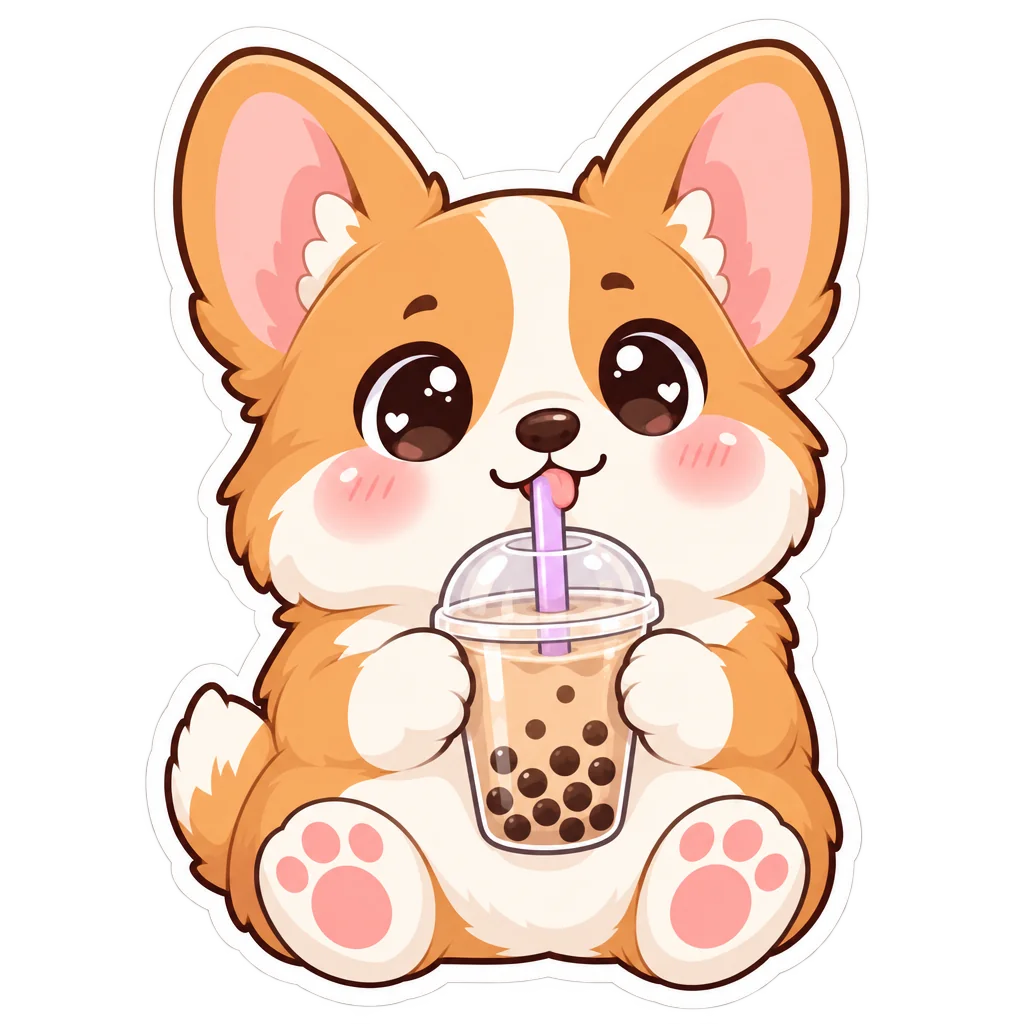
Made by this tool from the fields listed below.
A sticker is a character, an outline and a border, and the Sticker Maker draws all three. Describe the subject — "a corgi drinking bubble tea", "a grumpy cactus", "a retro cassette with legs" — choose a style, and the result is one centered sticker on a transparent background with the die-cut border following the outline of the shape, clean edges and no drop shadow. The subject can be an animal, a food, an object, a mascot or a phrase-free emotion — "a sleepy sloth with a coffee", "a proud little cactus" — and the style turns it into something peelable.
The five styles are the ones sticker sheets actually use. Die-cut cartoon brings thick black outlines, flat color and glossy highlights. Kawaii adds big shiny eyes, rosy cheeks and pastels. Retro leans on 1970s rounded shapes, warm faded oranges and browns and a cream border. Holographic look paints an iridescent chrome sheen with prismatic gradients, and minimal reduces the subject to one clean shape in two or three flat colors. Each style also carries its own border color and outline weight, which is why sticker sheets rendered in one style look like a product rather than a collection of separate images.
Because the output is a transparent PNG, it works as a messaging sticker, a Twitch emote source, a laptop decal or a print-ready element for a sticker sheet. Render a family of subjects in one style for a cohesive pack, use Image Variations to explore poses, and Upscale for large-format printing. The border is drawn into the image, so no cutting path is required for print-on-demand services that trim to the outline. Print shops that offer kiss-cut stickers work directly from the transparent PNG, and messaging platforms accept the same file after a resize; nothing has to be traced or masked by hand.
What you set
- What is the sticker of?e.g. a corgi drinking bubble tea
- Sticker styleDie-cut cartoonKawaiiRetroHolographic lookMinimal
- 1:1 outputTransparent PNG
After it's made
- Change details with a sentence, or hand it to any other tool
- Standard, Pro and Max quality on every make
- Enlarge to 32 megapixels or turn it into a short clip
- Every image saved to your library, downloadable full size
About this tool
- Does the sticker include the white border?
- Yes. The die-cut border is drawn as part of the image, following the outline of the shape, so it looks right on any background and matches how printed stickers are trimmed.
- Can I make a whole sticker pack that matches?
- Render each subject with the same style in one go — the outline weight, palette and border stay consistent. Image Variations gives extra poses of a favorite character.
- Will it work as a Telegram, WhatsApp or Discord sticker?
- The transparent PNG is the right starting point for all of them; each platform has its own size limit, so resize it in your image editor or send it through Upscale first if you need more pixels.
- Is the holographic style real foil?
- It is a painted look — iridescent gradients and metallic highlights that mimic foil on screen. For actual holographic printing, order holographic vinyl and use the minimal or die-cut cartoon style for the artwork.
- Can I try AI Sticker Maker before paying?
- Yes. A new account starts with 4 free credits, which covers your first Standard image with AI Sticker Maker — no card required. After that, credits come from a monthly plan or a one-time pack.
Often used next
AI Icon Maker
Single icons on transparent backgrounds — flat, line, glyph, 3D, duotone, pixel
AI Logo Maker
Brand name in, transparent vector-style logo out — eight logo styles
Image Variations
Siblings of any image — same subject and style, new composition, angle or pose
Photo Cartoonizer
Photo to cartoon avatar — classic, 3D animated, comic, retro or caricature
Made for