
Background Remover
Cut out the subject in one click — transparent PNG from 1 credit
4 free credits on sign-up — your first Standard image with any tool, no card required.
- 01Upload the image with the subject you want to isolate
- 02Pick Standard for crisp edges or Pro for hair and fine detail
- 03Render and download the transparent PNG
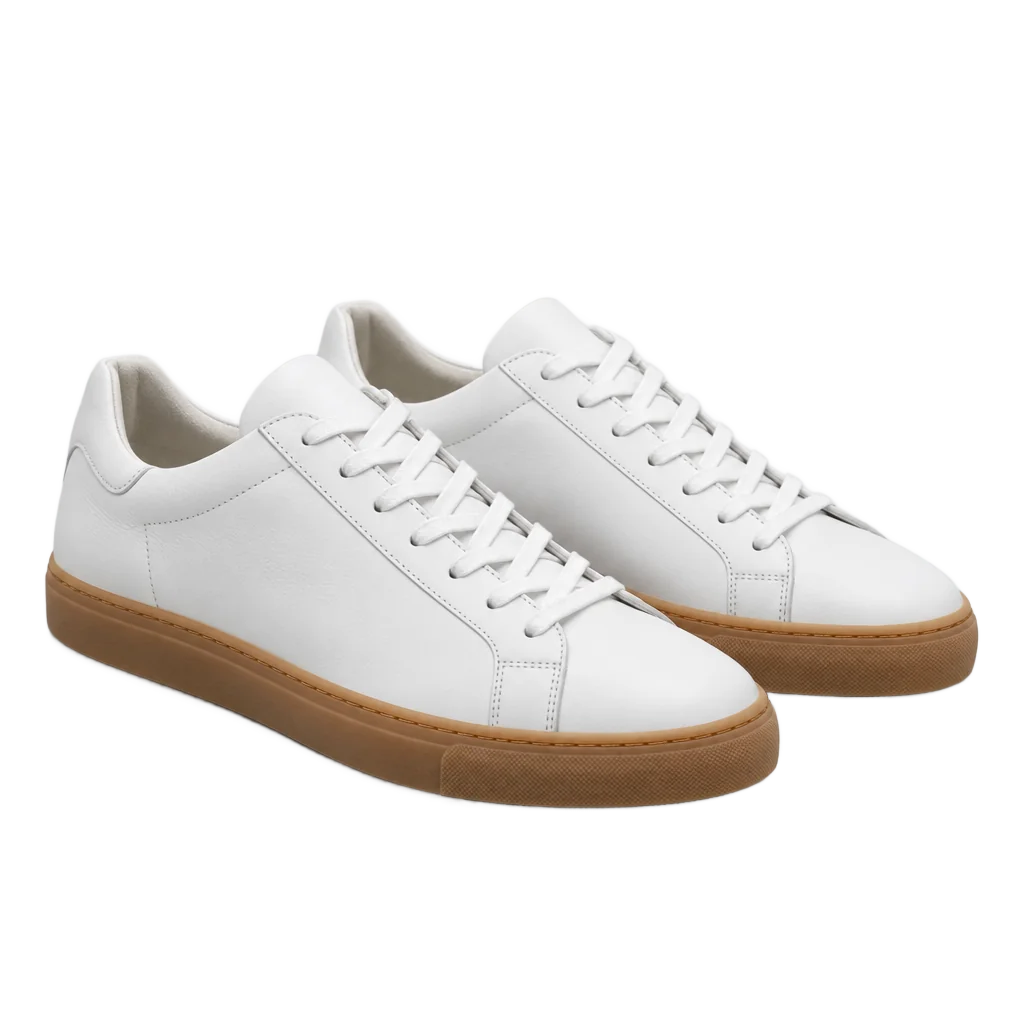
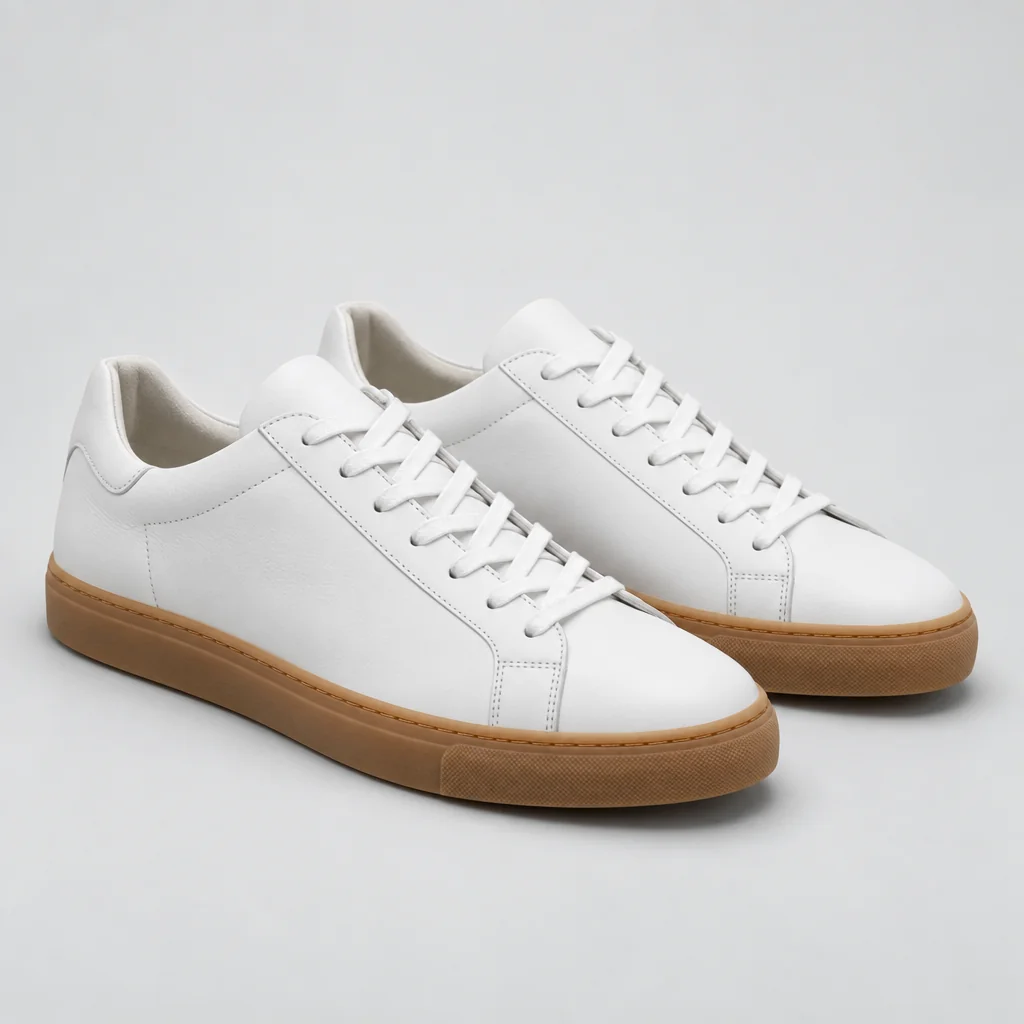
Drag the handle: the uploaded photo on the left, what the tool made on the right.
The Background Remover is the quickest utility on the canvas: upload an image, render, and the subject comes back cut out on a transparent background as a PNG with real alpha. Product photos, portraits, logos rendered on a color, stickers, sprites — anything with a clear subject is a one-click job. It serves e-commerce sellers preparing product listings, designers building compositions, streamers making emotes, developers making sprites and anyone who needs a subject without its background. Pets, plants, cars and furniture are equally simple, and multiple foreground objects in one shot are kept together while the background goes.
Two quality tiers keep the cost proportional. Standard, at 1 credit, produces a clean cutout in seconds and is right for products, objects and graphics with crisp edges. Pro, at 4 credits, handles the hard cases — hair, fur, lace, glass, smoke — where the edge is soft or semi-transparent and a rough mask would show. The Studio shows the result on a checkerboard so the edge quality is visible at once, and the download keeps the alpha channel intact for any design tool or website. Both tiers return the same file format at the same resolution.
It pairs with almost every other tool. Cut out a Cartoonizer result for an avatar, a Pixel Art render for a game sprite, a product shot before dropping it on a Pattern Maker tile in your design app, or a photo before sending it to Background Changer if you want to compare a generated background with a flat color. Results show on a checkerboard in the Studio so you can judge the edges before downloading. Every cutout is saved to your library, so a product photographed once can be reused across catalogues, banners and social posts without repeating the cutout.
What you set
- Your image
- Transparent PNG
After it's made
- Change details with a sentence, or hand it to any other tool
- Standard, Pro and Max quality on every make
- Enlarge to 32 megapixels or turn it into a short clip
- Every image saved to your library, downloadable full size
About this tool
- What format is the cutout?
- A PNG with a true alpha channel, shown on a checkerboard in the Studio. It drops into any design tool, website or slide without a white box around it.
- When should I choose Pro over Standard?
- Choose Pro (4 credits) for hair, fur, feathers, lace, glass or anything with soft or semi-transparent edges. Standard (1 credit) is enough for products, logos, stickers and hard-edged objects.
- Can it handle several subjects in one image?
- It keeps the foreground subjects and removes the background. For a single item out of a cluttered scene, crop to it first or use Object Remover to clear the rest.
- Does it work on renders made here?
- Yes — any image in your library can be sent to it from the Next row, which is the usual way to turn a render into a transparent asset.
- Can I try Background Remover before paying?
- Yes. A new account starts with 4 free credits, which covers your first Standard image with Background Remover — no card required. After that, credits come from a monthly plan or a one-time pack.
Often used next
Background Changer
Keep the subject, swap the setting — one sentence, blended in properly
Image Upscaler
Enlarge any image to 4, 8, 16 or 32 megapixels with detail added, not smeared
AI Sticker Maker
Die-cut stickers with the white border already drawn — print or message-ready
Photo Cartoonizer
Photo to cartoon avatar — classic, 3D animated, comic, retro or caricature
Made for