
Concept Art Generator
Concept art for characters, environments, creatures, vehicles and props
4 free credits on sign-up — your first Standard image with any tool, no card required.
- 01Describe the design, including what it is for
- 02Choose the subject type — character, environment, creature, vehicle or prop
- 03Render, iterate with variations and edits, then upscale for the deck
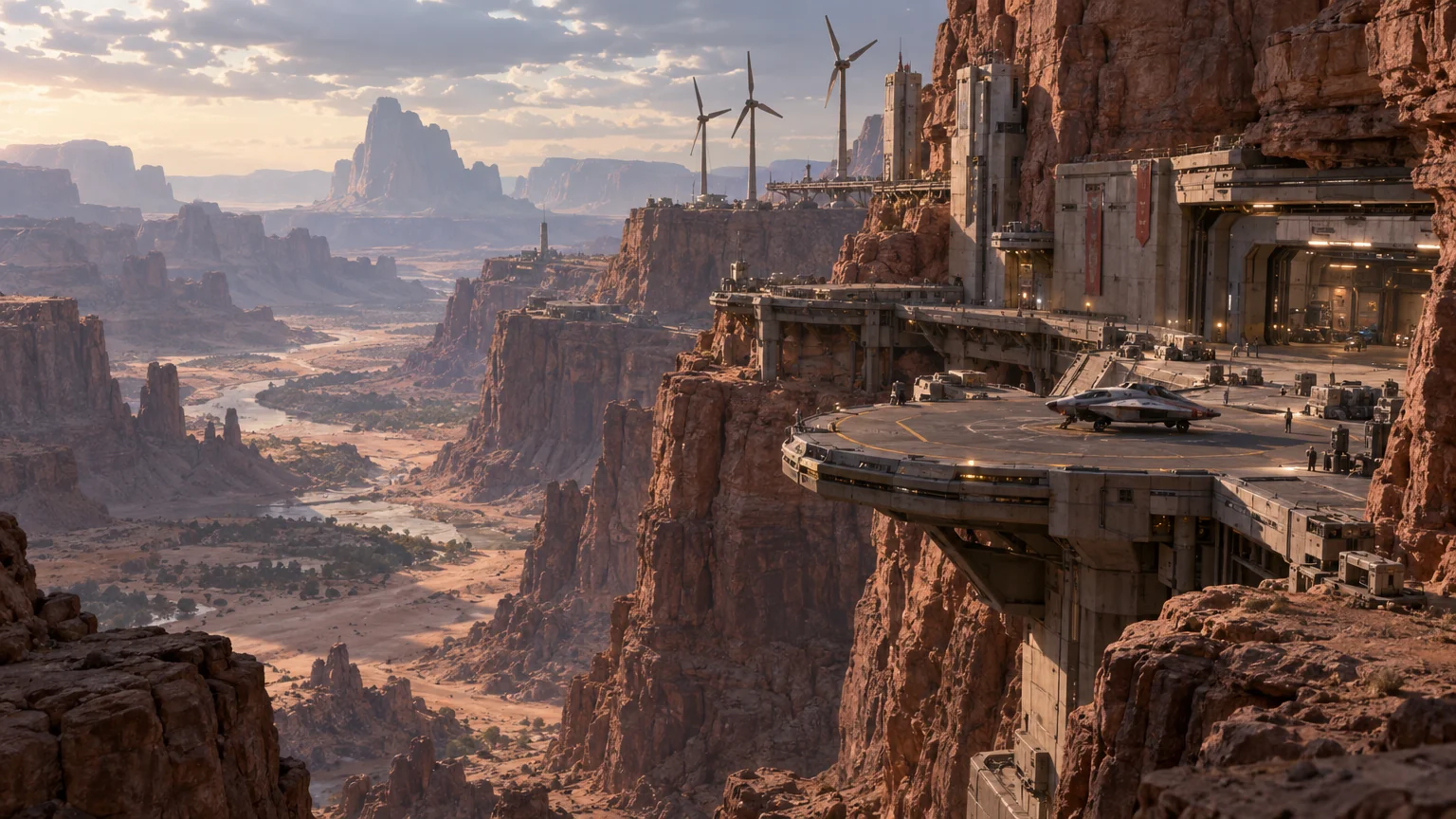
Made by this tool from the fields listed below.
Concept art is a design document that happens to be a painting: it has to explain shape, material, scale and function clearly enough for a modeller or a director to act on it. The Concept Art Generator wraps your description in that discipline — painterly digital rendering, a strong value structure, deliberate lighting, believable materials and a clear design read — and frames it according to what you are designing. Game studios, indie developers, illustrators pitching a book, film students and tabletop game designers use it to get from a written brief to a paintover-ready image in minutes.
The subject type sets the framing conventions. Character gives a full-figure design with a readable silhouette, costume detail and a ground shadow on a simple background. Environment produces a wide establishing view with depth layers, atmospheric perspective and a focal landmark. Creature shows anatomy, skin or fur texture and a pose that explains how it moves. Vehicle is a three-quarter view with panel lines and wear, and prop is a hero object with clear material definition and scale. The prompt should describe function and story as well as looks, because a mech built for rocky terrain and a mech built for parades will have different shapes, materials and wear.
The 16:9 format matches pitch decks, mood boards and game-design documents. Describe function as well as looks — "a scout mech built for rocky terrain, patched orange paint, a tool satchel" — because function drives design. Use Image Variations to explore alternatives, Edit With Words to swap a material or add a detail, and Reframe when a portrait crop of a character is needed for a document. Rendered pieces are saved to your library so a whole world can be built across sessions — the outpost today, its vehicles tomorrow, the creatures that live around it next week — all from the same brief.
What you set
- Describe the concepte.g. a desert outpost built into a canyon wall
- Subject typeCharacterEnvironmentCreatureVehicleProp
- 16:9 output
After it's made
- Change details with a sentence, or hand it to any other tool
- Standard, Pro and Max quality on every make
- Enlarge to 32 megapixels or turn it into a short clip
- Every image saved to your library, downloadable full size
About this tool
- Why is the output always widescreen?
- 16:9 matches game-design documents, pitch decks and mood boards, and gives environments room to breathe. For a portrait crop of a character, send the render through Reframe.
- How do I get a design sheet with several views?
- Concept Art focuses on one strong view. For front and three-quarter views of a character on one sheet, use the AI Character Designer instead.
- Can it match an existing project's look?
- Describe the project's materials, era and palette in the prompt ("weathered brass, riveted steel, sepia dusk light"). For a closer match, render once, then use Style Transfer with one of your existing pieces as the reference image.
- Is the result detailed enough for a modeller?
- Pro and Max quality resolve panel lines, textures and material transitions clearly. Pair the main view with a Prop or Creature close-up rendered from the same description for extra reference.
- Can I try Concept Art Generator before paying?
- Yes. A new account starts with 4 free credits, which covers your first Standard image with Concept Art Generator — no card required. After that, credits come from a monthly plan or a one-time pack.
Often used next
AI Character Designer
Character sheets with front and three-quarter views plus an expression close-up
AI Illustration Generator
Editorial, picture-book, flat vector or risograph — finished illustrations
Image Variations
Siblings of any image — same subject and style, new composition, angle or pose
AI Style Transfer
Repaint any image in Van Gogh, ukiyo-e, cyberpunk or a reference image's style
Made for