
Newborn pictures fixed while the baby sleeps
You have four hundred pictures from the first week and about six you'd send to anyone. The hospital light is green, the baby blinked in the good one, and the announcement you meant to mail is still a note on your phone. Nobody in the house has slept. You want a few pictures cleaned up enough to print, and one card that says the name and the date.
Photo Polish in portrait mode is the first stop: upload the hospital picture and it evens out the color and softens the harsh light while keeping everyone's faces. Eye Opener fixes the picture where the baby or your partner blinked. For the announcement, AI Illustration Generator makes a children's-book-style drawing from a description, such as a sleeping fox under a quilt with the name and birth date. Download everything at full resolution.

Made in the Studio with the first tool on the route.
You want
- The best picture of the three of us has hospital lighting that turned everyone yellow.
- Baby's eyes are shut in the one where Dad is finally smiling.
- An announcement card that doesn't look like every template on the internet.
- Grandparents want prints, and the phone pictures come out soft at 8x10.
The route
- 1Polish the hospital pictures

Portrait mode fixes color, light and skin tone while keeping every face as it is.
Photo Polish - 2Open closed eyes in the one good picture

Replaces a blink so the picture where everyone else looks right becomes the keeper.
Eye Opener - 3Draw the birth announcement
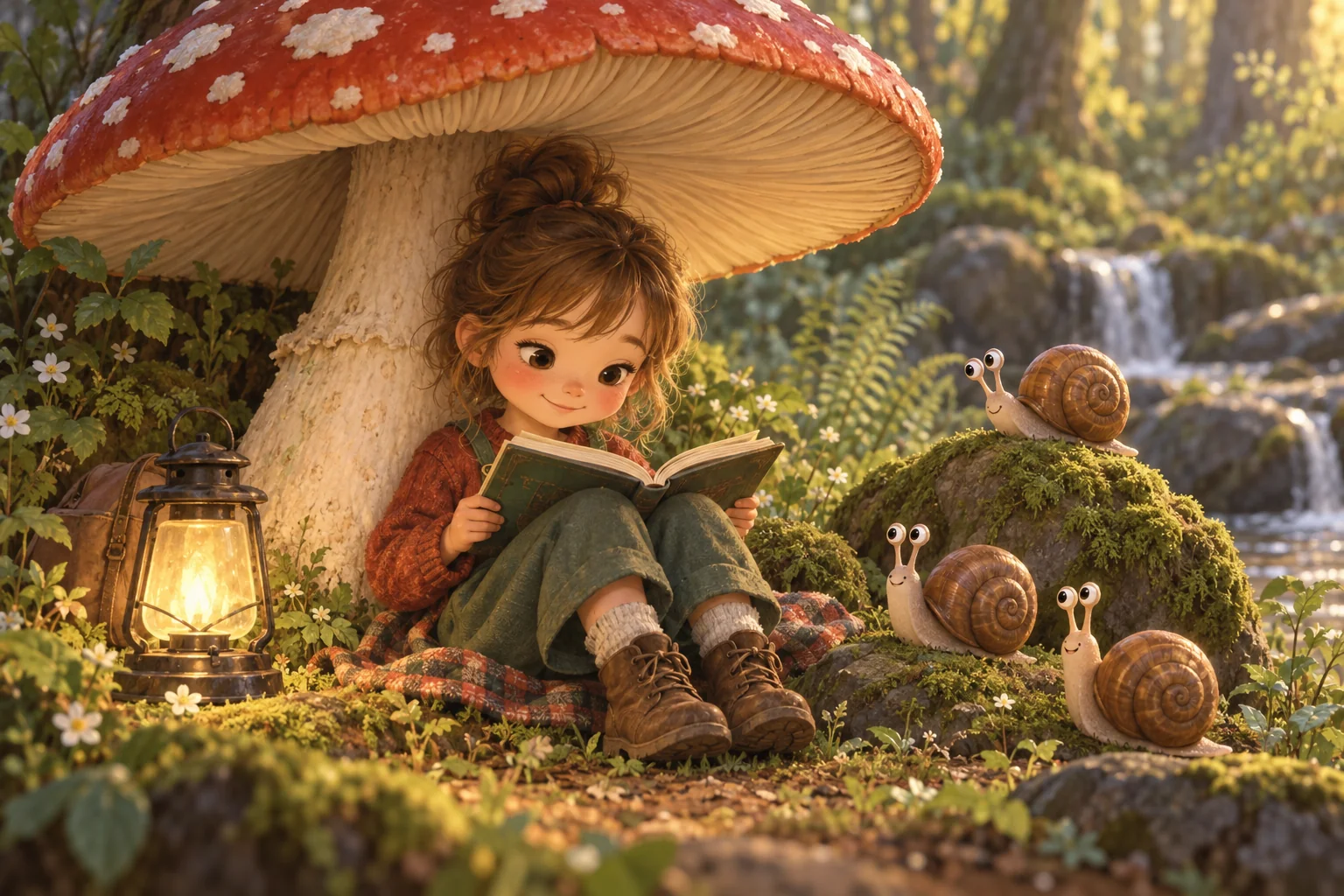
A children's-book illustration from a short description gives the card a look that isn't a stock template.
AI Illustration Generator - 4Upscale the favorites for prints
From 3 credits, a soft phone picture comes up to a size that holds an 8x10 for the grandparents.
Image Upscaler
Good to know
- What size do I need for an 8x10 print?
- Around 2400 by 3000 pixels prints cleanly at 8x10. Phone pictures are often close, but cropping shrinks them fast. Run Image Upscaler on the finished picture; the 4 MP tier costs 3 credits and is enough for 8x10, and larger tiers go up to 32 MP for a canvas.
- Does it matter that the baby is asleep or moving in the picture?
- No. Photo Polish and Eye Opener work on whatever moment you captured. A sleeping baby is fine; a blur from movement is harder, so choose the sharpest frame you have. If the only sharp picture has closed eyes, Eye Opener handles that. Faces, hands and the blanket pattern are kept.
- How many credits does a full announcement take?
- Four credits for a Standard polish of the photo and four more for Eye Opener if you need it, with the illustration on top. Your 4 free credits cover the first step, and the 250-credit pack for $4.99 covers the rest of the announcement several times over, with prints to spare.
Tools on this route