
AI Logo Maker
Brand name in, transparent vector-style logo out — eight logo styles
4 free credits on sign-up — your first Standard image with any tool, no card required.
- 01Type the brand name and, optionally, the industry and colors
- 02Choose a logo style — minimal, wordmark, emblem, mascot and more
- 03Render, compare variations, and download the transparent PNG
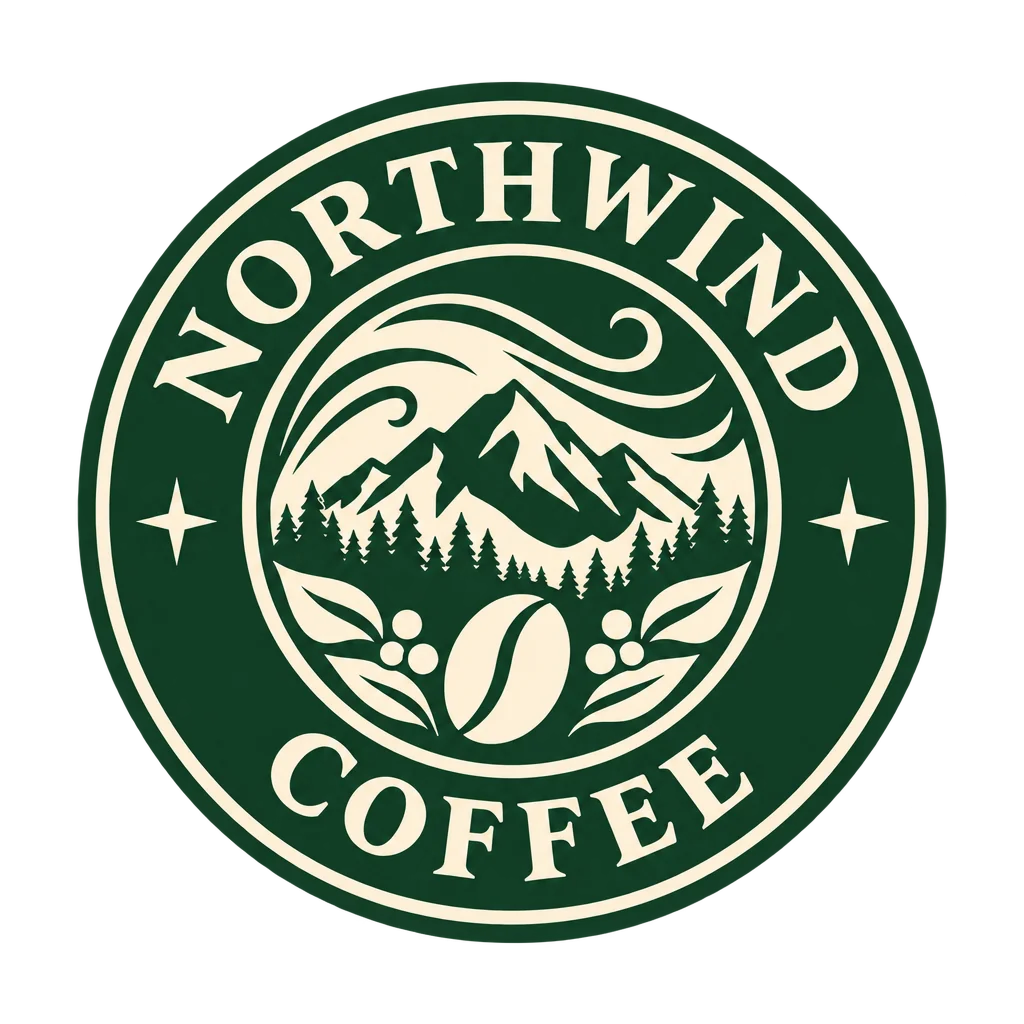
Made by this tool from the fields listed below.
The AI Logo Maker asks for the things a designer would ask for in a first meeting: the brand name, what the business does, a style direction and, if you have one, a palette. From those four fields it renders a clean, centered logo on a transparent background with the name spelled exactly as you typed it, in a legible typeface, without mockups, shadows or background shapes getting in the way. The industry field steers the imagery — a coffee roaster gets beans and steam, a climbing gym gets a peak or a carabiner — and the colors field locks the palette so every render stays on brand from the first attempt.
Eight logo styles cover the usual directions. Minimal gives you one memorable shape and lots of negative space. Wordmark sets the name in bespoke lettering. Emblem encloses name and symbol in a badge or seal, mascot draws a bold friendly character, abstract mark suggests the idea with pure geometry, monogram interlocks the initials, vintage badge brings hand-drawn retro lettering and ornaments, and geometric builds the mark from circles, triangles and a grid. Each style also implies a typographic voice: monograms and wordmarks lean on lettering, emblems and vintage badges on ornament, minimal and geometric on shape, mascot and abstract mark on a symbol that can live without the name.
Treat the first render as a sketch, not a final. Try three styles with the same name, keep the strongest, and run Image Variations to see alternatives with the same feel. Because the output is a transparent PNG, it drops straight onto a website header, a business card layout or a social avatar. For print, Upscale it to 16 megapixels or more; for a color change, Edit With Words handles "make the mark navy and the text charcoal". A short list of prompts to try sits under this description; each opens the Studio with the fields already filled, so comparing an emblem and a monogram for the same brand name is two clicks.
What you set
- Brand namee.g. Northwind Coffee
- Industrye.g. specialty coffee roaster
- Logo styleMinimalWordmarkEmblemMascotAbstract markMonogramVintage badgeGeometric
- Colorse.g. forest green and cream
- 1:1 outputTransparent PNG
After it's made
- Change details with a sentence, or hand it to any other tool
- Standard, Pro and Max quality on every make
- Enlarge to 32 megapixels or turn it into a short clip
- Every image saved to your library, downloadable full size
About this tool
- Will the brand name be spelled correctly?
- The generator renders the exact text you enter and is instructed to add no other words. Check every letter at Pro or Max quality before you use it — type is one of the places quality tiers make a visible difference.
- Is the background really transparent?
- Yes. The result is delivered as a PNG with true alpha, shown on a checkerboard in the Studio so you can see the edges. It drops onto light or dark layouts without a white box around it.
- Can I get a logo without any text, just a symbol?
- Choose abstract mark or geometric and put a short name in the brand field; you will get a strong mark with small lettering that is easy to crop out. Icon Maker is the better tool when you want a symbol only.
- Can I trademark a logo made here?
- You own what you render, subject to the Terms of Service, but trademark law depends on distinctiveness and prior marks in your market. Run a trademark search and, for anything commercial, have a professional review it.
- Can I try AI Logo Maker before paying?
- Yes. A new account starts with 4 free credits, which covers your first Standard image with AI Logo Maker — no card required. After that, credits come from a monthly plan or a one-time pack.
Often used next
AI Icon Maker
Single icons on transparent backgrounds — flat, line, glyph, 3D, duotone, pixel
Image Variations
Siblings of any image — same subject and style, new composition, angle or pose
Edit With Words
The universal edit: say what should change and everything else stays put
AI Sticker Maker
Die-cut stickers with the white border already drawn — print or message-ready
Made for