
AI Image Generator
One prompt, forty styles, nine aspect ratios — the canvas starts here
4 free credits on sign-up — your first Standard image with any tool, no card required.
- 01Describe the image in plain words — subject, setting, light
- 02Pick a style (or none) and the aspect ratio you need
- 03Render, then download or send the result into any other tool
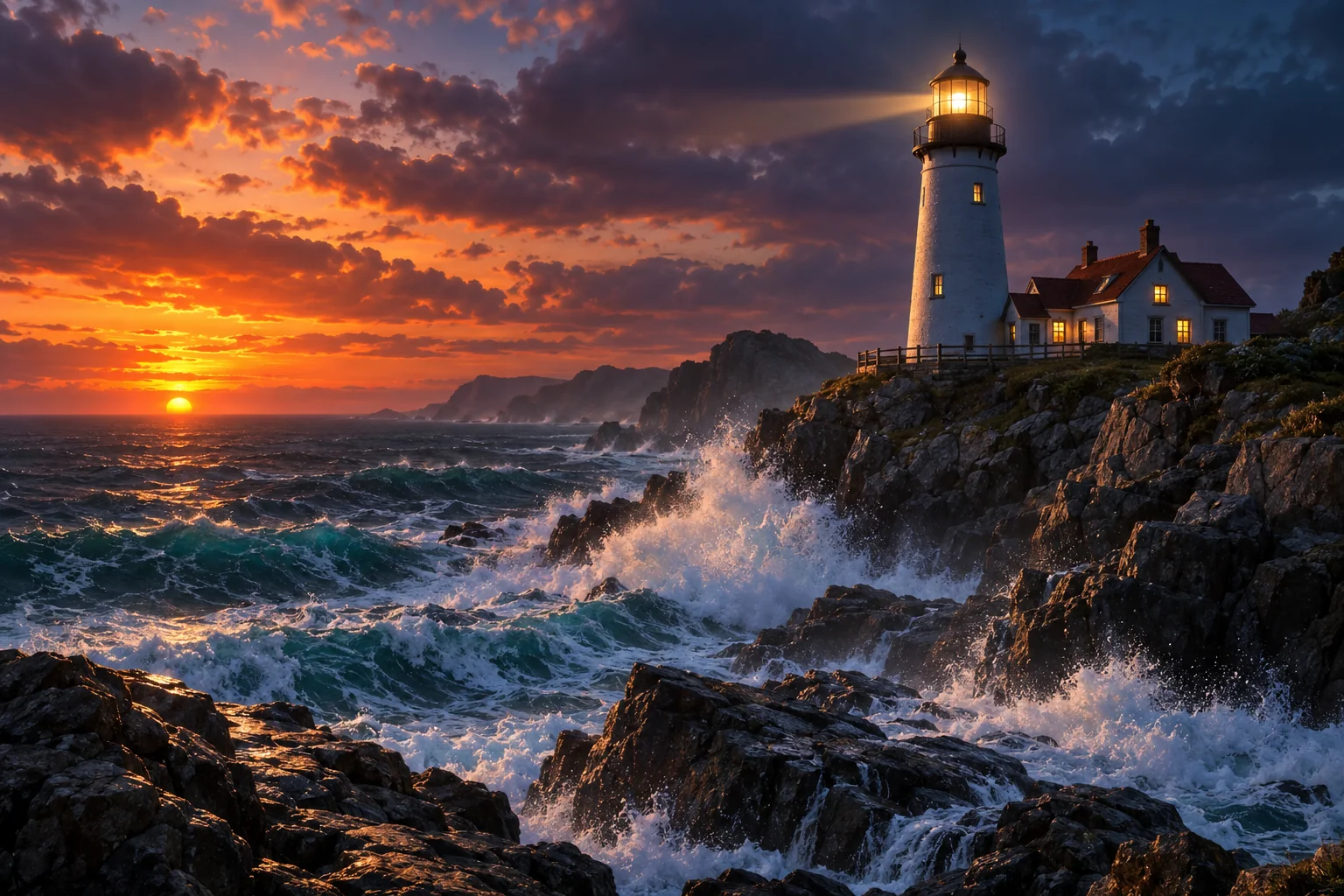
Made by this tool from the fields listed below.
The AI Image Generator is the front door of the studio. Type what you want to see — a subject, a place, a time of day, a mood — choose one of 40 styles or none at all, pick an aspect ratio, and render. There is no gallery of other people's prompts to wade through and no queue; the image lands on your canvas in seconds, ready to download or to send into another tool. Designers use it for moodboards and first concepts, marketers for campaign visuals that would otherwise need a stock subscription, students and hobbyists for anything they can put into words.
The style select is the part designers reach for first. Each entry appends a tested description of a medium, a palette and an edge treatment after your prompt, so "a lighthouse at dusk" becomes a watercolor, a comic-book panel, a low-poly render or an Art Deco poster without you having to know the vocabulary. Leave the select on No style and the prompt carries the whole look, which is right for photoreal work and for prompts you have already tuned. The 39 named styles span fine art (Impressionist, Cubist, Art Nouveau), illustration (anime, manga, comic book), craft (origami, yarn, clay) and screen aesthetics (vaporwave, neon punk, retro arcade), and each has its own page with prompt ideas.
Nine aspect ratios cover every destination: square for feeds and icons, 2:3 and 3:4 for print and phones, 16:9 and 21:9 for screens and banners, 4:5 for social portraits. Standard quality costs 2 credits and is fast enough to try five versions of a prompt; Pro and Max resolve type, faces and fine texture for client work. Every render can be re-edited with words, varied, restyled, upscaled to 32 megapixels or animated from the same canvas. Prompts to try sit under every tool description, and the style pages carry subject-specific ideas — a watercolor portrait, a low-poly landscape — that open the canvas already configured.
Prompts to try
- a lighthouse at dusk on a rocky coast, waves crashing below
- a greenhouse café full of hanging plants, morning light through glass
- a fox wearing a knitted scarf sitting in falling snow
- an astronaut tending tomatoes inside a glass dome on Mars
- a paper map of an imaginary archipelago with sea monsters in the margins
What you set
- Describe your imagee.g. a lighthouse at dusk, waves crashing below
- StyleNo stylePhotographicRenaissanceKawaiiAnimeMangaChibiRetro arcadeCute stickersDigital art+30
- Aspect ratioSquare (1:1)Landscape (3:2)Portrait (2:3)Widescreen (16:9)Vertical (9:16)Standard (4:3)Tall (3:4)Social portrait (4:5)Ultrawide (21:9)
After it's made
- Change details with a sentence, or hand it to any other tool
- Standard, Pro and Max quality on every make
- Enlarge to 32 megapixels or turn it into a short clip
- Every image saved to your library, downloadable full size
About this tool
- How specific should the prompt be?
- Specific beats long. Name the subject, where it is, the light and one or two details — "a red kayak on a glassy lake at dawn, mist, pine shore" gives the generator more to work with than a paragraph of adjectives.
- What does the style select actually do?
- It adds a fixed, tested description of the chosen style's medium, palette and edges after your words. Your prompt stays the subject; the style handles how it is painted. No style means only your prompt is used.
- Which aspect ratio should I choose?
- Match the destination: 1:1 for feeds and avatars, 4:5 for social portraits, 2:3 or 3:4 for posters and phones, 16:9 for desktops and thumbnails, 21:9 for ultrawide banners. Reframe can extend a render to a different ratio later.
- Can I edit the image after it renders?
- Yes. Under every result there is a Next row: Edit With Words changes details with a sentence, Image Variations makes siblings, Style Transfer restyles it, and Upscale takes it to print size. Nothing leaves the canvas.
- Can I try AI Image Generator before paying?
- Yes. A new account starts with 4 free credits, which covers your first Standard image with AI Image Generator — no card required. After that, credits come from a monthly plan or a one-time pack.
Often used next
AI Illustration Generator
Editorial, picture-book, flat vector or risograph — finished illustrations
Wallpaper Generator
Wallpapers composed for the screen they will live on — phone to ultrawide
Image Variations
Siblings of any image — same subject and style, new composition, angle or pose
Edit With Words
The universal edit: say what should change and everything else stays put
Made for