
Photo to Anime
Photos into anime — classic, shonen, shojo, film, cyberpunk, chibi or manga
4 free credits on sign-up — your first Standard image with any tool, no card required.
- 01Upload a photo — a clear face and an interesting background help
- 02Pick an anime style — classic, shonen, shojo, film, cyberpunk, chibi or manga ink
- 03Render, then cut out, upscale or animate the result
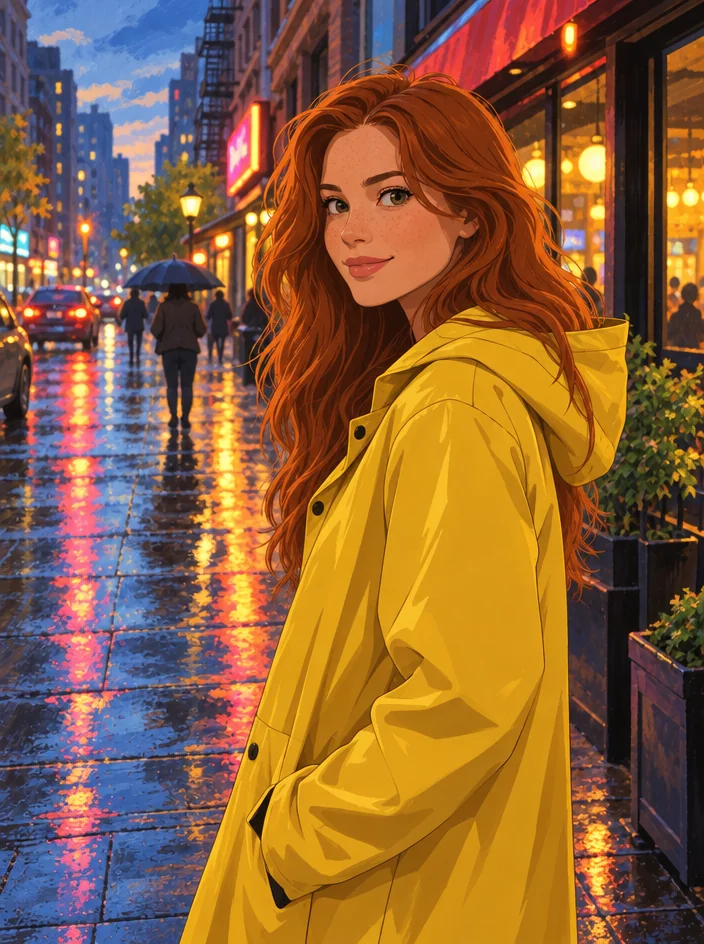
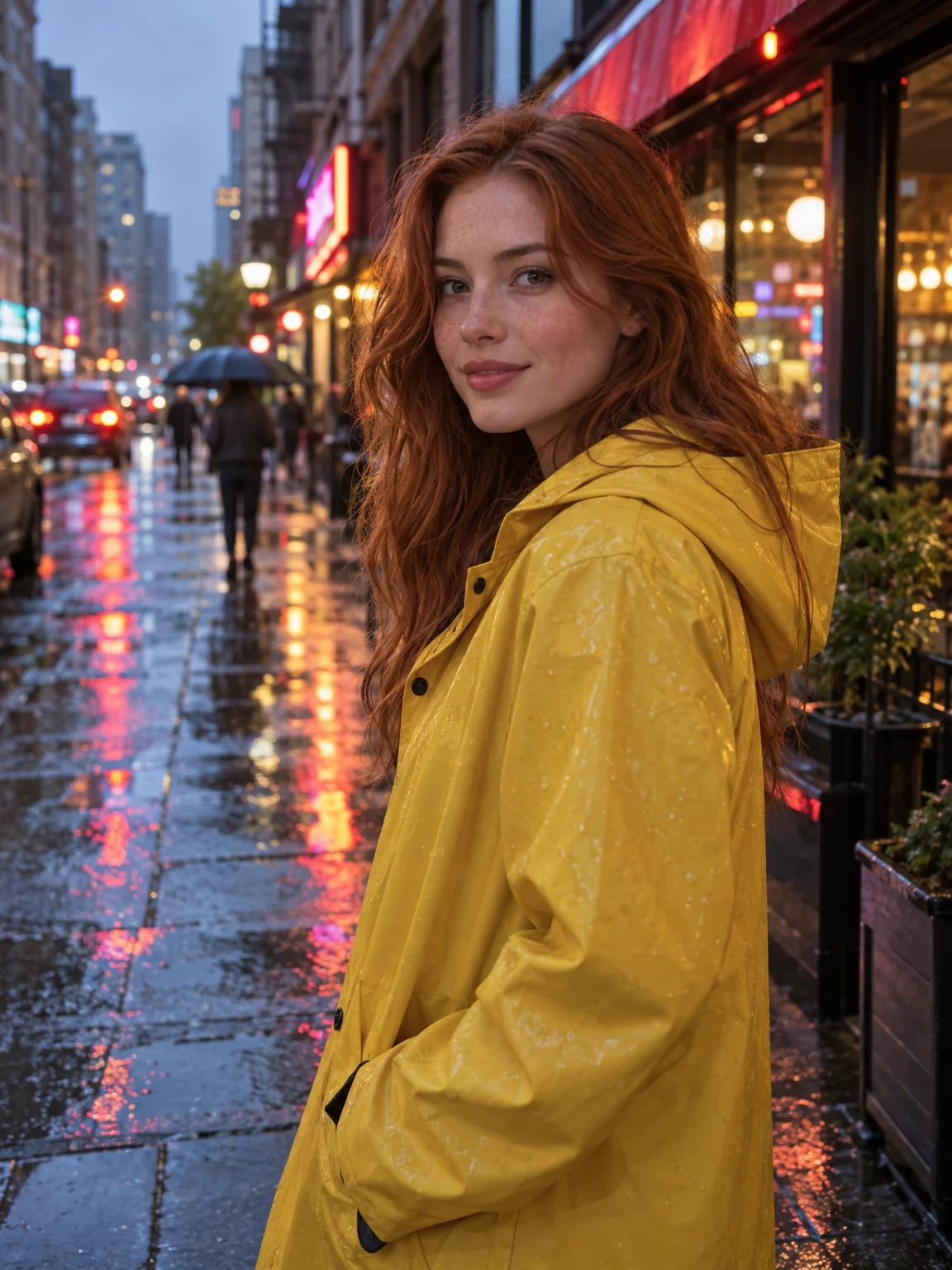
Drag the handle: the uploaded photo on the left, what the tool made on the right.
Photo to Anime redraws a photograph as a frame from an animated series. Upload a picture and choose a style; the composition is kept, the people stay clearly recognizable, and the whole image is rendered with clean line art, vibrant cel shading and a painterly background in the chosen anime tradition. Fans, cosplayers, couples, streamers and anyone who wants an anime version of themselves or their pet use it, and the painted background makes travel photos especially rewarding. Hair, eyes and expression carry the likeness, while the background gets the painted treatment an animation studio would give a key frame.
Seven styles cover the genres. Classic is the standard anime look. Shonen is high-energy action with dynamic shading. Shojo is soft and romantic with sparkles and delicate lines. Cinematic film gives the lush hand-painted backgrounds of an animated feature. Cyberpunk adds neon and night. Chibi shrinks everyone into cute oversized-head versions, and manga ink produces a black-and-white page with screentone shading. The style also sets the line weight and the color treatment, from the soft pastel washes of shojo to the hard neon contrast of cyberpunk, so the same photo can look like two different series.
Selfies, couple photos, travel shots and pet pictures all work, and a photo taken in an interesting location gains a beautifully painted background for free. For matching avatars, use one style across a set of photos. Run Background Remover on a result for a transparent sticker or emote, and Upscale for a poster-sized print. Cartoonizer covers Western animation styles. Every rendered frame is saved to your library, so a set of matching profile pictures or a series of posts in one style is a matter of running the same photos through the same select.
What you set
- Your photo
- Anime styleClassicShonenShojoCinematic filmCyberpunkChibiManga ink
After it's made
- Change details with a sentence, or hand it to any other tool
- Standard, Pro and Max quality on every make
- Enlarge to 32 megapixels or turn it into a short clip
- Every image saved to your library, downloadable full size
About this tool
- Will I still look like me?
- Keeping the people recognizable is part of the instruction, and clean line art tends to preserve likeness well. Chibi simplifies features the most; classic and cinematic film keep the most detail.
- Does the background get redrawn too?
- Yes — the whole frame is rendered in the chosen style, with a painterly background matching the scene in your photo. Landscapes and city streets come out especially well.
- Can I get a black-and-white manga version?
- Choose manga ink: it produces an inked page with screentone shading and no color, ready for a comic layout or a monochrome print.
- Can I animate the result?
- Yes. Every render has an Animate button that produces a 4 to 12 second clip — a short pan or ambient motion turns an anime frame into a looping post.
- Can I try Photo to Anime before paying?
- Yes. A new account starts with 4 free credits, which covers your first Standard image with Photo to Anime — no card required. After that, credits come from a monthly plan or a one-time pack.
Often used next
Photo Cartoonizer
Photo to cartoon avatar — classic, 3D animated, comic, retro or caricature
Photo to Art
Photos into oil, watercolor, anime, pencil or stained glass — likeness kept
Background Remover
Cut out the subject in one click — transparent PNG from 1 credit
AI Character Designer
Character sheets with front and three-quarter views plus an expression close-up