
The photo you have, remade into the one you needed.
This is the biggest mode in the studio, and it starts from something you already own: a selfie, the dog on the sofa, the candle on the kitchen counter, the flat you are about to list, the car you are about to sell. Each tool keeps the subject exactly recognizable — face, fur, label, layout, trim — and rebuilds everything around it: light, setting, wardrobe, background, time of day.
Upload one photo (a few selfies for portraits, one of each person for two-person pictures), pick the tool and its options, press Make. Results arrive in seconds and go straight into your library, where you can retouch them, change the background again, enlarge them for print or turn them into a short clip.


Three results from remake a photo tools.
Every remake a photo tool
Each one opens the Studio with this mode selected.
 New Photos of YouMake new pictures of yourself for any profile, card or feed4 cr
 Headshot MakerMake a polished work headshot from a few phone photos4 cr
 Couple Photo MakerPut the two of you in one picture, even from separate photos4 cr
 Group Picture MakerGet everyone into one group picture from separate photos4 cr
 Pet Portrait MakerTurn a snapshot of your pet into a portrait worth framing4 cr
 You and Your PetMake a picture of you and your pet together from two photos4 cr
 Retro Era PortraitSee yourself in any decade from the 1920s to the 2000s4 cr
 Passport Photo MakerMake a passport-format photo from a phone picture4 cr
 Product Cutout on WhitePut any product on the pure white background marketplaces ask for4 cr
 Product Scene MakerDrop your product into a kitchen, café, beach or boutique scene4 cr
 Model Holding Your ProductShow your product in a model's hands, worn or in use4 cr
 Garment on a ModelTurn a flat photo of any garment into a full-body fashion image4 cr
 Flat Lay MakerStyle a top-down flat lay of your product with props you name4 cr
 Food Shot MakerMake menu, overhead and delivery-app images from a phone picture of a dish4 cr
 Jewelry Shot MakerGive rings, necklaces and earrings the macro-sharp sparkle of a catalog image4 cr
 Listing Photo FixerBrighten, level and declutter listing photos of any home or rental4 cr
 Room Photo MakerTurn a phone picture of a room into a magazine-ready interior image4 cr
 Car Shot MakerPlace your car in a dark studio, a showroom or on a coastal highway4 cr
 Sky SwapSwap a flat gray sky for clear blue, golden sunset or stars4 cr
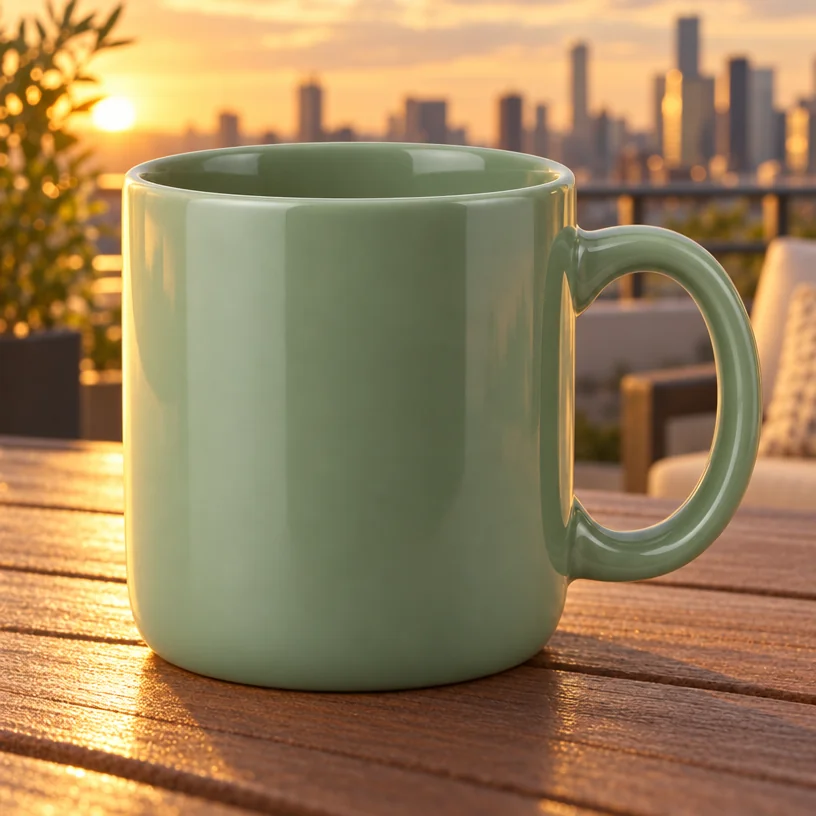 Background ChangerKeep the subject, swap the setting — one sentence, blended in properly4 cr
 Background BlurTurn a busy background into soft, creamy blur behind a sharp subject4 cr
 Light ChangerRelight any photo with one of 20 looks, from soft window light to neon4 cr
 Time-of-Day ChangerMove any outdoor photo to golden hour, blue hour, night or 17 other times4 cr
 Outfit SwapChange what you are wearing in any photo by describing the outfit4 cr
 Try It OnSee a garment from any listing on your own body before you buy4 cr
Who uses this mode
Good to know
- Will it still look like my subject?
- That is the whole point of this mode. Faces, markings, product labels, room layouts and number plates carry over; the tools change what surrounds them. A Compare button on the canvas shows the original at any time.
- What kind of photo should I upload?
- A normal phone photo in decent light, with the subject fully in frame. Portrait tools accept up to four selfies for a closer likeness; two-person tools take one photo of each person.
- How much does a remade photo cost?
- 4 credits at Standard, 12 at Pro and 44 at Max from one photo. Two-photo tools are 4, 14 or 46, plus 2 for each extra photo you attach.
The other modes