
Wallpaper Generator
Wallpapers composed for the screen they will live on — phone to ultrawide
4 free credits on sign-up — your first Standard image with any tool, no card required.
- 01Describe the scene, texture or mood you want on the screen
- 02Choose the device — phone, desktop, tablet, ultrawide or square
- 03Render, upscale if you want extra pixels, and set it as your background
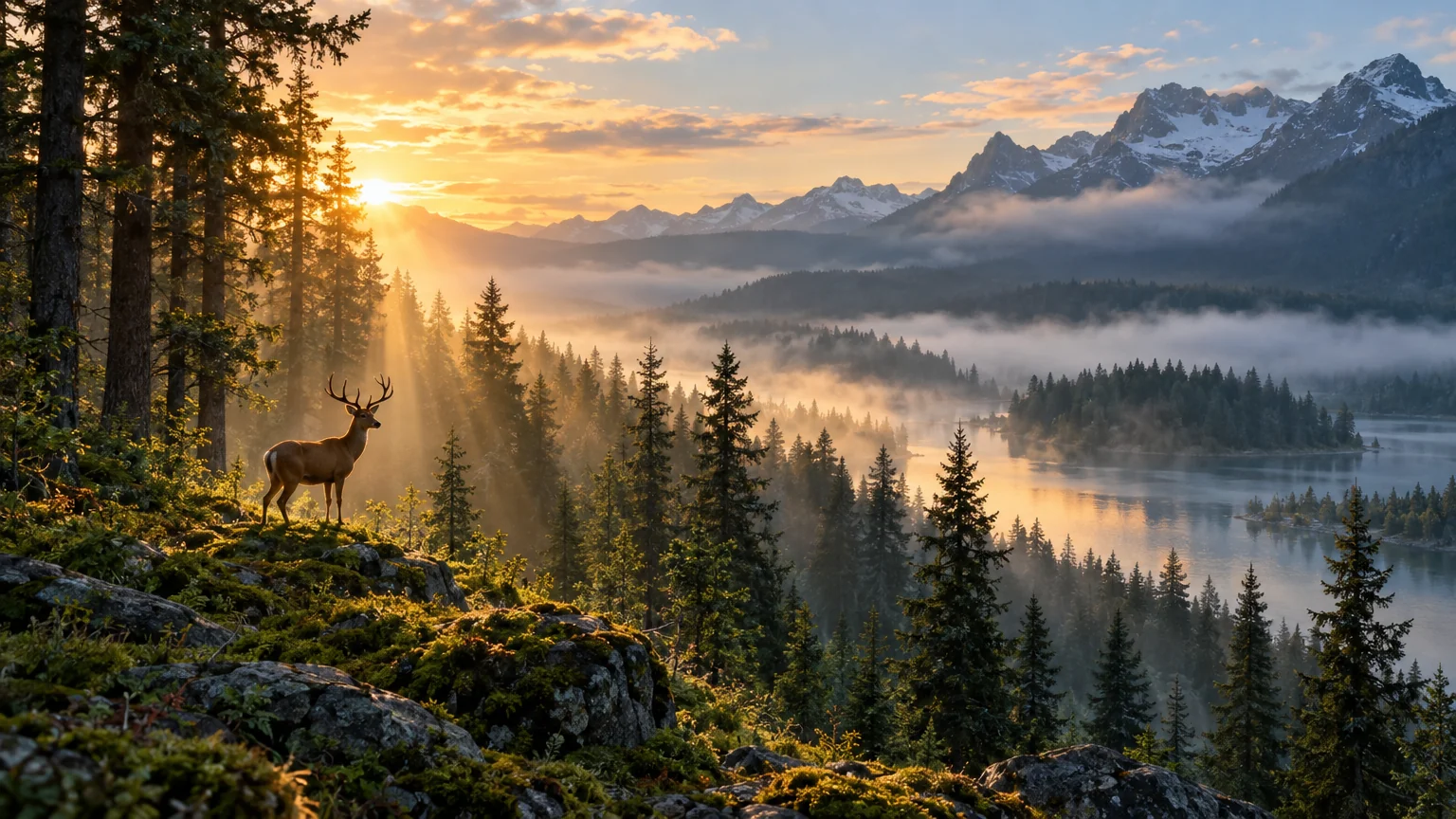
Made by this tool from the fields listed below.
A good wallpaper is not just a pretty image at the right size; it is composed around the interface that sits on top of it. The Wallpaper Generator knows that. Pick the device and it sets the aspect ratio and, more importantly, tells the model where the focal point should go and where to keep things calm so a lock-screen clock, a dock or a row of desktop icons stays readable. Describe the scene once and switch the device select to render the same idea for each screen you own; the composition rules change while the subject and palette stay the same.
Phone wallpapers put the subject in the middle third with quieter areas top and bottom. Desktop wallpapers push the focal point off-center and leave breathing room where icons collect. Tablet wallpapers balance the composition so it survives rotation, and ultrawide wallpapers stretch a single panoramic idea across the full width without cramming detail into the far edges. Square is there for anything else. The instructions also ask for rich detail, deep clean color and a clear focal point, and they keep text, logos and watermarks out of the image, so the result is a background rather than a poster.
Describe a scene, a texture or a mood in a sentence — "quiet snowfall over a pine forest", "abstract folds of navy silk" — and render. Standard quality is fine for a phone; use Pro or Max for a 4K desktop, or send the render to Upscale for 16 or 32 megapixels. Every wallpaper is saved to your library, so a matching set for phone and desktop is two renders of the same prompt. Because the canvas keeps every render, seasonal sets are easy: the same forest in spring, summer, autumn and winter, each a one-line change to the prompt, each composed for the same device.
What you set
- Describe the wallpapere.g. misty pine forest at sunrise
- DevicePhone (9:16)Desktop (16:9)Tablet (4:3)Ultrawide (21:9)Square
After it's made
- Change details with a sentence, or hand it to any other tool
- Standard, Pro and Max quality on every make
- Enlarge to 32 megapixels or turn it into a short clip
- Every image saved to your library, downloadable full size
About this tool
- Will the wallpaper be sharp enough for a 4K monitor?
- Render at Pro or Max for the cleanest detail, then use Upscale for 16 or 32 megapixels; that comfortably covers 4K and 5K displays. Standard quality is fine for a phone at arm's length.
- Why does the phone version leave empty space at the top?
- On purpose. The phone preset keeps the top and bottom thirds calmer so the clock, notifications and the dock stay legible over the image, with the subject centered where the lock screen shows it.
- Can I make a matching set for my phone and laptop?
- Yes — render the same prompt twice with different device settings. The composition adapts to each screen while the subject, palette and mood stay consistent.
- Does it work for abstract or texture wallpapers?
- Very well. Describe a material and a palette — brushed steel, watercolor clouds, folded paper — and the generator produces a calm all-over texture with a gentle focal point, which is often the best kind of desktop background.
- Can I try Wallpaper Generator before paying?
- Yes. A new account starts with 4 free credits, which covers your first Standard image with Wallpaper Generator — no card required. After that, credits come from a monthly plan or a one-time pack.
Often used next
AI Image Generator
One prompt, forty styles, nine aspect ratios — the canvas starts here
Image Upscaler
Enlarge any image to 4, 8, 16 or 32 megapixels with detail added, not smeared
Reframe & Expand
Extend a picture to any aspect ratio — the scene continues past its edges
Seamless Pattern Maker
Seamless repeating tiles for fabric, wallpaper, packaging and web backgrounds
Made for