
Classroom visuals for whatever you're teaching Monday
The unit on the water cycle starts Monday and every coloring sheet online is either too babyish for fourth grade or has a watermark across the cloud. You need a page that matches the vocabulary you're actually teaching, a poster for the door, and small pictures for the worksheet that don't come from the same clip-art pack everyone has used since 2009. Sunday evening is what you've got.
Type the subject into Coloring Page Generator, such as the water cycle with labeled clouds, ocean and rain, and choose a complexity from simple for early grades to intricate for older students. What comes out is a clean black-line page ready to print. AI Poster Maker makes the door poster with your headline, AI Illustration Generator draws worksheet pictures in a flat vector style, and AI Icon Maker gives you matching small icons for a sorting activity.

Made in the Studio with the first tool on the route.
You want
- Every coloring page online is for preschool or has a watermark through it.
- A poster for the classroom door that says exactly what I want it to say.
- Worksheet pictures that match my unit, not a random clip-art pack.
- It's Sunday night and the lesson is tomorrow.
The route
- 1Make a coloring page on your topic
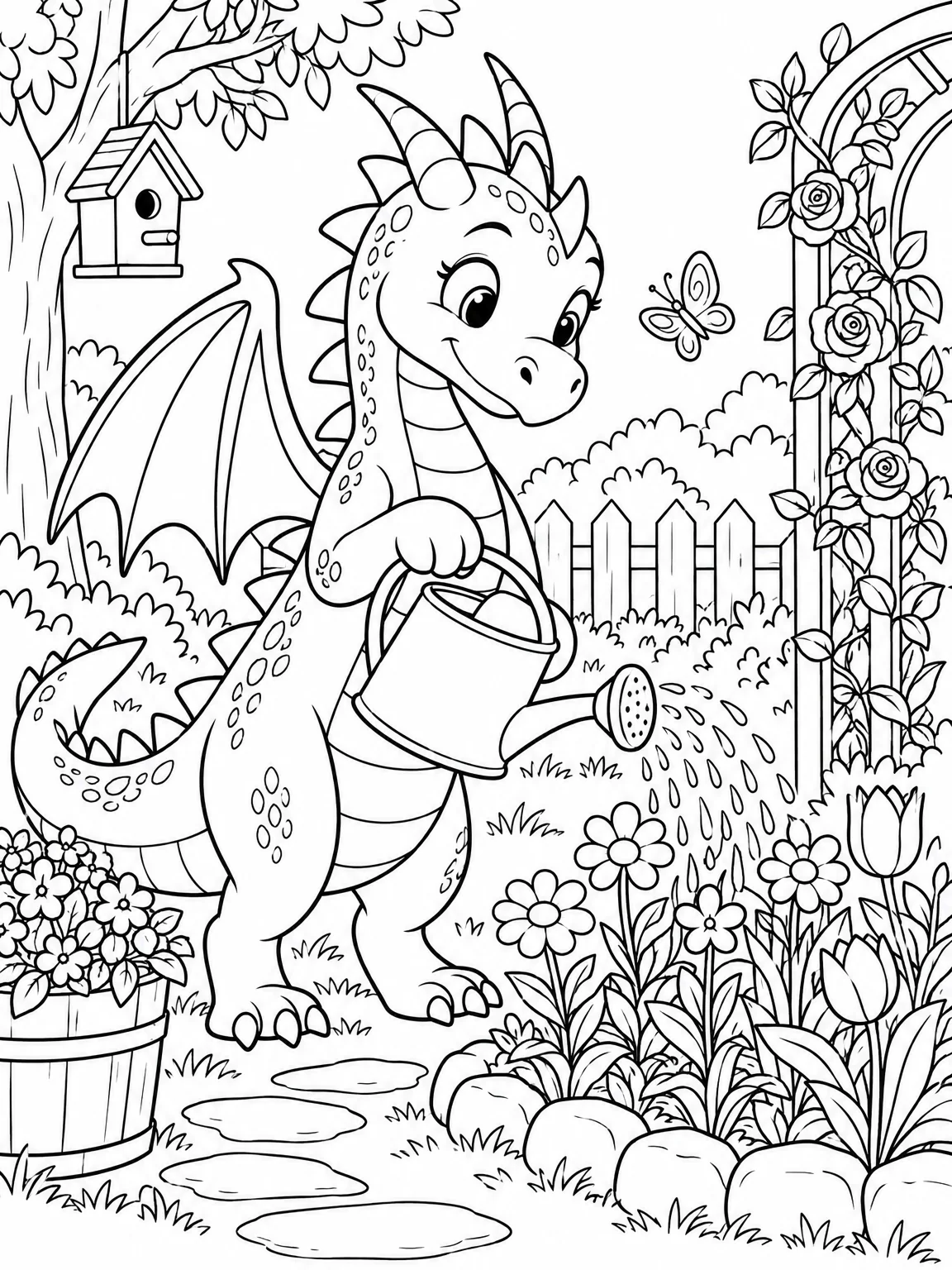
A clean black-line page on your exact subject, at the complexity that suits the grade.
Coloring Page Generator - 2Make the classroom poster with your headline

Puts your wording on a poster in a style that reads across the room.
AI Poster Maker - 3Make matching icons for a worksheet

Small flat icons for a sorting or matching activity that look like they belong to the same set.
AI Icon Maker
Good to know
- Which tool makes a worksheet illustration rather than a coloring page?
- AI Illustration Generator. Choose the flat vector or children's book style and describe the picture: "a labeled diagram-style drawing of a bean plant with roots, stem and leaves." Coloring Page Generator is for black-line pages to color; AI Illustration Generator gives finished color art for handouts and slides.
- Will the coloring page print cleanly on a school copier?
- Yes. The pages are made as black lines on white, which copies well even on an older machine. Download at full resolution, print one test page and check the line weight; if the lines are too fine for young students, rerun at a simpler complexity and the page comes back bolder.
- Is it okay to use these in my classroom and share with other teachers?
- Yes. Downloads have no watermark and you can print, copy and share them with colleagues. Check your district's rules on AI-made materials if you plan to sell on a teacher marketplace. For classroom use, make the page, print it, and note the source if a parent asks.
Tools on this route