
AI Style Transfer
Repaint any image in Van Gogh, ukiyo-e, cyberpunk or a reference image's style
4 free credits on sign-up — your first Standard image with any tool, no card required.
- 01Upload the image to restyle
- 02Pick a named style, or attach a reference image and keep the select on reference
- 03Render — the composition stays, the medium changes
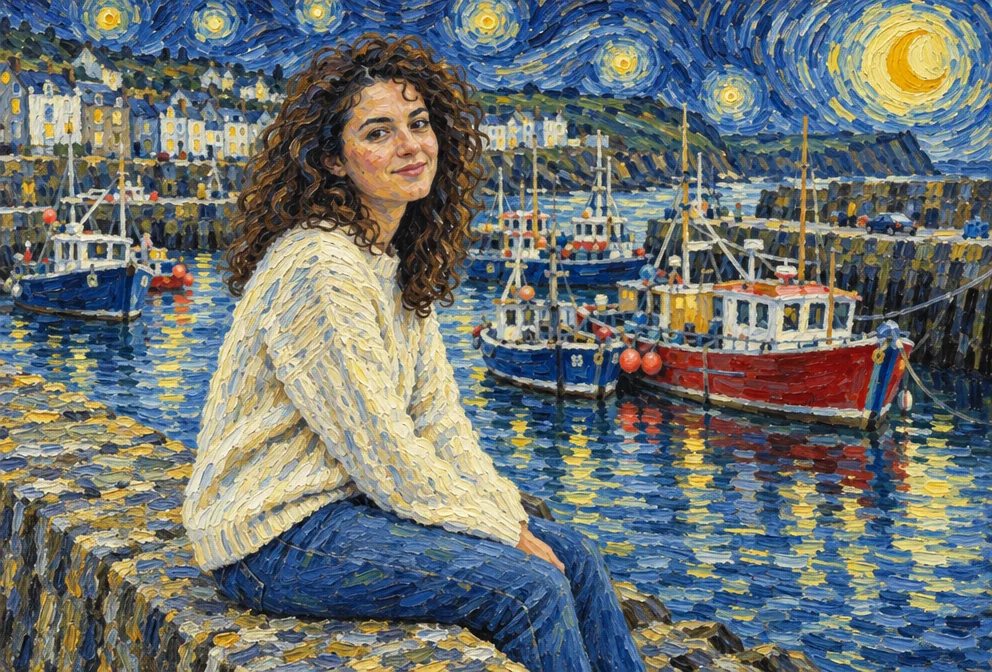
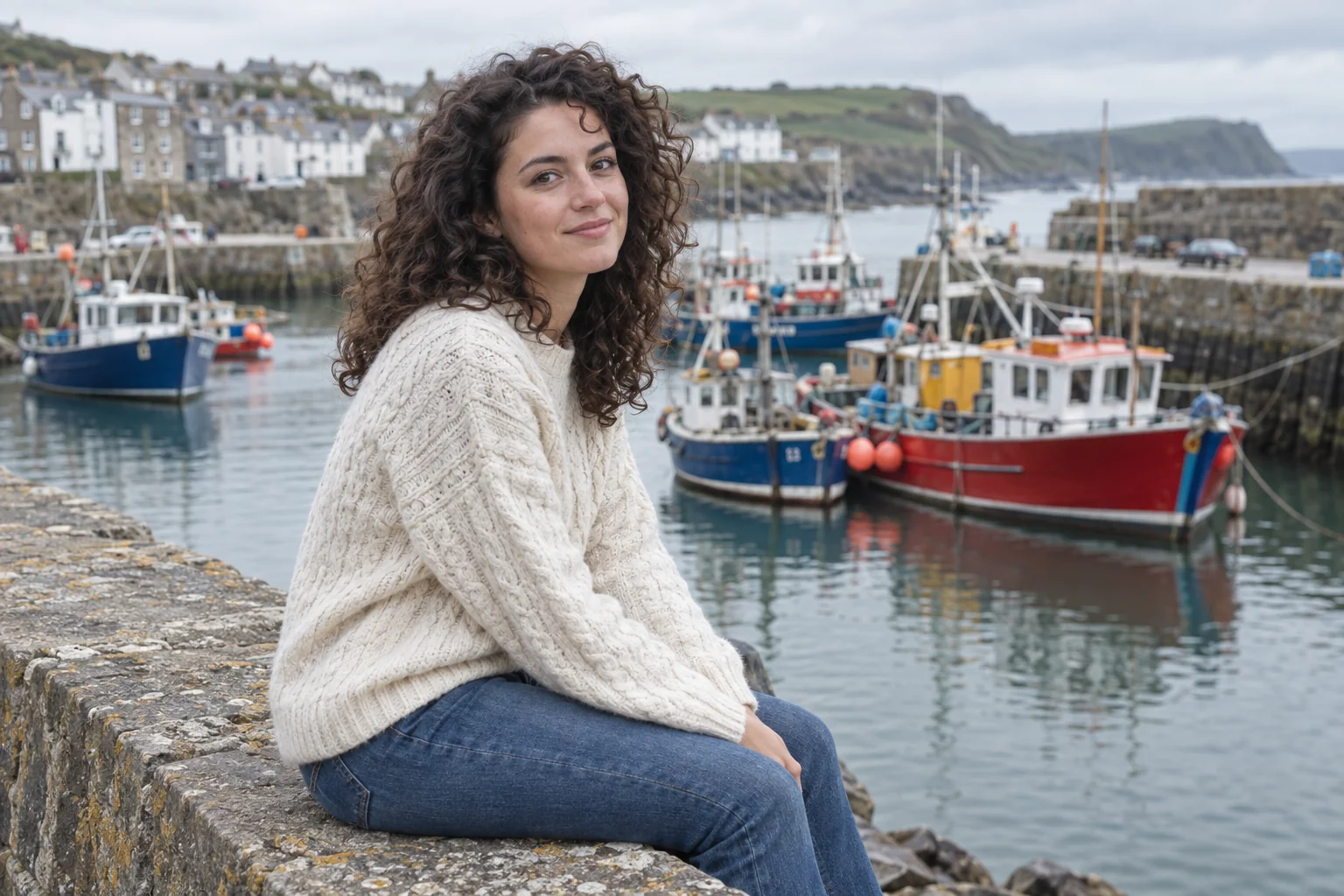
Drag the handle: the uploaded photo on the left, what the tool made on the right.
AI Style Transfer separates what a picture shows from how it is painted. Upload an image and either choose a named style — the swirling impasto of Van Gogh, a ukiyo-e woodblock print, loose watercolor, classical oil, 1960s pop art, neon cyberpunk, a graphite sketch, stained glass, mosaic, charcoal or pixel art — or upload a second image whose medium, brushwork, palette and texture should be borrowed. The subject, composition, poses and object placement stay exactly where they were. Photographers, illustrators, brand designers and anyone assembling a consistent series lean on it because it changes the medium of an image without changing what the image shows.
The reference-image mode is the interesting one. Leave the style select on "Use the reference image", attach a painting, a poster or one of your own earlier renders as the second slot, and the tool copies its style without copying its content: no objects migrate from the reference, only its look. That makes it a consistency tool as much as an art tool — a way to make ten product shots or ten illustrations share one visual language. The reference can be a painting you admire, a poster from a campaign you want to match, or one of your own renders — the tool copies the medium, brushwork, palette and texture, never the content.
Named styles are the quick route. A photo of a harbor in ukiyo-e, a portrait in charcoal, a city street in cyberpunk — each applies the style consistently across the whole frame. Pair it with Image Variations to explore several restyled compositions, and with Upscale for prints. Two attached images cost 4 credits at Standard; a single image with a named style costs the one-photo rate. Rendered pieces are saved to your library, so a reference and its restyled results stay together and can be reused as the reference for the next batch.
What you set
- Your image · Style reference (optional)
- StyleUse the reference imageVan GoghUkiyo-eWatercolorOil paintingPop artCyberpunkPencil sketchStained glassMosaic+2
After it's made
- Change details with a sentence, or hand it to any other tool
- Standard, Pro and Max quality on every make
- Enlarge to 32 megapixels or turn it into a short clip
- Every image saved to your library, downloadable full size
About this tool
- Do I have to upload a reference image?
- No. The second slot is optional: choose a named style and only your main image is needed. Attach a reference only when you want its specific look copied.
- Will objects from the reference image appear in my result?
- They should not. The instruction is to copy the reference's medium, brushwork, palette and texture and to keep image one's subject and composition unchanged, without importing content from image two.
- Can I use one of my own renders as the reference?
- Yes — pick it from your library with "Send to a tool" and attach it in the reference slot. It is the easiest way to keep a series of images visually consistent.
- What does it cost with two images?
- Two attached images are 4 credits at Standard, 14 at Pro and 46 at Max. With only the main image and a named style, the one-photo rate applies: 4, 12 or 44.
- Can I try AI Style Transfer before paying?
- Yes. A new account starts with 4 free credits, which covers your first Standard image with AI Style Transfer — no card required. After that, credits come from a monthly plan or a one-time pack.
Often used next
Photo to Art
Photos into oil, watercolor, anime, pencil or stained glass — likeness kept
Image to Image
Reimagine any image with a sentence while keeping its layout recognizable
Image Variations
Siblings of any image — same subject and style, new composition, angle or pose
Image Upscaler
Enlarge any image to 4, 8, 16 or 32 megapixels with detail added, not smeared