
Make Every Dish Look As Good As It Tastes
Dishes come out of the kitchen looking great and get photographed under fluorescent light on a steel pass, thirty seconds before they go to a table. Those are the pictures on your delivery-app page, and they are costing you orders. You want menu images that make people hungry, tiles that match across the whole menu, and a way to add the weekly special without waiting for anyone else to find the time.
The Food Shot Maker takes that kitchen picture and rebuilds the light, plate setting and surface around the dish while keeping the food itself, its portion, garnish and sauce, the way you plated it. Pick the menu style for a clean, evenly lit look, or delivery-app for the tight square tile the apps use. Use Photo Polish in food mode for a lighter touch on pictures that are nearly there, and the AI Poster Maker for a specials board.

Made in the Studio with the first tool on the route.
You want
- Our delivery-app tiles are dark, yellow and taken at an angle. Orders show it.
- The menu photos were taken by three different people over four years and look like it.
- There is no time to style a plate during service.
- A new special every week means a new picture every week.
The route
- 1Remake the dish in a menu style

Relights and restages the plate you already made, so the food reads clearly and the menu looks like one set.
Food Shot Maker - 2Polish pictures that are almost right

The food mode lifts color and sharpness on a decent picture without rebuilding the scene.
Photo Polish - 3Turn the best result into a specials poster
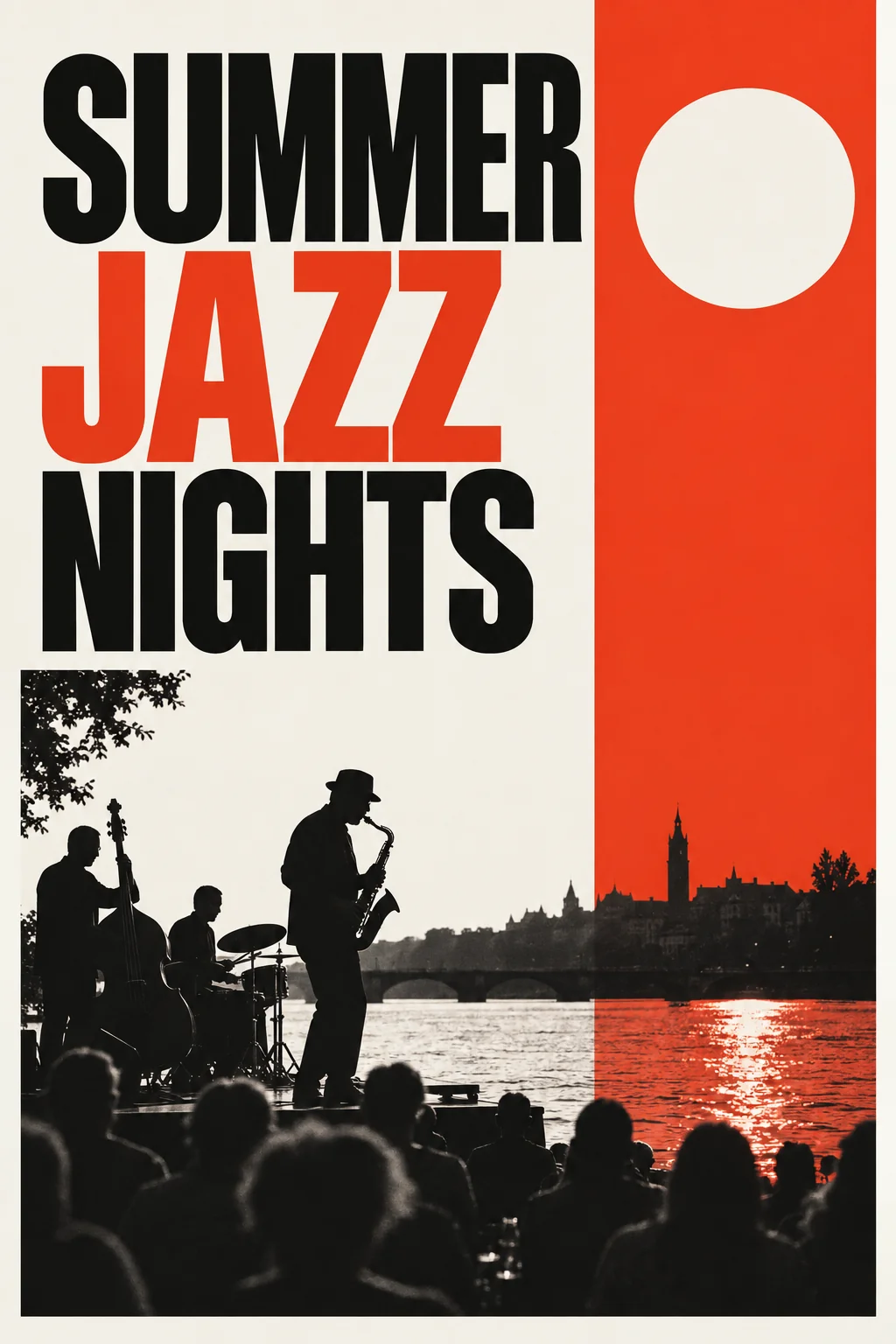
Type the headline and theme; the poster carries the dish image into a printable board or story graphic.
AI Poster Maker
Good to know
- What if my picture was taken under kitchen lights?
- That is the usual starting point, and the Food Shot Maker is built for it. The tool replaces the light and the surroundings, so a yellow cast or a steel counter in the original does not carry through. Keep the dish in focus and fill the frame with it; the rest is rebuilt. A Standard render costs 4 credits.
- Will the food still look like what we serve?
- The dish is kept: the portion, the plating, the garnish and the sauce lines stay as you arranged them. What changes is the plate setting, the light and the surface. If a result adds a prop you do not use, run Object Remover on it or ask for the change with Edit With Words. Showing what you serve is the point.
- Does it matter which style I pick for the delivery apps?
- Yes. The delivery-app style is framed for the square tiles those apps show, bright and tight on the food, so it reads at thumbnail size. The menu style is more even and suits a printed or web menu. Overhead works for bowls and pizzas. Run the same picture through two styles and compare; each is a separate render.