
A Channel Face That Isn't Your Webcam
A channel needs a face on the profile, the panels, the emotes and the offline screen, and a webcam still is not it. Commissioning an artist for a full avatar set is a great move when you can afford the wait; most channels at the start cannot. You want a stylized version of yourself that fits the vibe of the stream, plus matching pieces so the whole page looks like one brand.
Upload one selfie to Avatar from a Selfie and pick a style: 3d-cartoon, anime, pixel, comic, neon or claymation. The result keeps your face shape, hair and glasses in that style. Run the AI Sticker Maker with a subject like a cheering gamer in headphones for emote-style stickers, use the Wallpaper Generator at 16:9 for the offline and starting-soon screens, and Background Remover to drop the avatar onto any panel as a transparent PNG.

Made in the Studio with the first tool on the route.
You want
- My profile picture is a webcam frame with a ceiling light in it.
- Commission queues for a full avatar set are months long.
- Panels, emotes, offline screen. Each one looks like a different channel.
- I want anime me, not a filter over a selfie.
The route
- 1Turn your selfie into an avatar

Redraws you in a 3d-cartoon, anime or pixel style while your face shape, hair and glasses are kept recognizable.
Avatar from a Selfie - 2Cut it out for panels and overlays
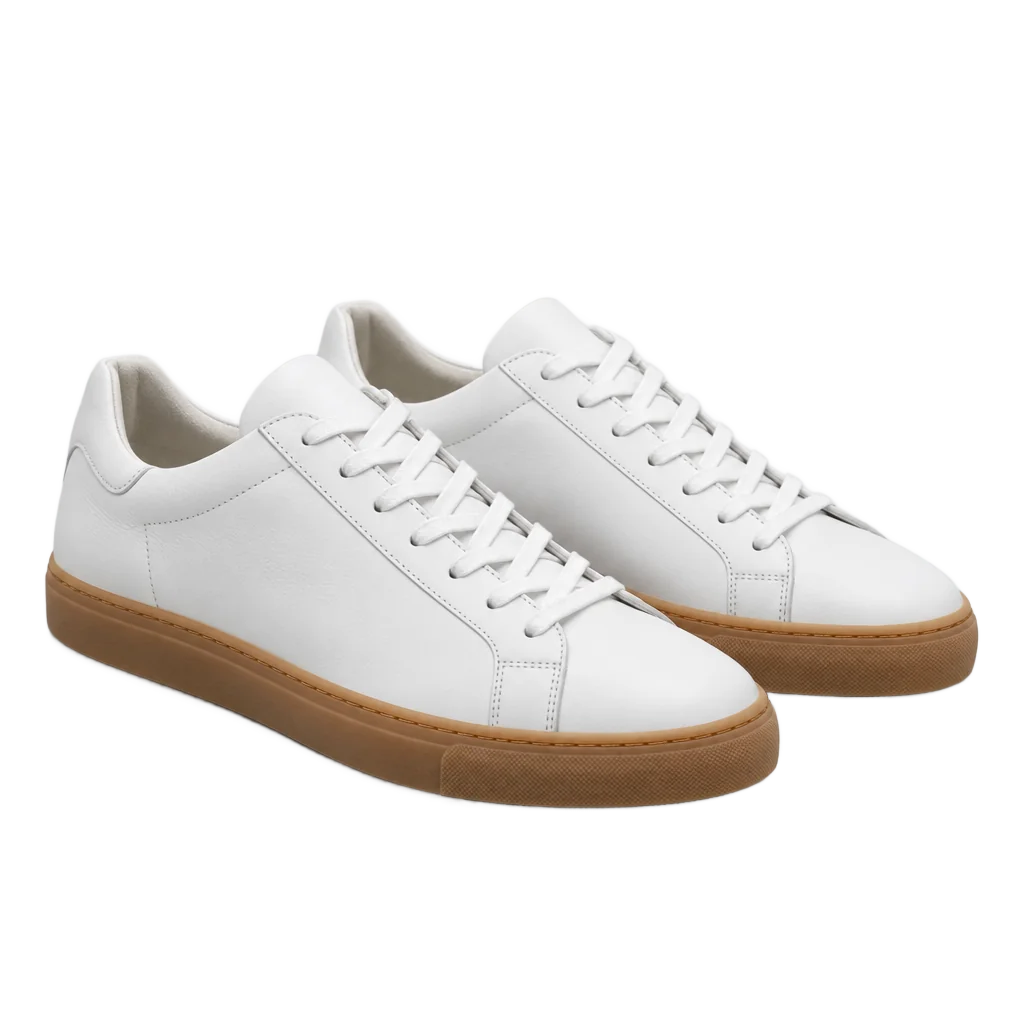
A transparent PNG drops onto any panel, alert or overlay; 1 credit at Standard.
Background Remover - 3Make emote-style stickers
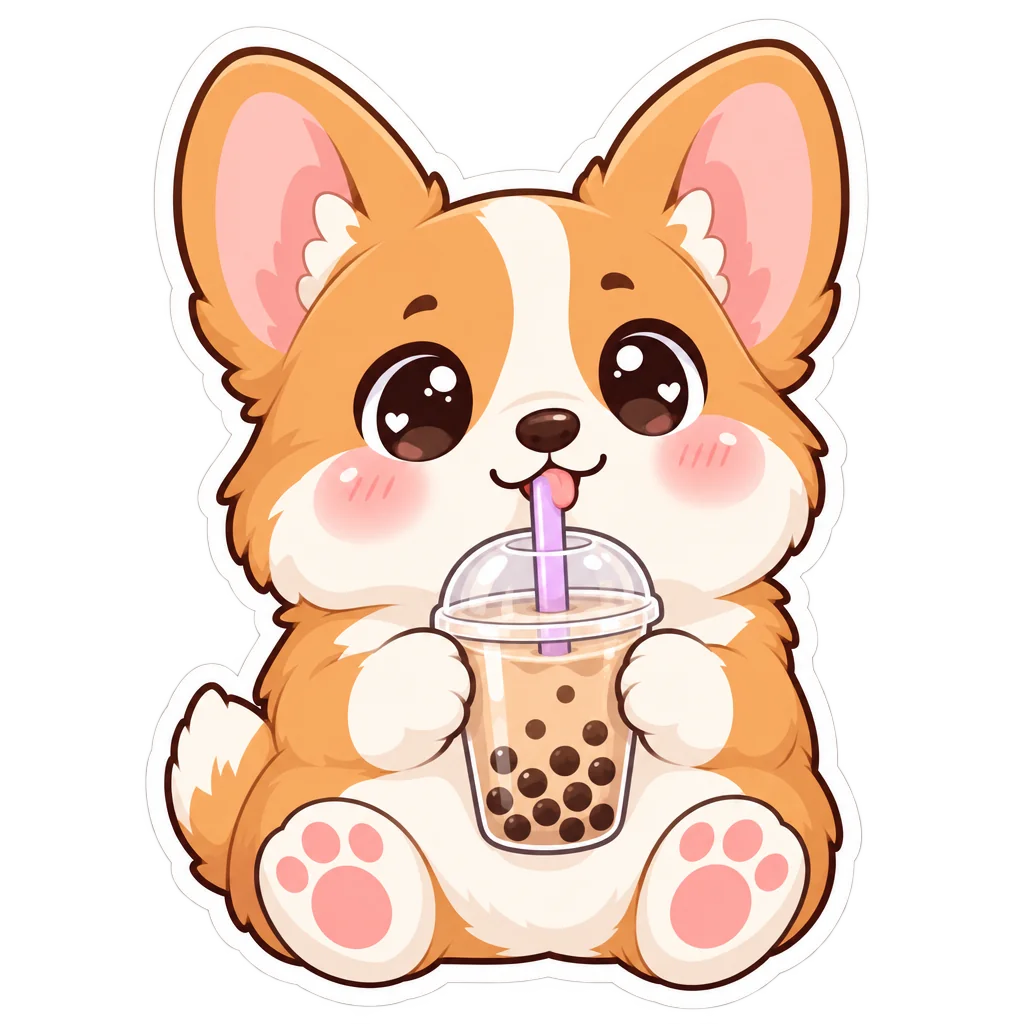
Type an expression or pose and get die-cut style art for emotes and channel points.
AI Sticker Maker - 4Generate a 16:9 offline screen
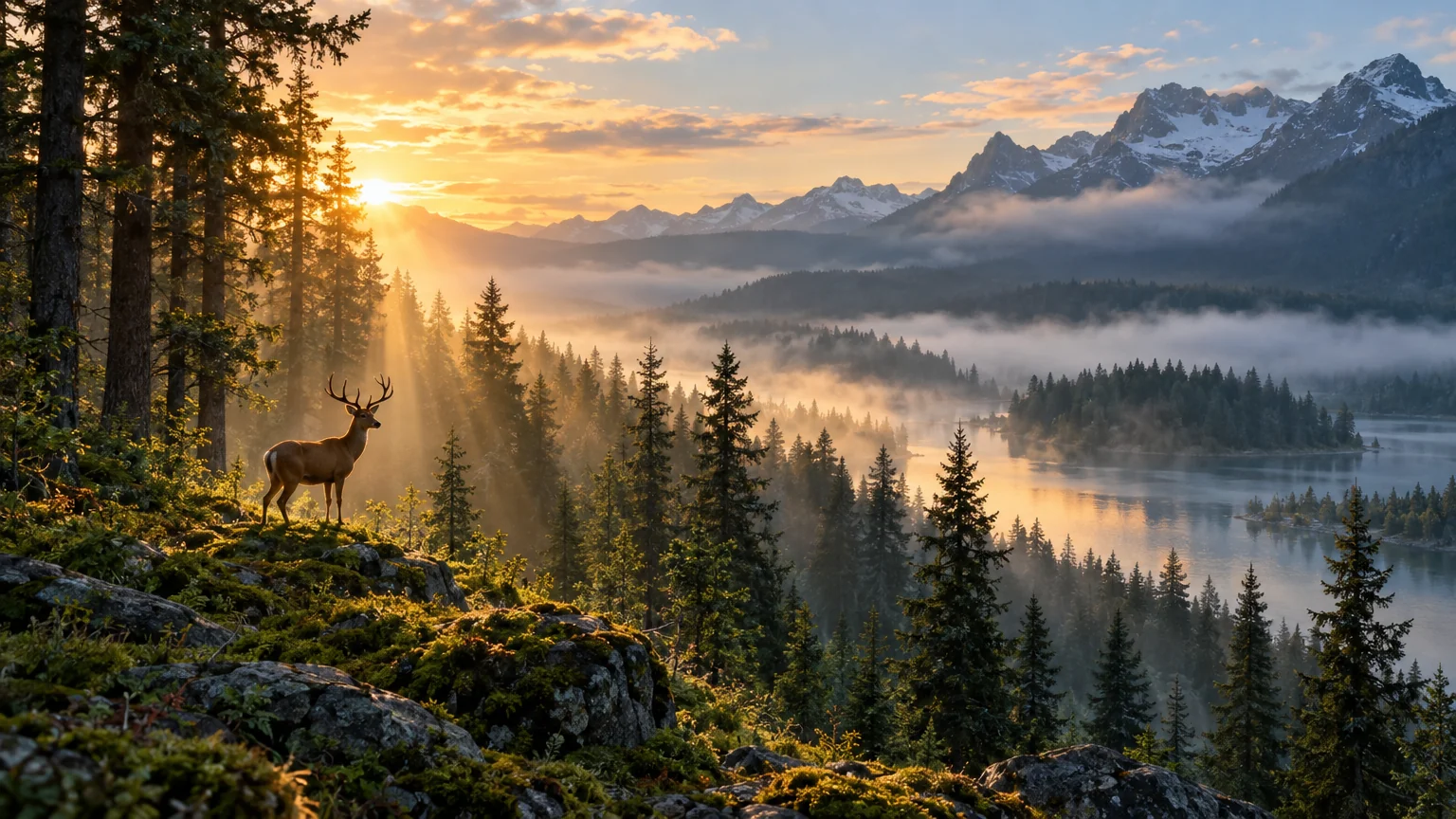
A wide background in the same mood for the starting-soon and offline screens.
Wallpaper Generator
Good to know
- Do I need a good selfie to start?
- A clear one helps more than a good one. Face the light, keep your whole head in frame and avoid heavy filters, since the tool works from what it can see. Glasses, beards and hair color carry through into the avatar. A webcam still is fine as long as it is sharp and evenly lit.
- Will the avatar still look like me?
- The tool keeps your face shape, hairstyle, glasses and skin tone and redraws them in the style you pick. Anime and 3d-cartoon stay closest to your features; pixel and claymation simplify more. If a result drifts, try another style or run it again; each render is fresh, and a Standard one-photo render costs 4 credits.
- What size do I need for emotes and panels?
- Platforms list their own pixel sizes for emotes and panels. Downloads here are full resolution and transparent results come as PNG, so you can scale down in any editor without losing edges. For the offline screen, the Wallpaper Generator at 16:9 fills a 1080p layout, and the Image Upscaler pushes any result higher if you need it.
Tools on this route