
Start with a sentence, end with an image.
Nothing to upload here. Write a subject, a place, a mood — as much or as little as you like — pick a style or leave it neutral, choose the shape of the frame and press Make. Illustrations, concept paintings, character sheets, pixel scenes, wallpapers sized for your screen, posters with a headline, book and album covers: each tool asks for a few plain fields and handles composition, palette and lettering on its own.
Every result lands on the same canvas as everything else you make, so a poster can become a sticker, a character can get three variations, and any image can be enlarged to print size or set in motion. Standard quality costs 2 credits, which is cheap enough to try five ideas before you commit to one.


Three results from create from words tools.
Every create from words tool
Each one opens the Studio with this mode selected.
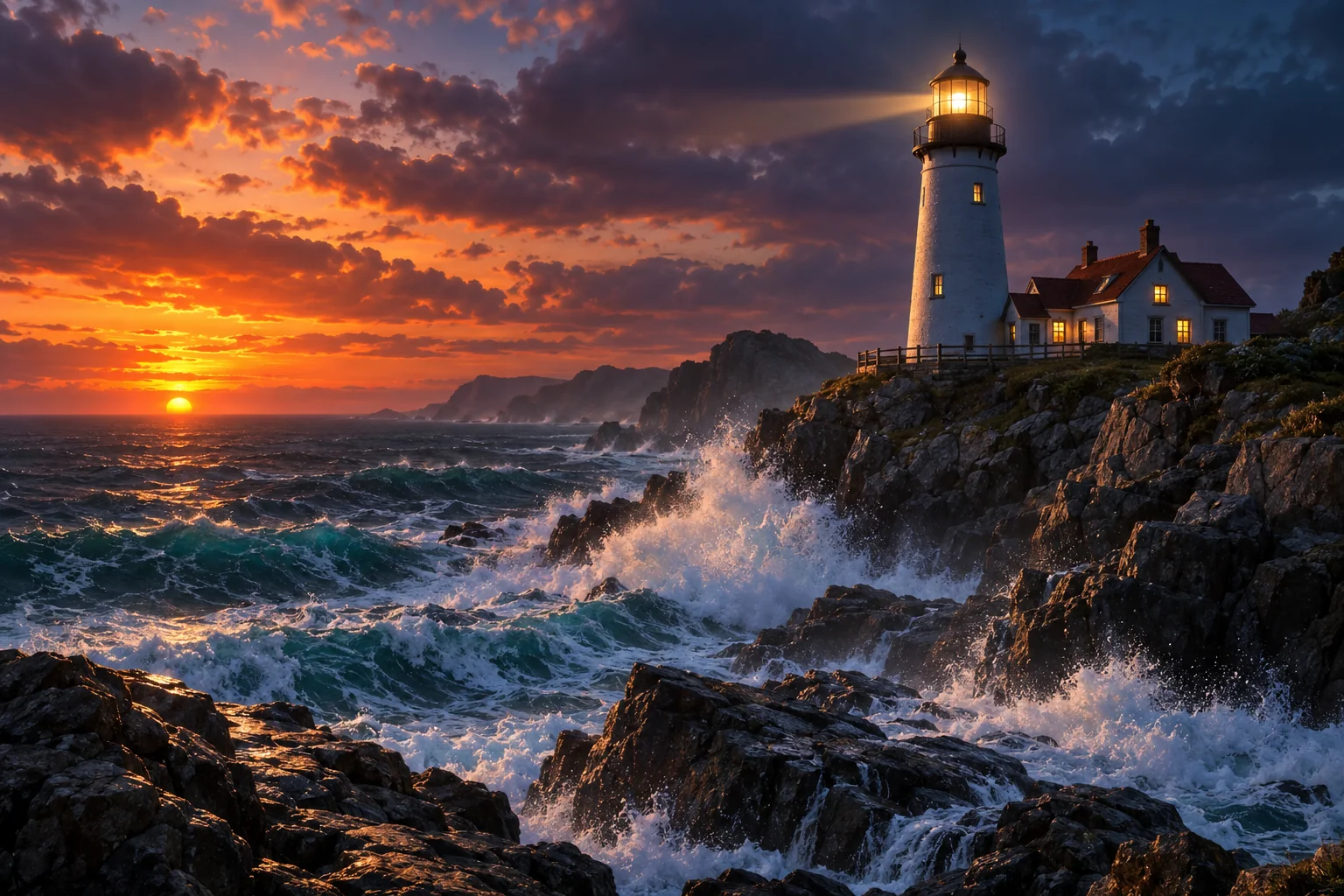 AI Image GeneratorOne prompt, forty styles, nine aspect ratios — the canvas starts here2 cr
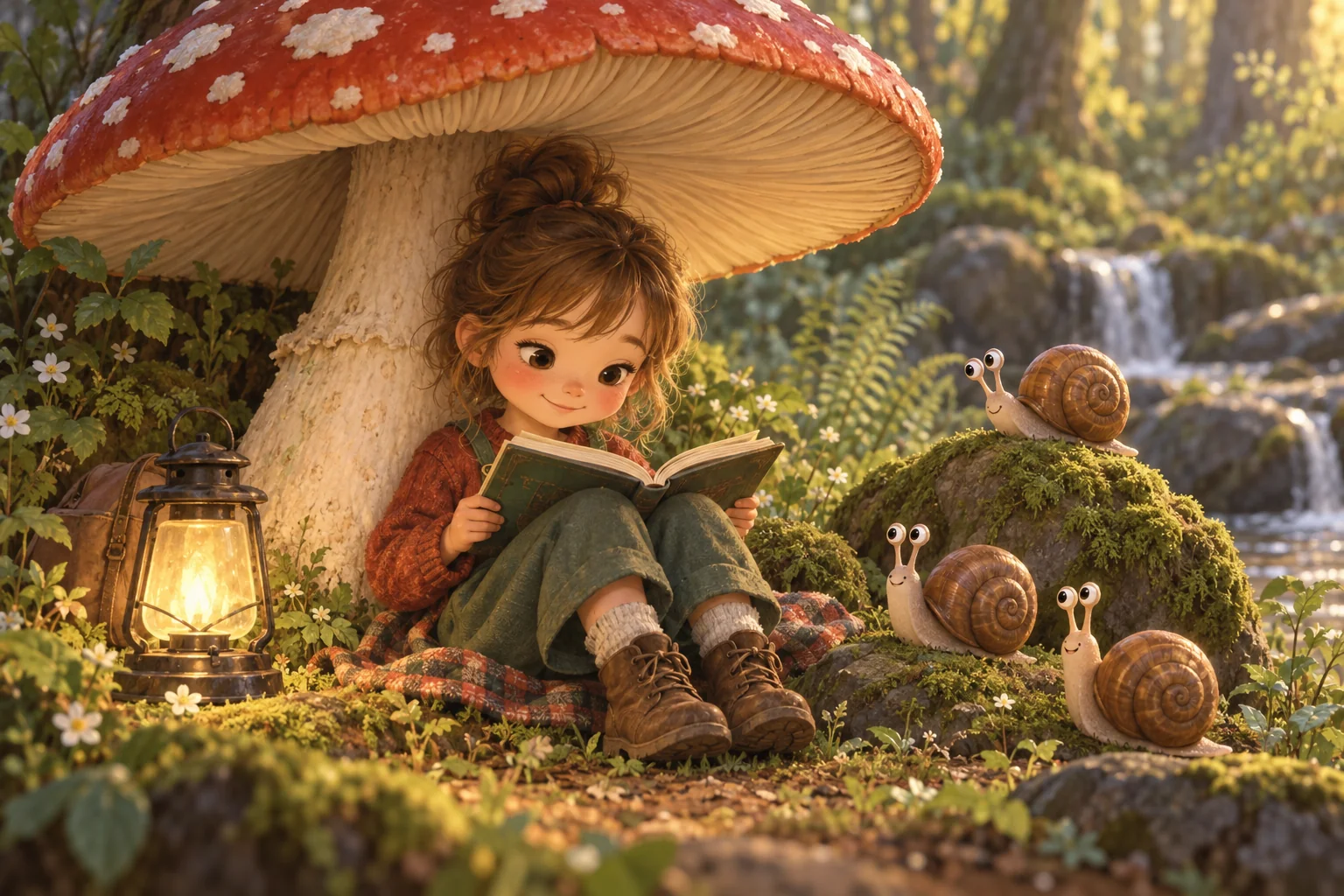 AI Illustration GeneratorEditorial, picture-book, flat vector or risograph — finished illustrations2 cr
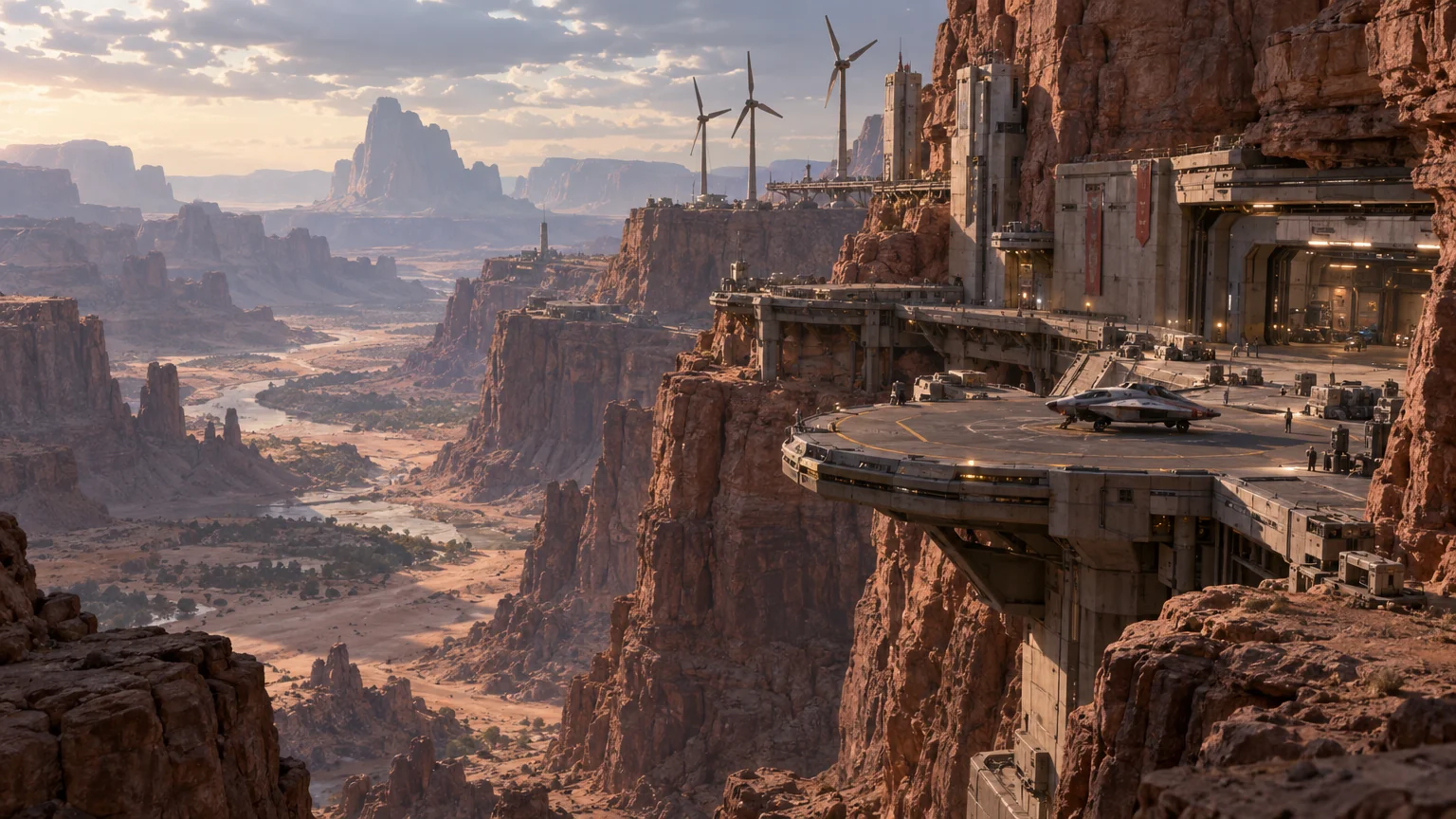 Concept Art GeneratorConcept art for characters, environments, creatures, vehicles and props2 cr
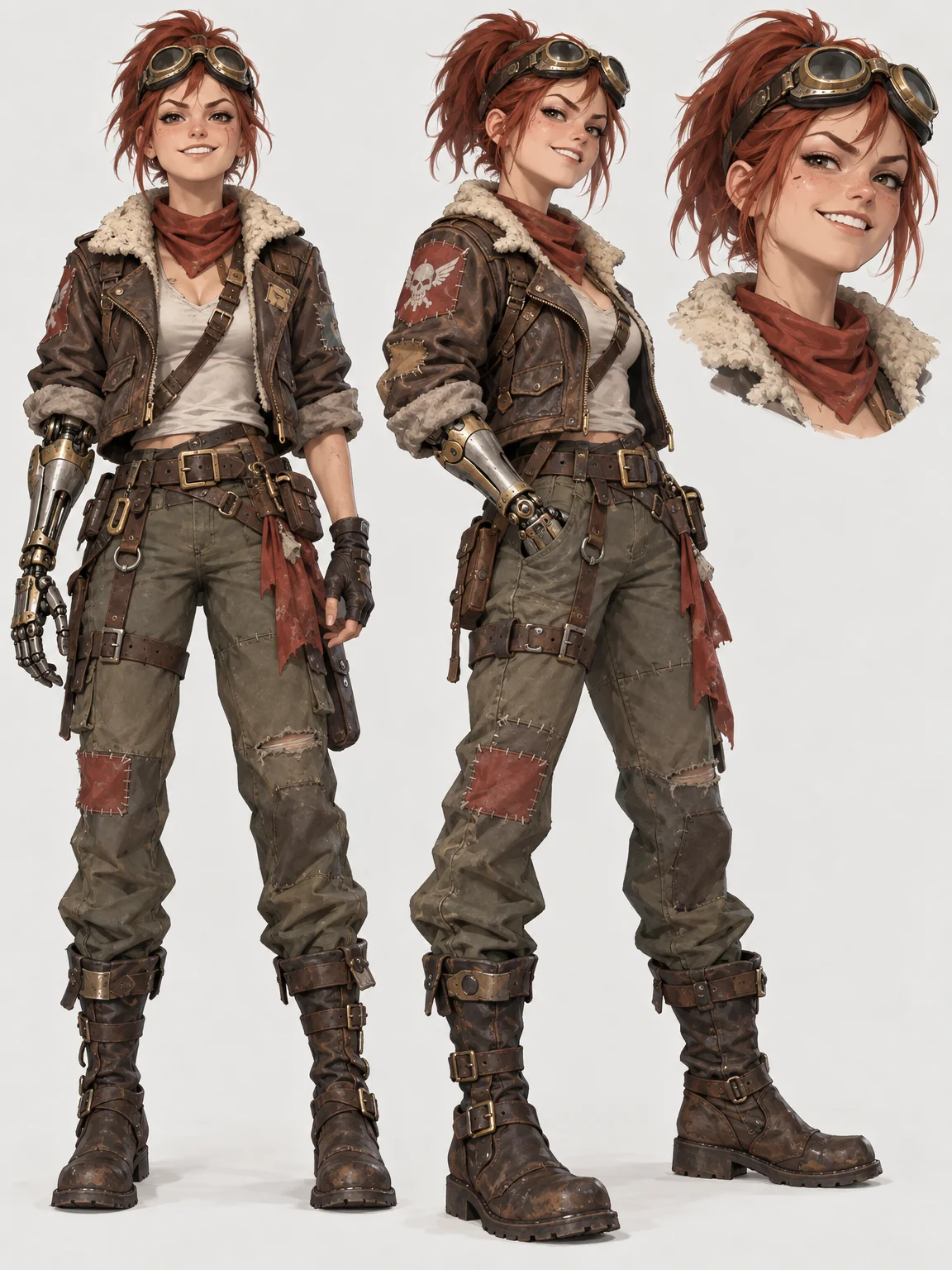 AI Character DesignerCharacter sheets with front and three-quarter views plus an expression close-up2 cr
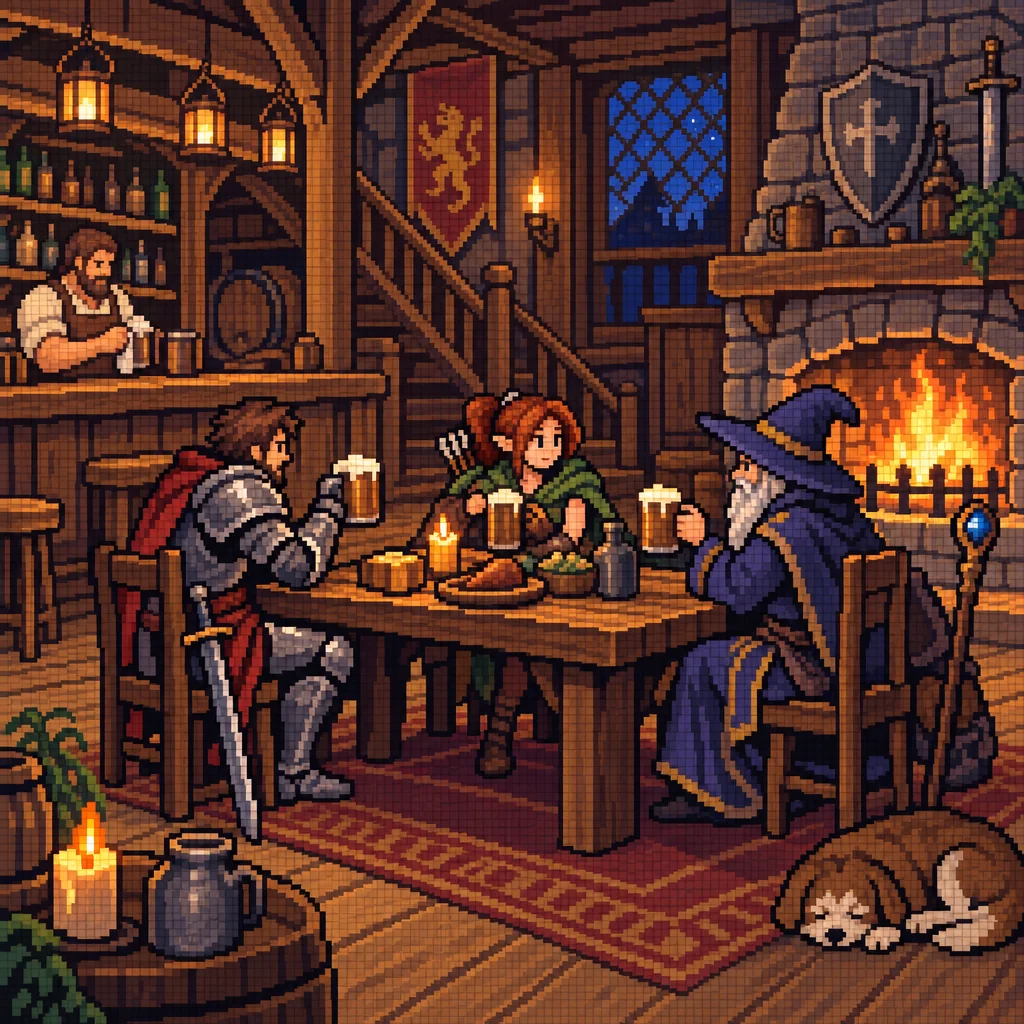 Pixel Art GeneratorCrisp 8-, 16- or 32-bit pixel art on a real grid — no blur, no anti-aliasing2 cr
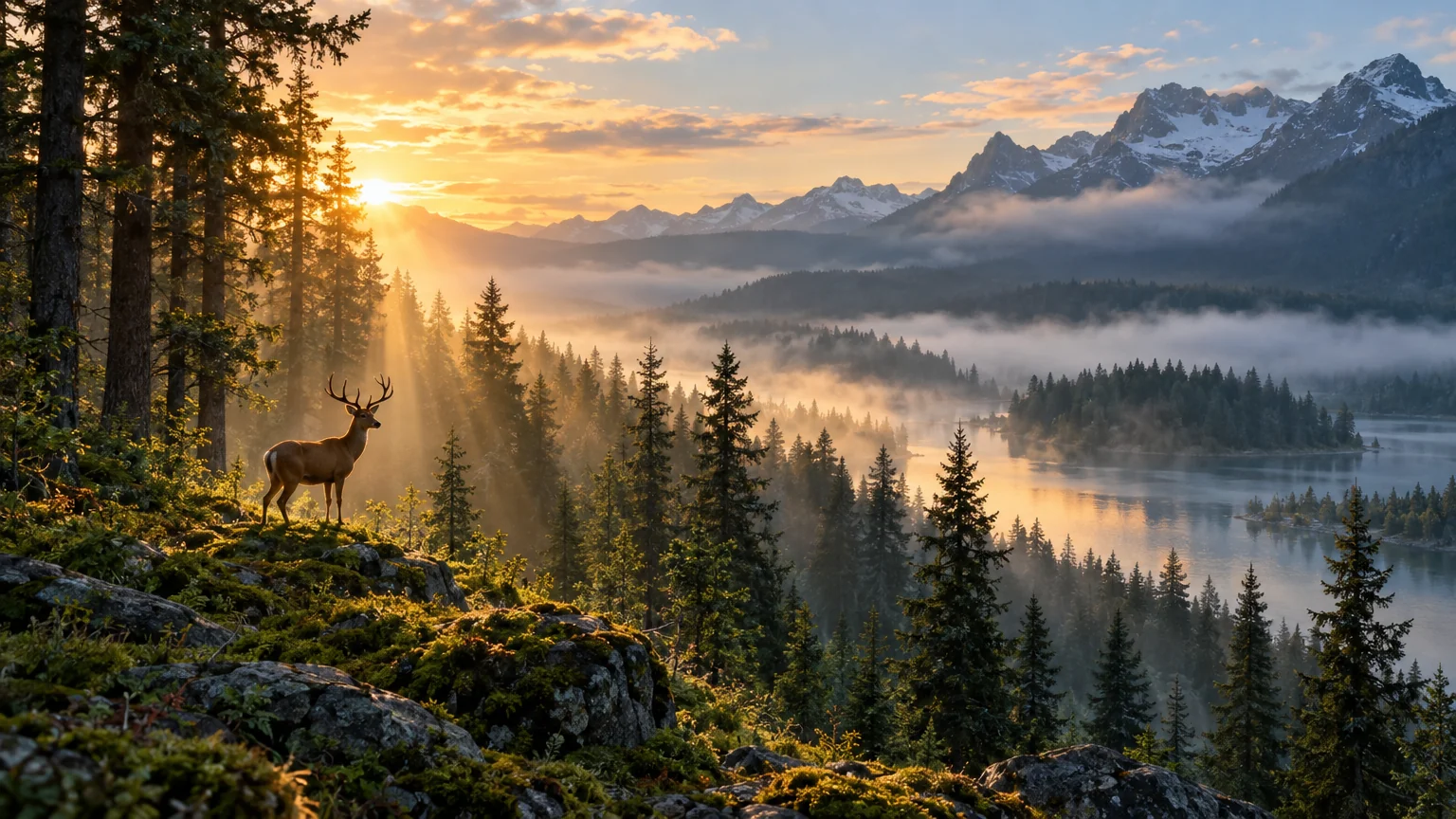 Wallpaper GeneratorWallpapers composed for the screen they will live on — phone to ultrawide2 cr
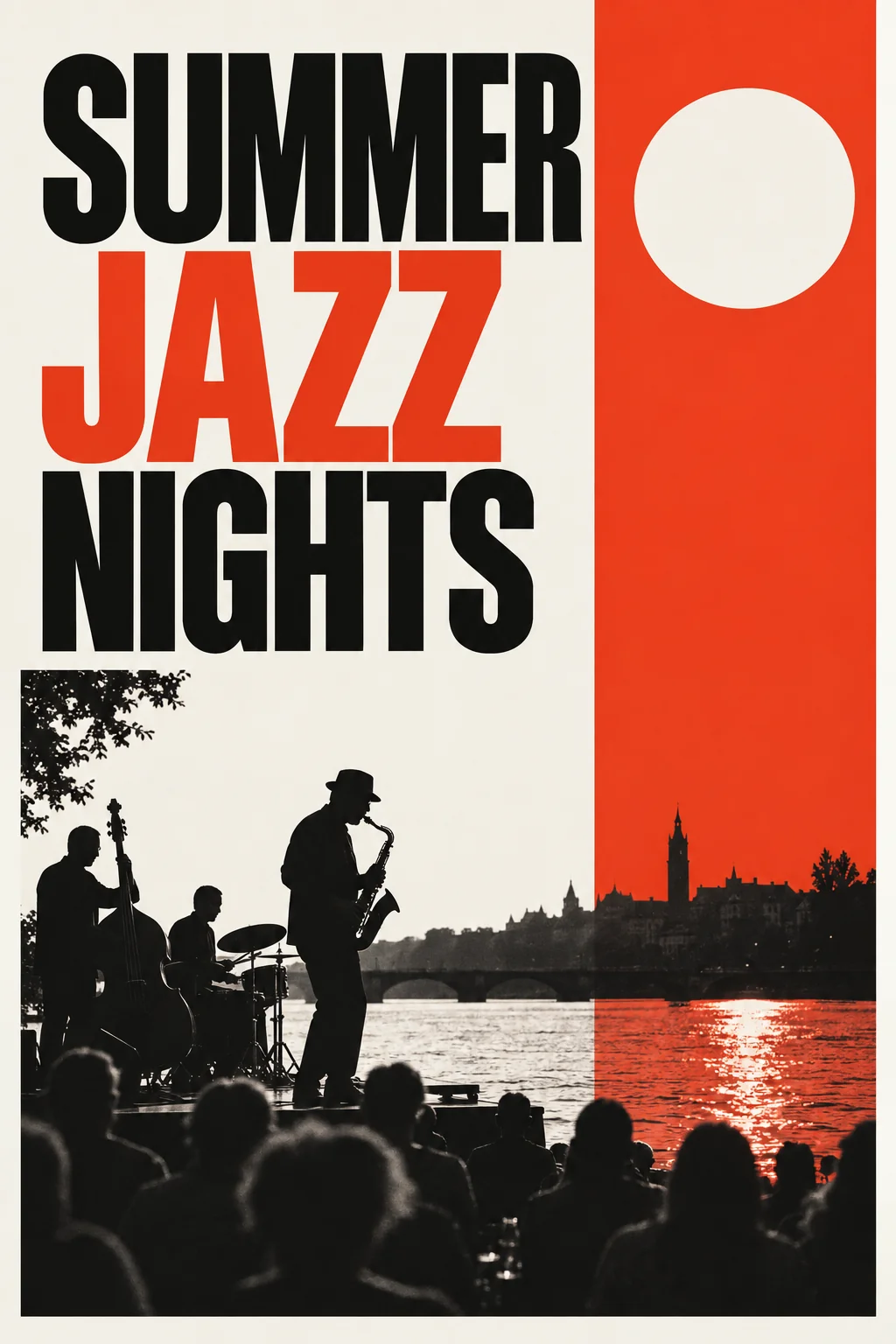 AI Poster MakerHeadline plus theme becomes a print-ready poster in eight graphic styles2 cr
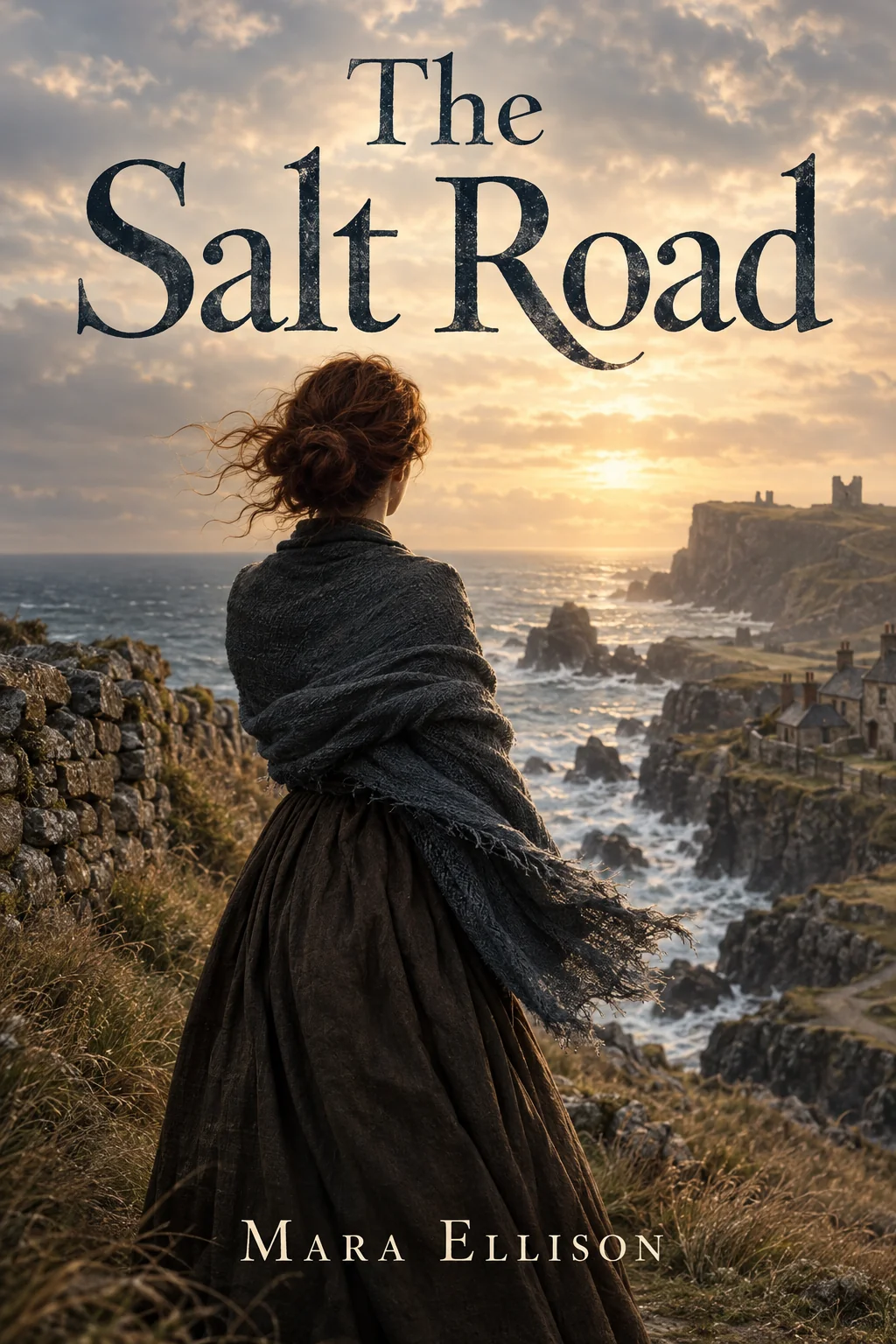 Book Cover GeneratorFront covers with the title and author name set — genre-aware, print-ready 2:32 cr
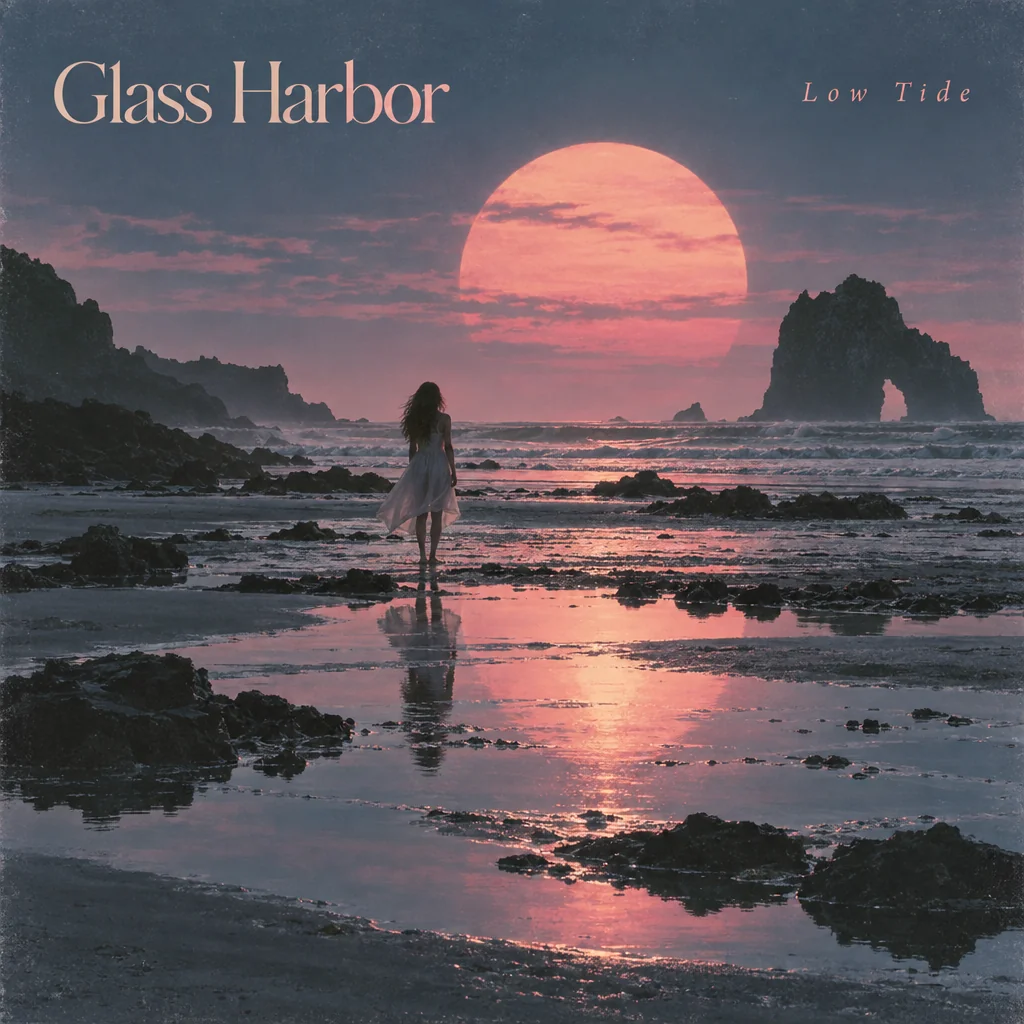 Album Cover GeneratorSquare album art with artist and title set — composed to read as a thumbnail2 cr
Who uses this mode
Good to know
- How much do I have to write?
- One clear sentence is enough. Say what is in the frame, where it is and what the light is like; add a style from the select if you want a particular medium. Long lists of adjectives help less than one specific detail.
- Which shapes can the image come out in?
- Nine, from square to 21:9 ultrawide, chosen per tool. Wallpapers pick the shape from the device you name; posters and covers come out at print proportions.
- What does a text-only image cost?
- 2 credits at Standard, 10 at Pro and 42 at Max. A new account has 4 free credits, so the first two Standard images cost nothing.
The other modes