
Fix the one thing that is wrong with an otherwise good picture.
Most photos are one problem away from being keepers. Someone blinked. The glasses caught the window. There is a bin in the corner, a stranger in the background, a smudge of text that says the wrong thing. The retouch tools solve one problem each, leave the rest of the picture untouched, and take a few seconds to run.
They also cover the changes people ask for most: a cleaner complexion, a brighter smile, a different hairstyle or expression, makeup for a night out, a version of yourself ten years on. Cropping tools reframe an image to a new shape or extend the edges outward so a tight phone photo becomes a wide banner, and the upscaler and background remover round the mode out.


Three results from retouch & fix tools.
Every retouch & fix tool
Each one opens the Studio with this mode selected.
 Face CleanupClear temporary blemishes and even out skin while your freckles stay put4 cr
 Photo PolishPolish any photo: clean spots, balanced light and true colors, framing kept4 cr
 New HairstylePreview a new haircut or color on your own photo before the salon4 cr
 Expression SwapSwap a flat expression for a gentle smile, a laugh or a confident look4 cr
 Smile FixerWhiten and straighten teeth in a picture without changing the smile itself4 cr
 Add MakeupTry any makeup look on your own photo, from no-makeup natural to full glam4 cr
 Eye OpenerOpen closed or half-shut eyes so the blink no longer ruins the picture4 cr
 Glasses Glare FixRemove glare and reflections from glasses while the frames stay on4 cr
 Body Shape EditorDescribe a change to posture or proportions and the clothing follows4 cr
 See Yourself OlderSee a picture of yourself 5 to 50 years from now, same pose and clothes4 cr
 See Yourself YoungerTurn a portrait back 5 to 30 years while keeping the pose, outfit and scene4 cr
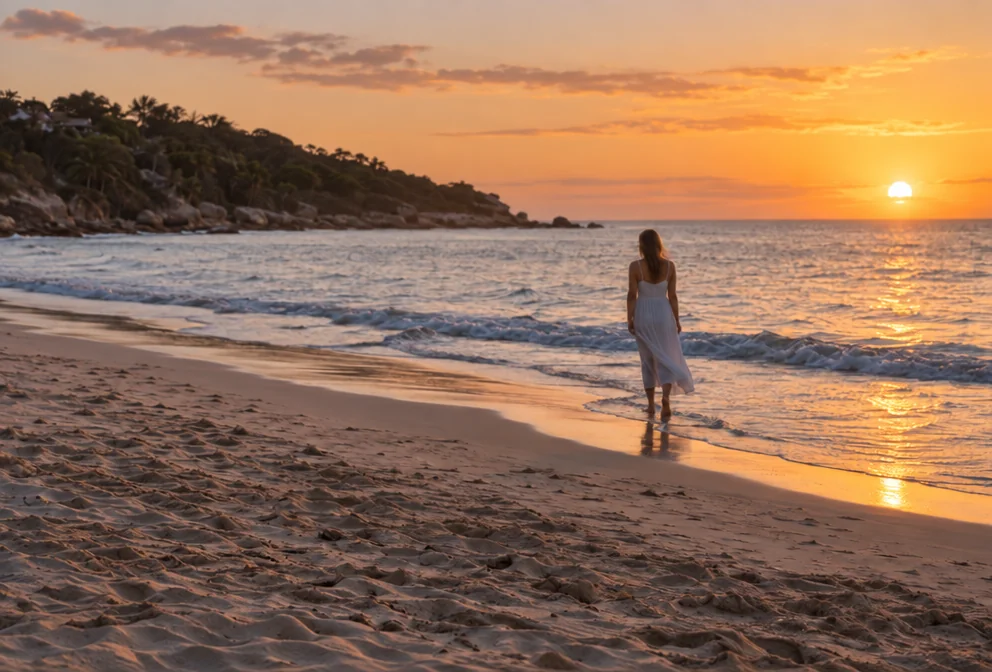 Object RemoverDescribe what to remove and the background fills in behind it4 cr
 Person EraserErase a stranger, an ex or a photobomber and fill the gap with matching scene4 cr
 Add Someone to a PhotoPut the person who missed the picture back into the group photo4 cr
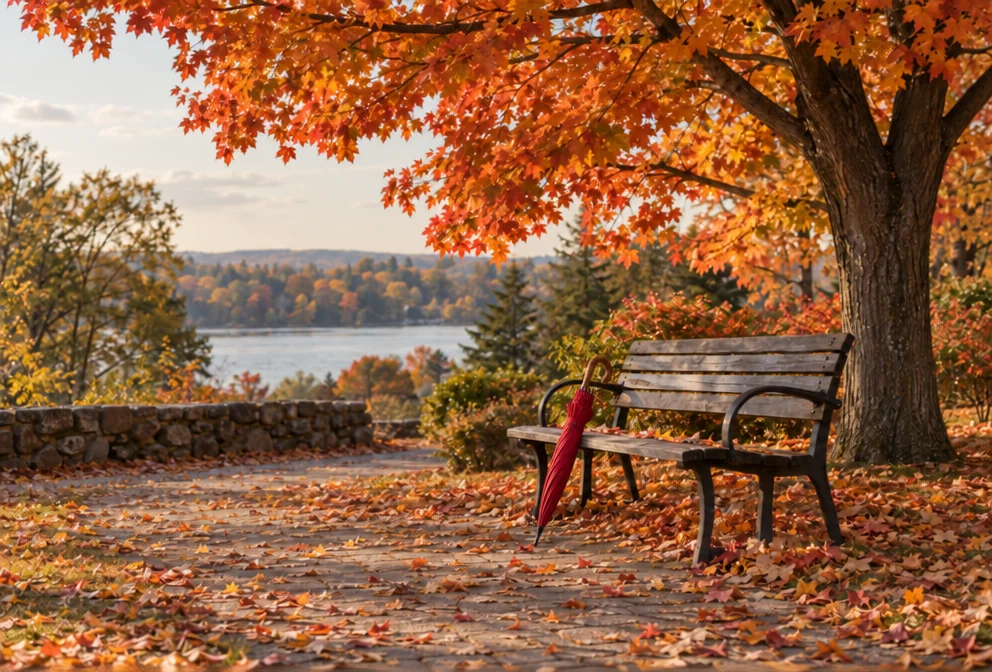 Add Object to ImageAdd anything to a photo with matching light, shadow, scale and perspective4 cr
 Image Text EditorReplace text inside an image and keep the original font, color and perspective4 cr
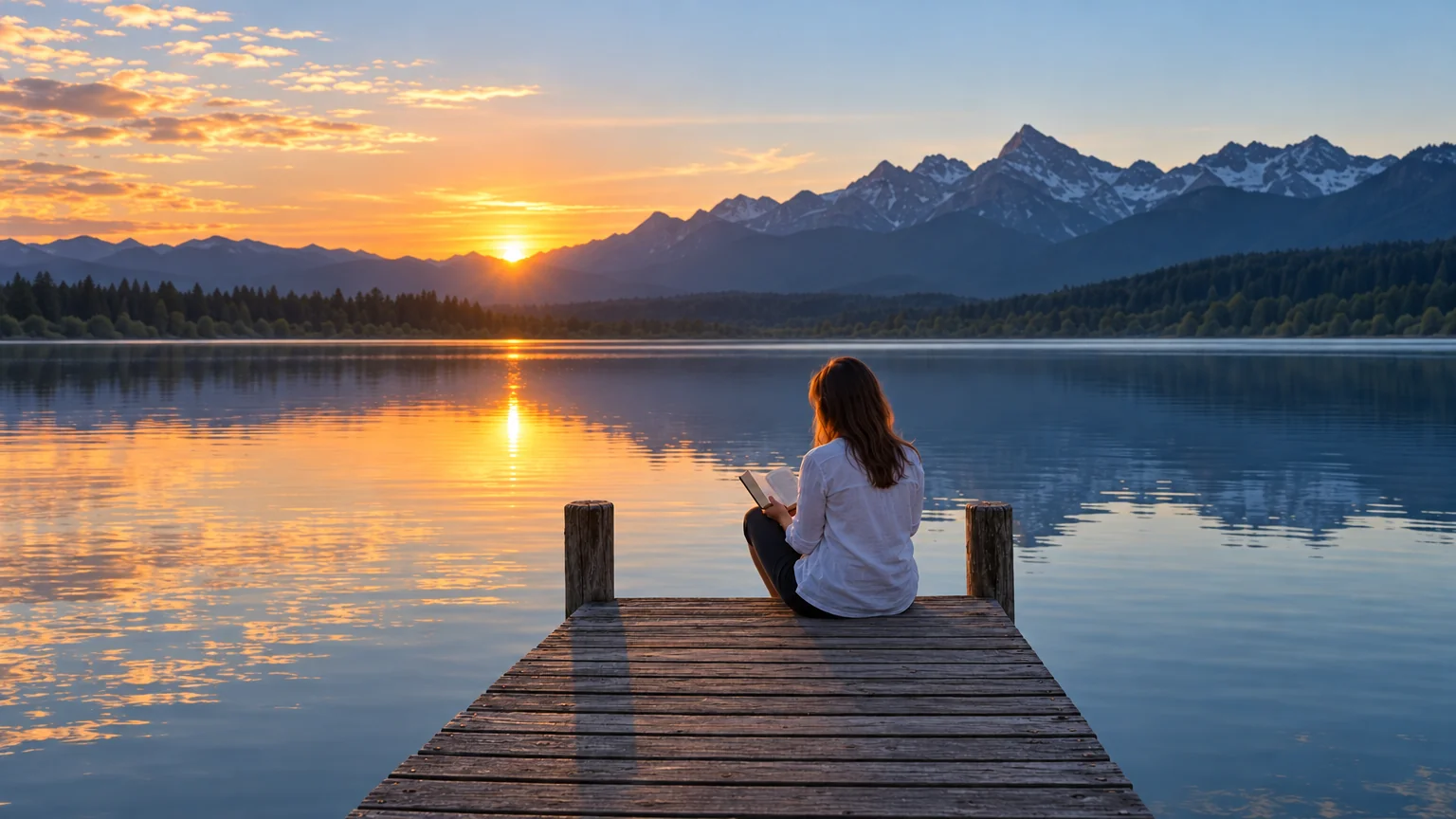 Reframe & ExpandExtend a picture to any aspect ratio — the scene continues past its edges4 cr
 Canvas ExtenderExtend a photo beyond its edges to fit a banner, story or square4 cr
- Image UpscalerEnlarge any image to 4, 8, 16 or 32 megapixels with detail added, not smeared3 cr
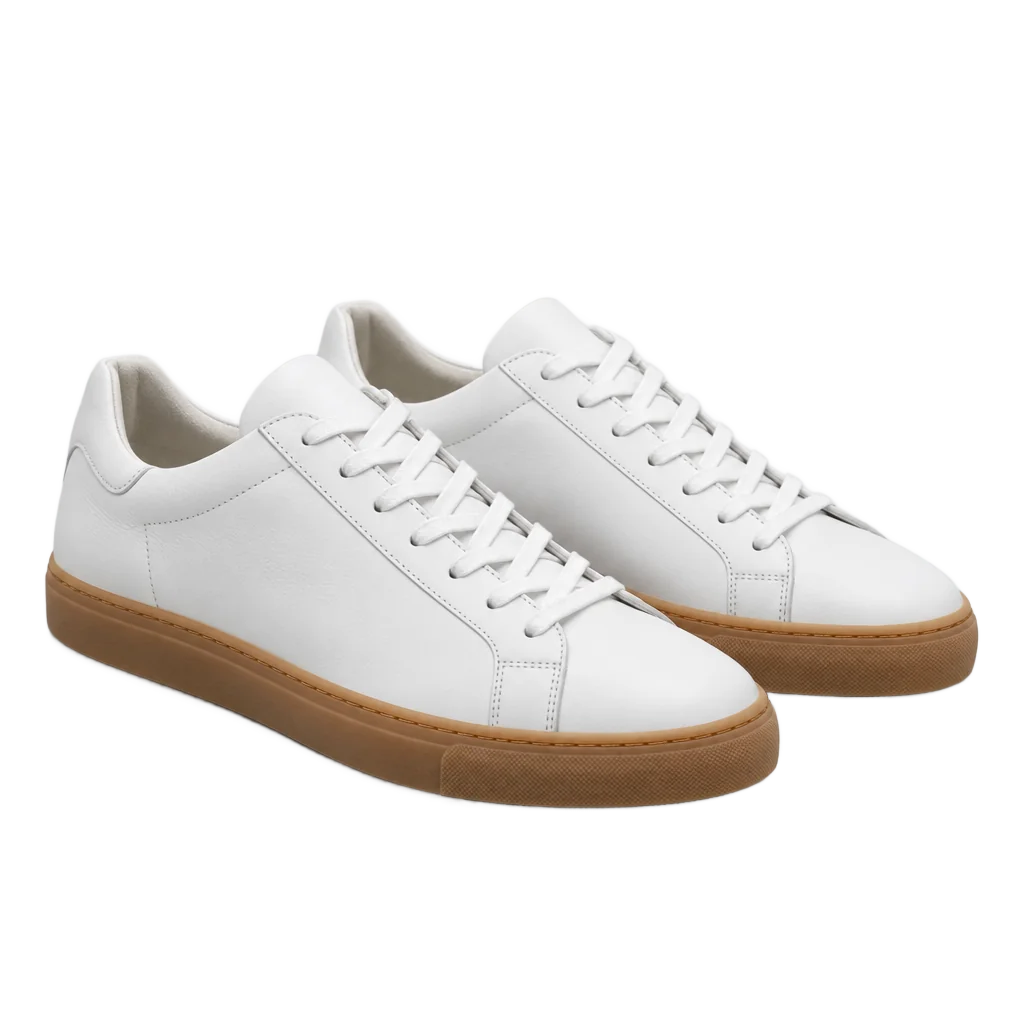 Background RemoverCut out the subject in one click — transparent PNG from 1 credit1 cr
Who uses this mode
Good to know
- Does a retouch change the rest of the photo?
- No. Each tool is written to alter only what you named — the skin, the eyes, the object you pointed at — and to leave framing, color and everything else as they were.
- Can I combine several fixes?
- Yes. Run one tool, then send the result into the next from the toolbar above the canvas. Each step is saved separately, so you can go back to any version.
- Which fixes are cheapest?
- Background removal is 1 credit at Standard (4 at Pro for hair and fur). Upscaling starts at 3 credits. Every other fix is priced like a one-photo edit: 4, 12 or 44 credits.
The other modes