
AI Illustration Generator
Editorial, picture-book, flat vector or risograph — finished illustrations
4 free credits on sign-up — your first Standard image with any tool, no card required.
- 01Describe the scene like a caption — who, what, where, mood
- 02Choose an illustration style and the aspect ratio of the layout
- 03Render, then vary, reframe or edit it without leaving the canvas
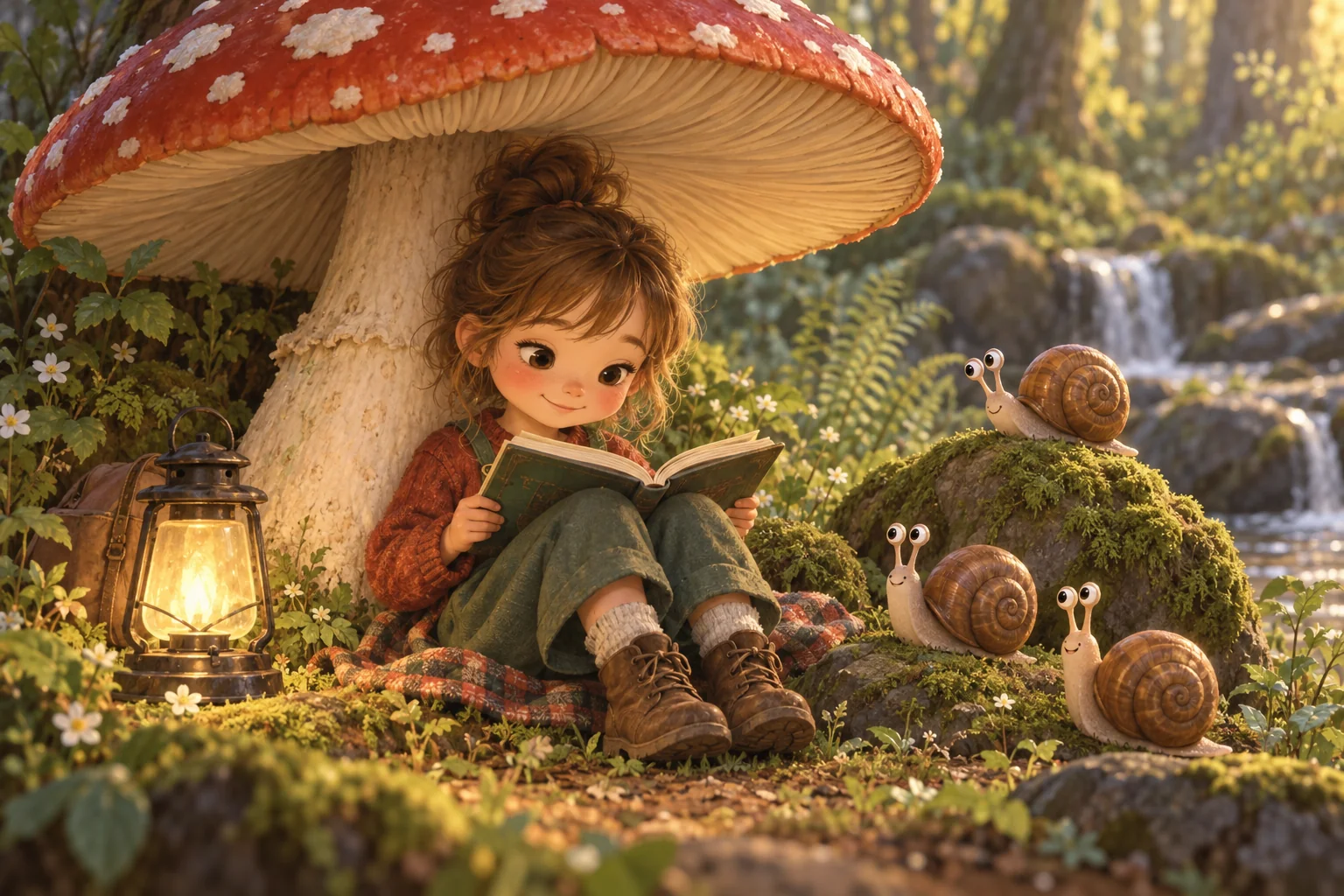
Made by this tool from the fields listed below.
The AI Illustration Generator is for images that are meant to be drawn rather than photographed: the spot illustration beside an article, the picture-book spread, the onboarding screen, the poster for a school play. Describe the scene, choose a style, set the aspect ratio for the layout it is going into, and render a finished piece with a clear focal point, one light source and a cohesive palette. It is used for blog headers, product onboarding, book interiors, school and church materials, greeting cards and any social post that should look designed rather than photographed.
The eight illustration styles each have a home. Editorial gives conceptual, textured shapes with a sophisticated palette and a visual metaphor, the way magazine art directors like it. Children's book brings warm characters and soft brushwork. Flat vector is clean geometry with solid fills for product and tech. Isometric arranges tidy miniatures on a 30-degree grid. Ink is dip-pen line and crosshatching, watercolor is translucent washes, risograph overprints two or three grainy spot colors, and mid-century channels 1950s stylised figures in mustard, teal and coral. Pick the style by destination rather than taste: a tech company's changelog wants flat vector, a children's charity wants picture-book warmth, a culture magazine wants editorial wit, and a coffee brand might want risograph grain.
Write the scene like a caption — who is doing what, where, with what feeling — rather than a list of adjectives. The generator handles composition and texture. Because you can set the aspect ratio here, a header illustration at 3:1 and a square social version can come from the same prompt. Send results to Image Variations for alternatives, to Reframe to extend a scene, or to Edit With Words to change a character's coat from red to yellow. The examples under this description open the canvas with a scene already written, which is the quickest way to see how the eight styles differ on the same subject.
What you set
- Describe the illustratione.g. a girl reading under a giant mushroom
- Illustration styleEditorialChildren's bookFlat vectorIsometricInkWatercolorRisographMid-century
- Aspect ratioSquare (1:1)Landscape (3:2)Portrait (2:3)Widescreen (16:9)Vertical (9:16)Standard (4:3)Tall (3:4)Social portrait (4:5)Ultrawide (21:9)
After it's made
- Change details with a sentence, or hand it to any other tool
- Standard, Pro and Max quality on every make
- Enlarge to 32 megapixels or turn it into a short clip
- Every image saved to your library, downloadable full size
About this tool
- What makes this different from the AI Image Generator?
- The prompt is wrapped in illustration-specific direction — a clear focal point, one light source, a cohesive palette, no text — and the style list is built from illustration traditions rather than fine-art or photographic looks.
- Can I keep the same character across several illustrations?
- Consistency improves when you describe the character the same way every time (hair, outfit, one prop) and keep the style fixed. For a front and three-quarter view sheet, use the AI Character Designer first, then reuse that description here.
- Which style suits a website or app?
- Flat vector and isometric are the workhorses for product marketing; editorial works for blog headers and thought-leadership pieces; risograph and mid-century give a brand a distinctive, slightly retro voice.
- Can it produce a series for a children's book?
- Yes — pick children's book style, keep the character description identical across prompts and change only the scene. Render at 3:2 or 2:3 to match your page size and upscale the finals for print.
- Can I try AI Illustration Generator before paying?
- Yes. A new account starts with 4 free credits, which covers your first Standard image with AI Illustration Generator — no card required. After that, credits come from a monthly plan or a one-time pack.
Often used next
AI Image Generator
One prompt, forty styles, nine aspect ratios — the canvas starts here
AI Character Designer
Character sheets with front and three-quarter views plus an expression close-up
Concept Art Generator
Concept art for characters, environments, creatures, vehicles and props
Sketch to Image
Rough sketch in, finished painting, render or illustration out — 8 finishes
Made for