
Anime AI image generator
Anime brings the look of a modern animated series: clean ink, flat cel shadows, expressive eyes and a background painted with soft atmospheric light. It handles people, cities and skies with equal confidence.
Inside the Studio, Anime is a single pick in the style select of the AI Image Generator, so any prompt can wear it — expect clear saturated color with glossy highlights, confident clean lines and crisp shadow shapes, and a mood that reads expressive and cinematic. Describe hair color, outfit and the time of day — those three drive most of the look. The 10 idea pages below apply Anime to portraits, landscapes, cityscapes, animals and more.
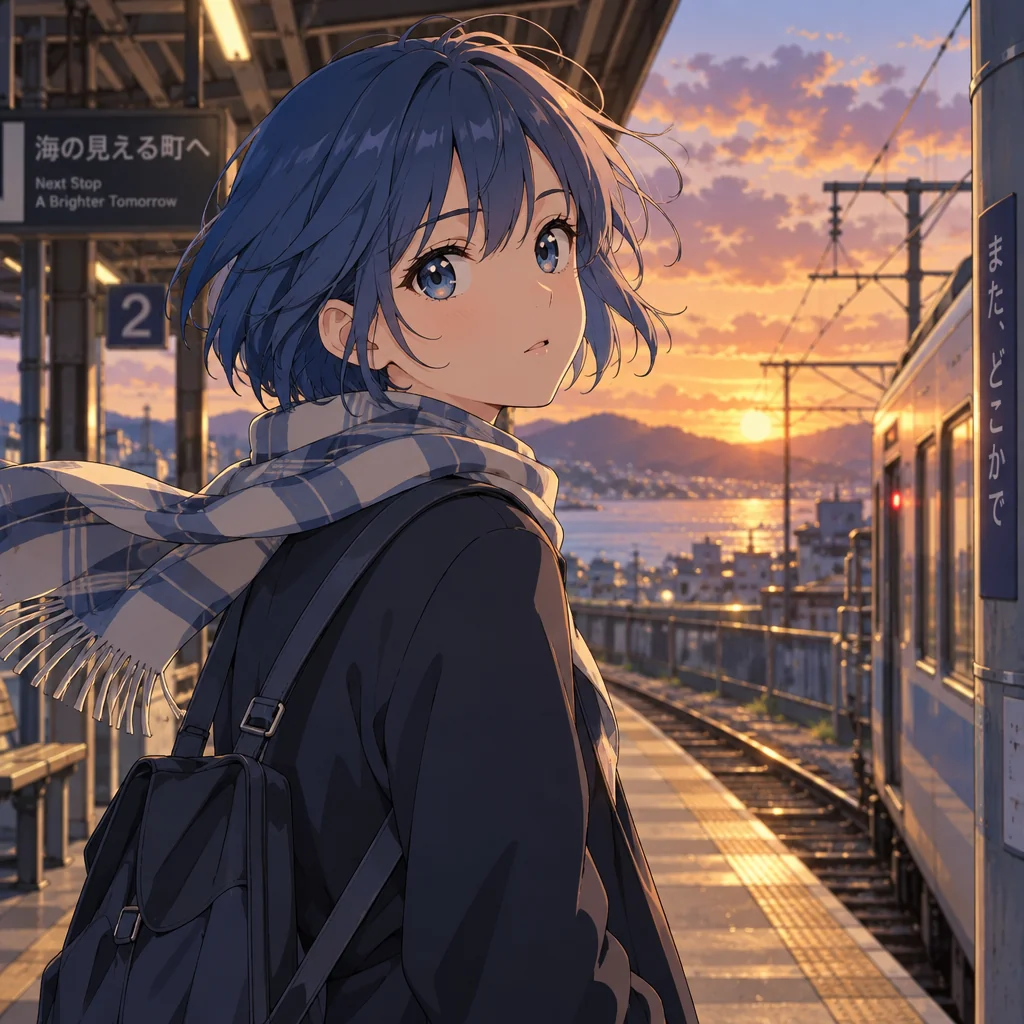
Made with the preset on this page.
Where it shines
- Medium: cel-shaded line art over painted backgrounds
- Palette: clear saturated color with glossy highlights
- Edges and lines: confident clean lines and crisp shadow shapes
- Reach for it when you need character art, streaming overlays or fan projects
The recipe
- 01
Render with Anime selected
The canvas opens with the style preset and a starter prompt ("a girl with short blue hair on a train platform at sunset, wind lifting her scarf") you can replace with your own subject.
AI Image Generator - 02
Spin off variations
Get siblings of the best render — same Anime treatment, different composition — before committing.
Image Variations - 03
Upscale the keeper
Take the final Anime image to 8, 16 or 32 megapixels for print or a wallpaper.
Image Upscaler
Questions
- How is Anime different from a neutral render?
- A neutral render follows only your prompt, whereas Anime layers cel-shaded line art over painted backgrounds on top — confident clean lines and crisp shadow shapes, clear saturated color with glossy highlights — and shifts the mood to expressive and cinematic.
- Can I apply Anime to a photo I already have?
- The style select belongs to text-to-image, so for an existing photo use Style Transfer or Photo to Art, which offer looks related to Anime, or describe the photo's content as a new prompt with Anime selected.
- What is Anime best used for?
- Character art, streaming overlays and fan projects are the common cases — anywhere a picture should feel expressive and cinematic.
Keep exploring