
The assets a brand needs and the art a picture can become.
Half of this mode makes things from a few fields: a logo from a brand name and an industry, an icon from a subject and a style, a sticker sheet, a seamless pattern, a tattoo stencil, a coloring page. They download as clean files — transparent PNGs where that matters — ready to drop into a website, a shop listing or a print order.
The other half starts from a picture you have and changes what kind of picture it is: a sketch becomes a painting, a photo borrows the style of another image, a portrait becomes anime, a cartoon or a 3D avatar, a face moves into a different photo, two parents' photos suggest what their baby might look like. Edit with words sits here too, for any change you can describe in a sentence.


Three results from design assets & art tools.
Every design assets & art tool
Each one opens the Studio with this mode selected.
 AI Logo MakerBrand name in, transparent vector-style logo out — eight logo styles2 cr
 AI Icon MakerSingle icons on transparent backgrounds — flat, line, glyph, 3D, duotone, pixel2 cr
 AI Sticker MakerDie-cut stickers with the white border already drawn — print or message-ready2 cr
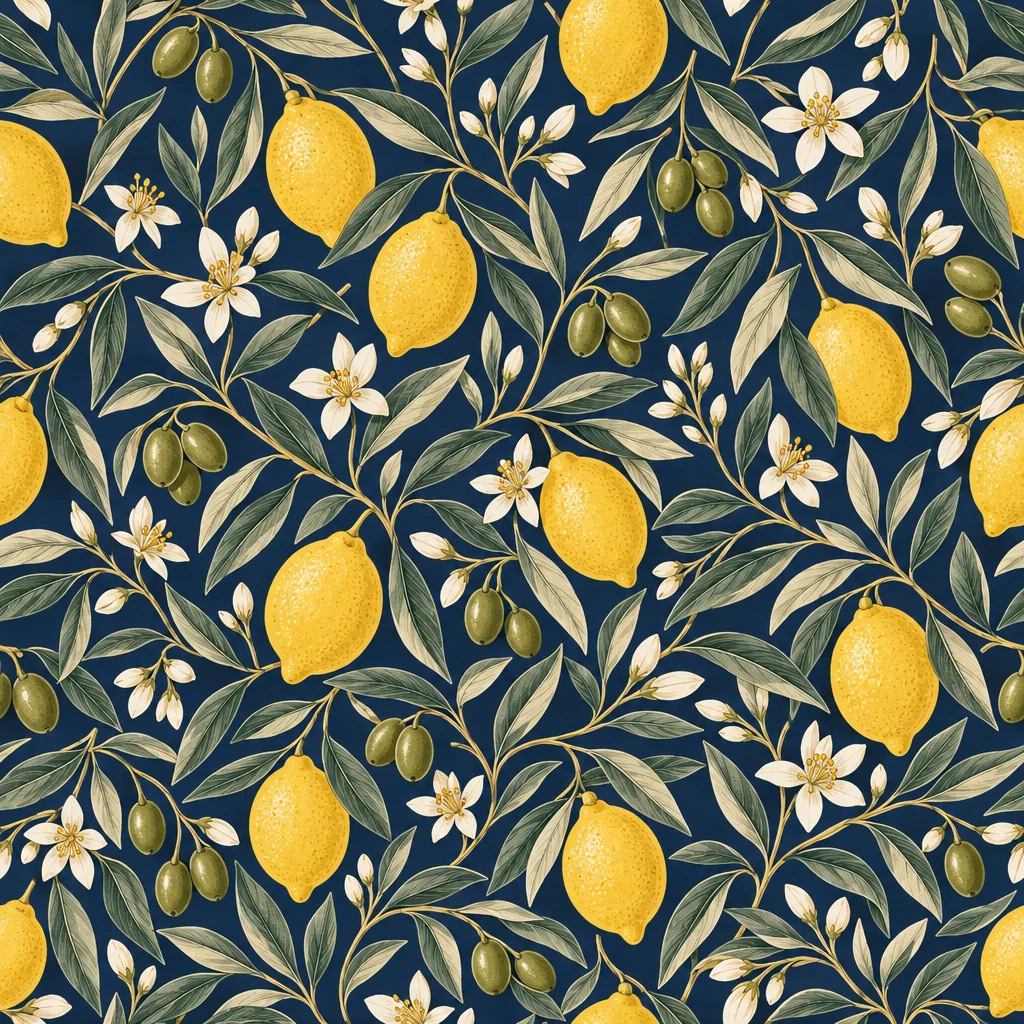 Seamless Pattern MakerSeamless repeating tiles for fabric, wallpaper, packaging and web backgrounds2 cr
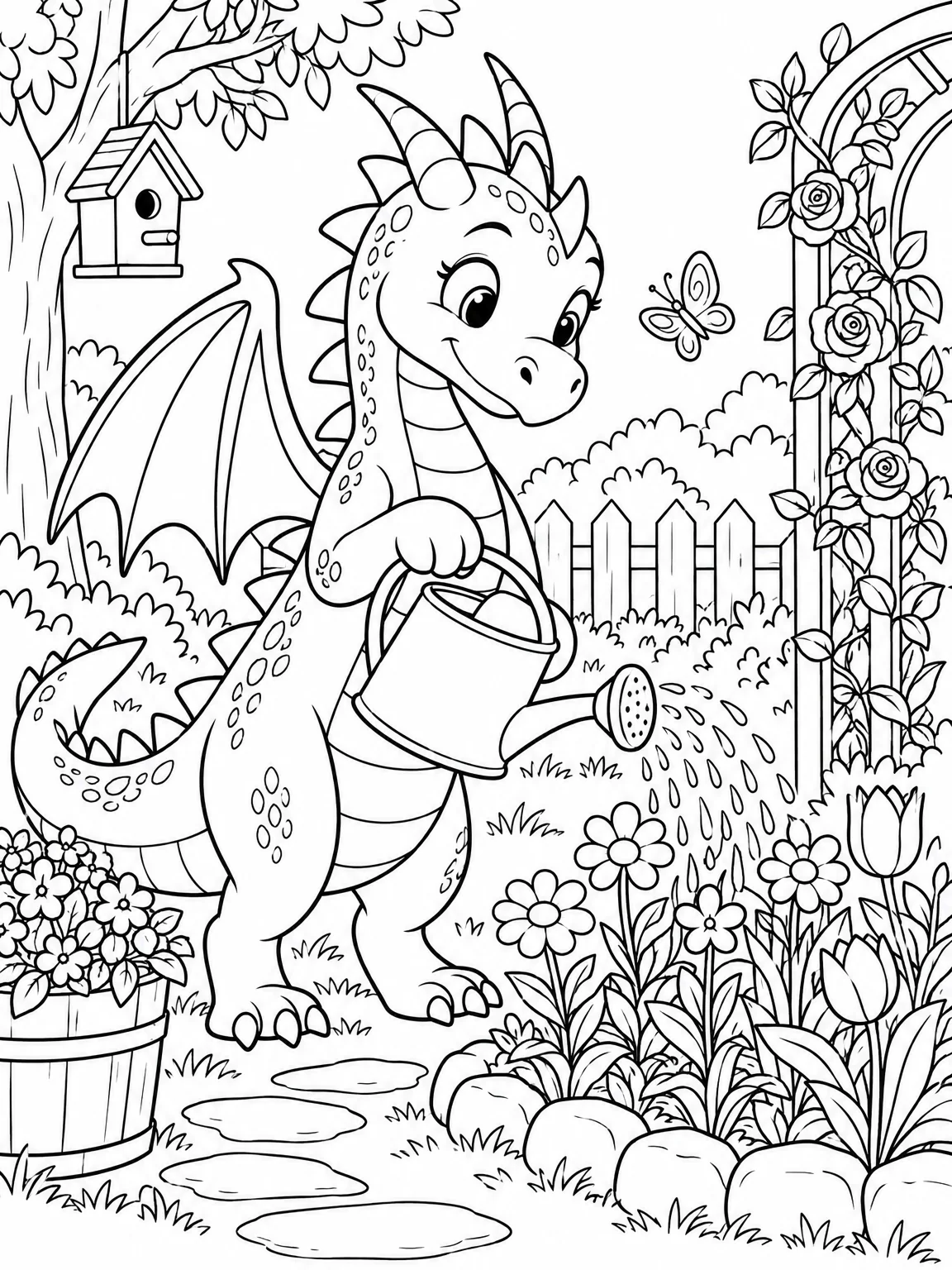 Coloring Page GeneratorPrintable black-line coloring pages at four detail levels, toddler to adult2 cr
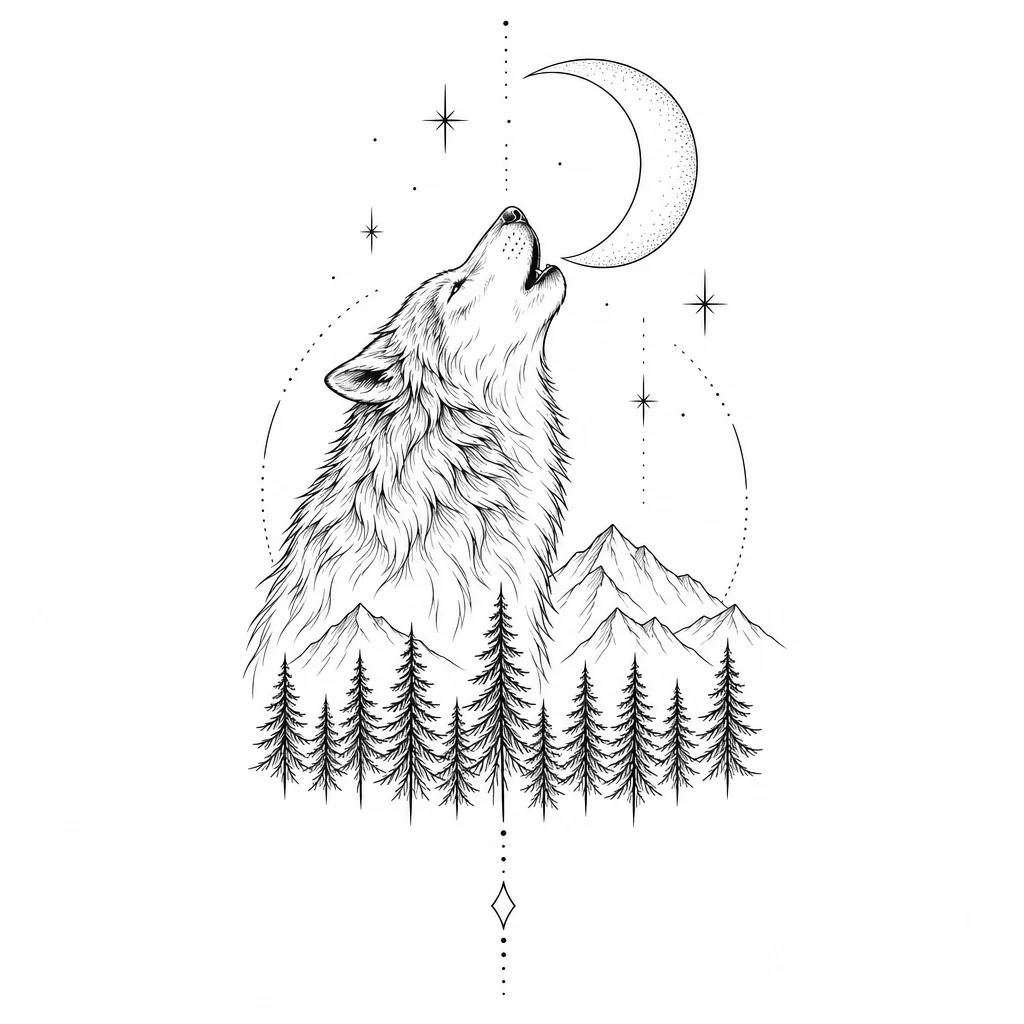 Tattoo Design GeneratorFlat tattoo stencils in fine-line, traditional, blackwork, geometric and more2 cr
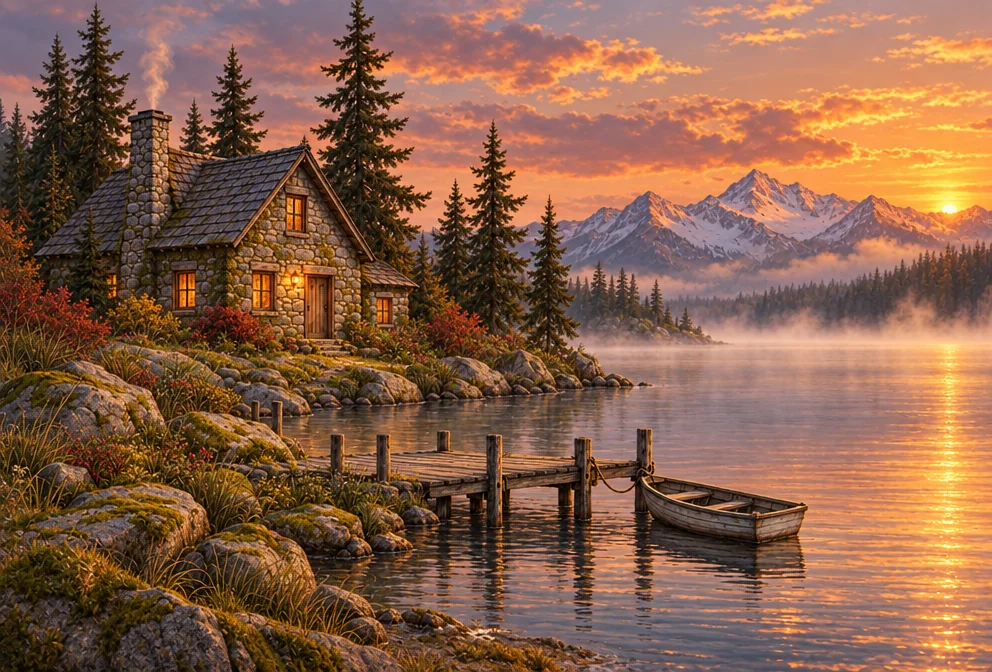 Sketch to ImageRough sketch in, finished painting, render or illustration out — 8 finishes4 cr
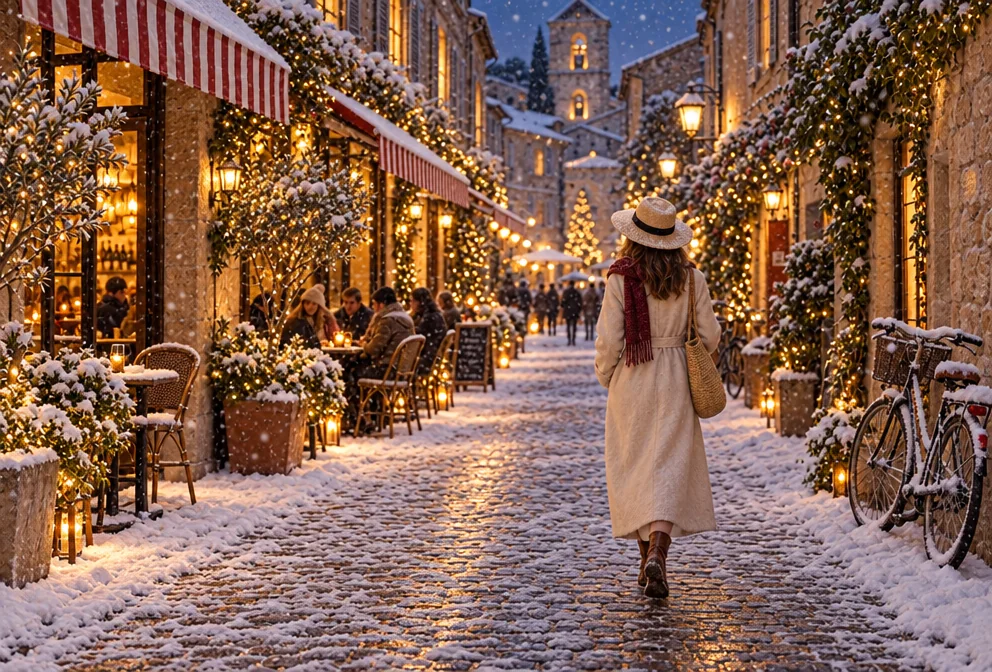 Image to ImageReimagine any image with a sentence while keeping its layout recognizable4 cr
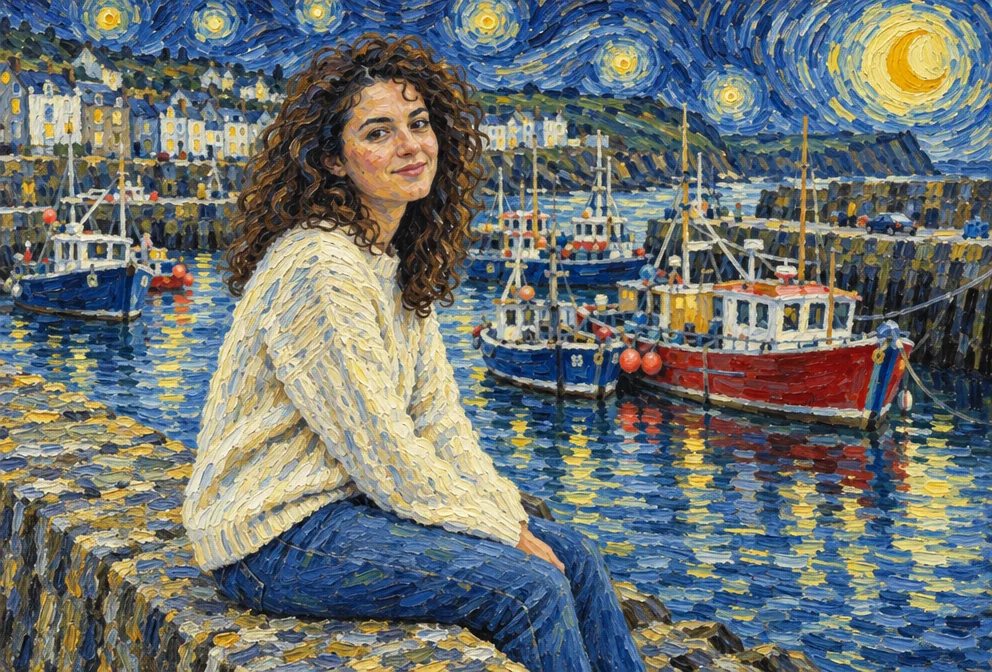 AI Style TransferRepaint any image in Van Gogh, ukiyo-e, cyberpunk or a reference image's style4 cr
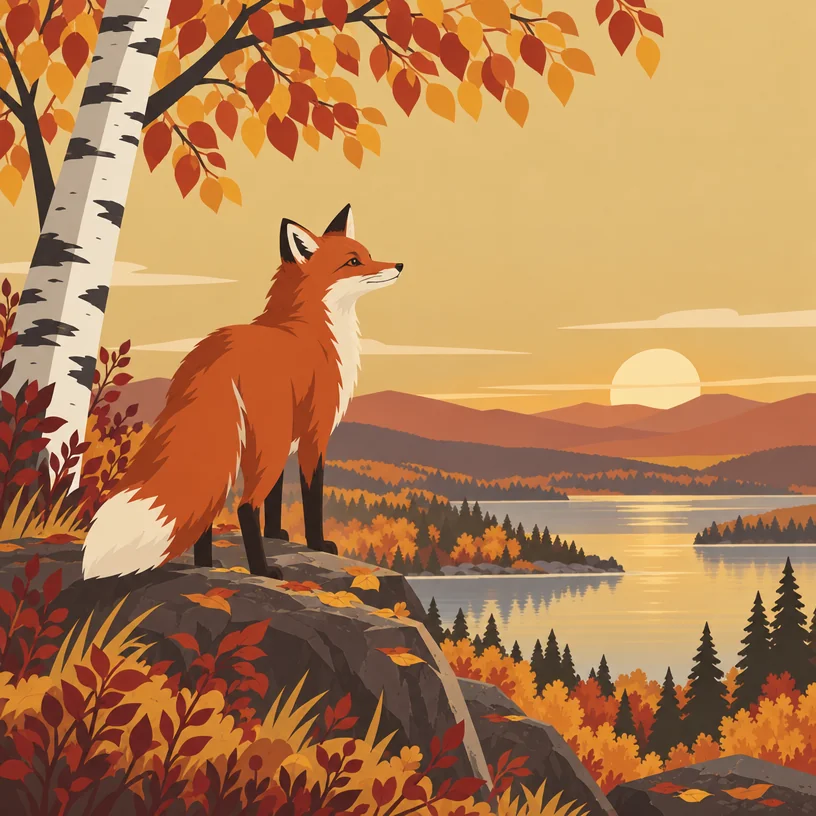 Image VariationsSiblings of any image — same subject and style, new composition, angle or pose4 cr
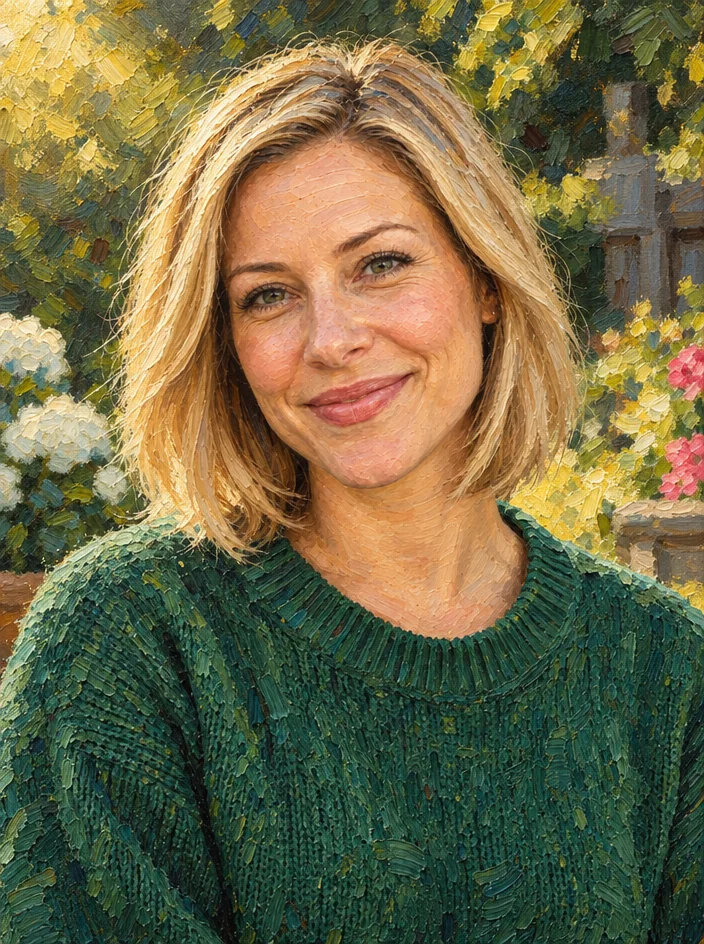 Photo to ArtPhotos into oil, watercolor, anime, pencil or stained glass — likeness kept4 cr
 Photo CartoonizerPhoto to cartoon avatar — classic, 3D animated, comic, retro or caricature4 cr
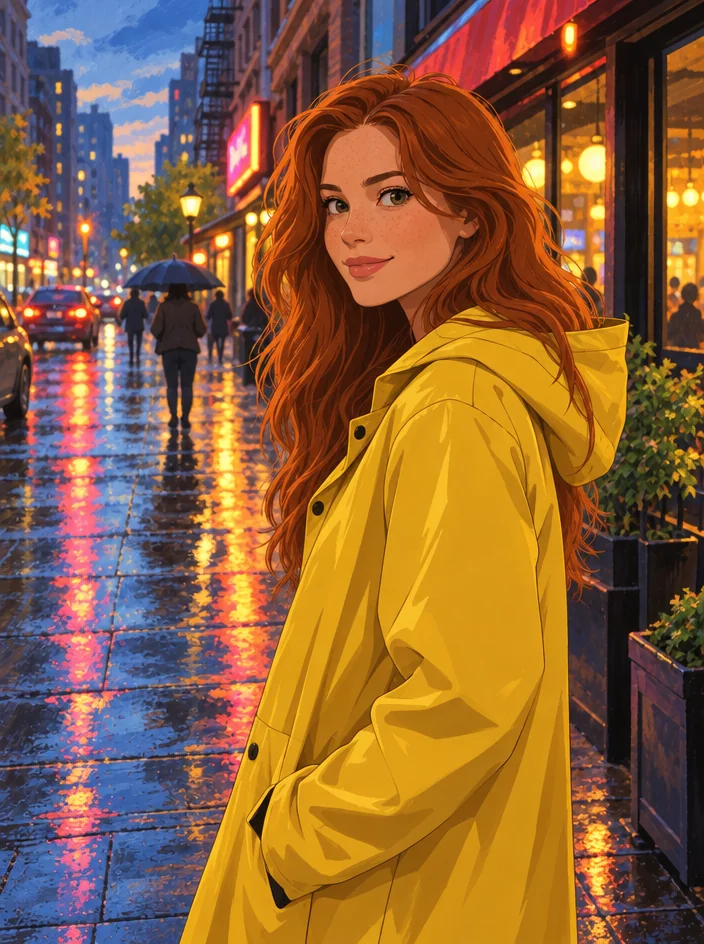 Photo to AnimePhotos into anime — classic, shonen, shojo, film, cyberpunk, chibi or manga4 cr
 Avatar from a SelfieTurn a selfie into a 3D cartoon, anime, pixel or comic avatar, still you4 cr
 Face SwapperSwap one face into another photo with matching light, tone and angle4 cr
 Future Baby PictureSee a playful guess at what your future baby might look like4 cr
 Edit With WordsThe universal edit: say what should change and everything else stays put4 cr
Who uses this mode
Good to know
- Are logos and stickers transparent?
- Yes. Logos, icons, stickers and background removals render on a checkerboard in the studio and download as PNG files with real transparency.
- Can I get several versions of the same asset?
- Make one you like, then run Image Variations on it: each sibling keeps the subject, palette and style and changes the composition. Edit with words handles smaller tweaks — a different color, a new pose.
- What is the difference between Style Transfer and Photo to Art?
- Photo to Art applies one of ten named media — oil, watercolor, charcoal and so on. Style Transfer can borrow the look of any second image you upload, or one of its own presets, and apply it to your picture.
The other modes