
Photographic AI image generator
Photographic mode asks for a picture that looks like it came out of a camera: true materials, believable light, a lens with real depth of field. It is the style to reach for when the render has to sit next to actual photos without looking like an illustration.
Inside the Studio, Photographic is a single pick in the style select of the AI Image Generator, so any prompt can wear it — expect natural, scene-accurate color, real optics with gentle depth of field, and a mood that reads believable and grounded. Name the lens and the light — "35mm, overcast afternoon" — and the render will follow. The 9 idea pages below apply Photographic to portraits, landscapes, cityscapes, animals and more.
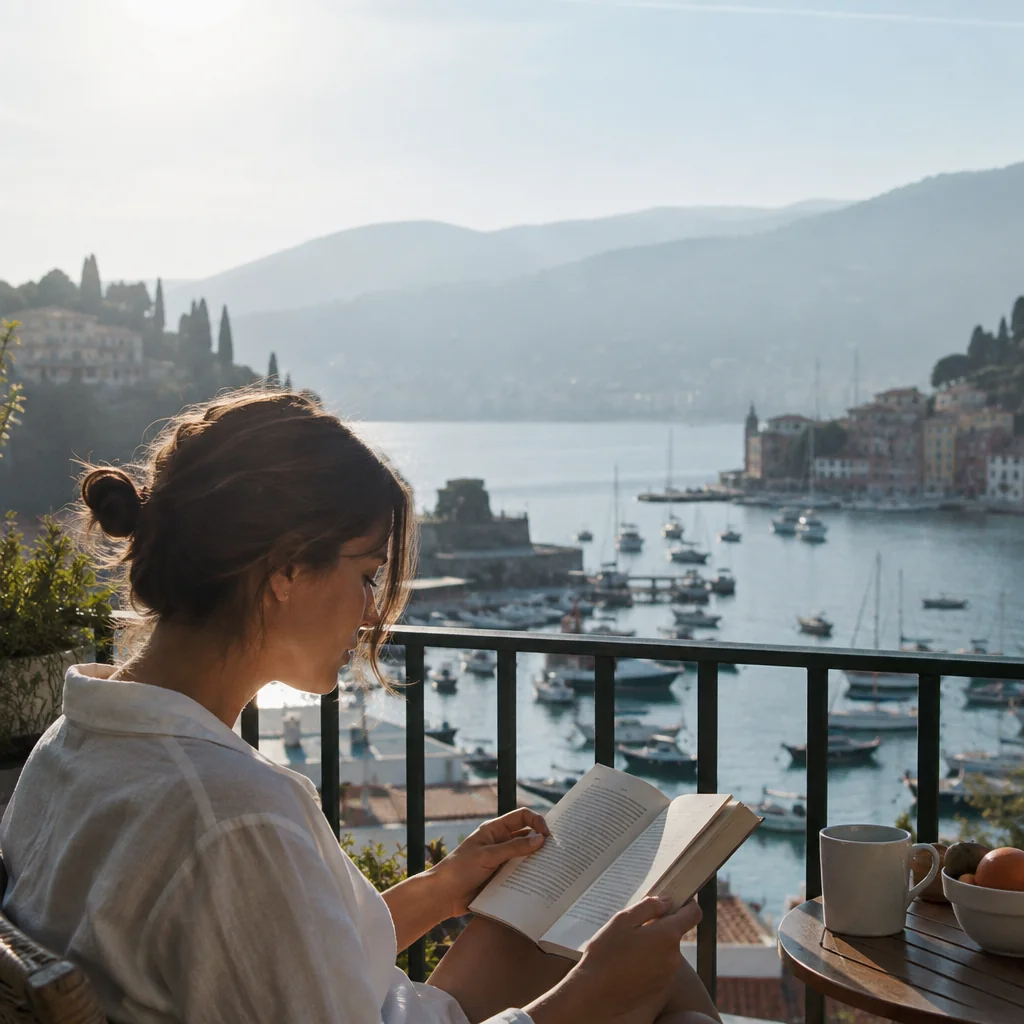
Made with the preset on this page.
Where it shines
- Medium: true-to-life camera rendering
- Palette: natural, scene-accurate color
- Edges and lines: real optics with gentle depth of field
- Reach for it when you need mockup imagery, editorial placeholders or realistic concept visuals
The recipe
- 01
Render with Photographic selected
The canvas opens with the style preset and a starter prompt ("a woman in a linen shirt reading on a sunlit balcony above a harbor, morning haze") you can replace with your own subject.
AI Image Generator - 02
Spin off variations
Get siblings of the best render — same Photographic treatment, different composition — before committing.
Image Variations - 03
Upscale the keeper
Take the final Photographic image to 8, 16 or 32 megapixels for print or a wallpaper.
Image Upscaler
Questions
- How is Photographic different from a neutral render?
- A neutral render follows only your prompt, whereas Photographic layers true-to-life camera rendering on top — real optics with gentle depth of field, natural, scene-accurate color — and shifts the mood to believable and grounded.
- Can I apply Photographic to a photo I already have?
- The style select belongs to text-to-image, so for an existing photo use Style Transfer or Photo to Art, which offer looks related to Photographic, or describe the photo's content as a new prompt with Photographic selected.
- What is Photographic best used for?
- Mockup imagery, editorial placeholders and realistic concept visuals are the common cases — anywhere a picture should feel believable and grounded.
Keep exploring