
Show Art People Can Read At Thumbnail Size
Directories show your podcast as a tiny square next to a hundred other tiny squares. Most show art dies at that size: too many words, a photo nobody can make out, a color that vanishes on a dark screen. You want a cover with a name that reads at a glance, a look you can repeat for every episode tile, and a wide version for the website and the video version of the show.
Put your show name in the artist field, a tagline or season name in the title field and your category in the genre field of the Album Cover Generator, and you get square art with the name set large. Check it at small size, then use Image Text Editor to add an episode number, Reframe & Expand for the 16:9 video thumbnail, and Avatar from a Selfie if you want a host illustration for the cover and the socials.

Made in the Studio with the first tool on the route.
You want
- At thumbnail size my show name is a gray smudge.
- Every episode tile is a different color because I make them one at a time.
- The video version needs 16:9 art and the directories need a square.
- I want a drawn version of me on the cover, not a blurry selfie.
The route
- 1Generate the square show art
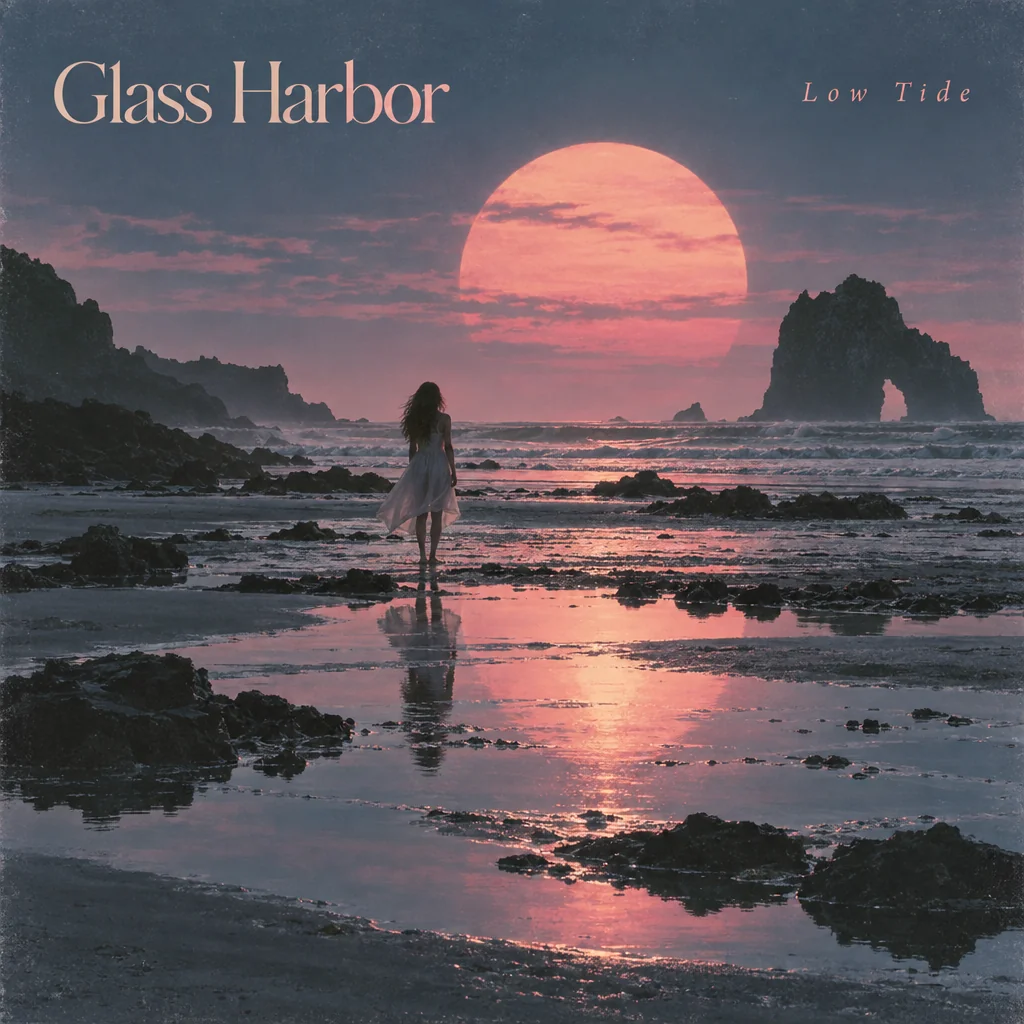
Sets the show name large over art matched to your category, in the square shape every directory uses.
Album Cover Generator - 2Add the episode number
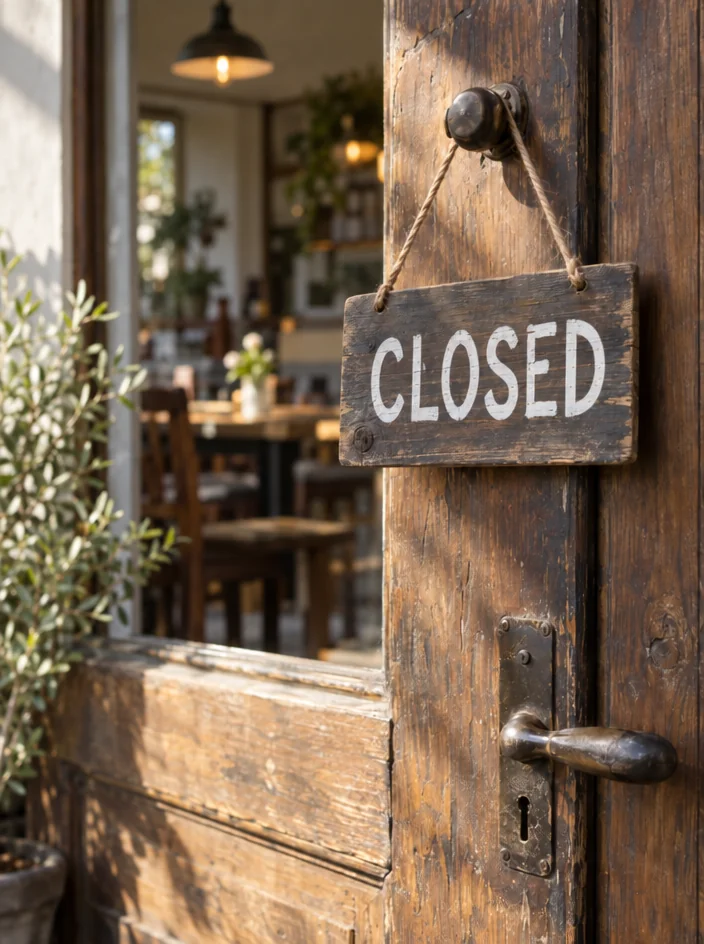
Type the existing text and the new text to stamp each episode with its number without redrawing the art.
Image Text Editor - 3Reframe for video thumbnails
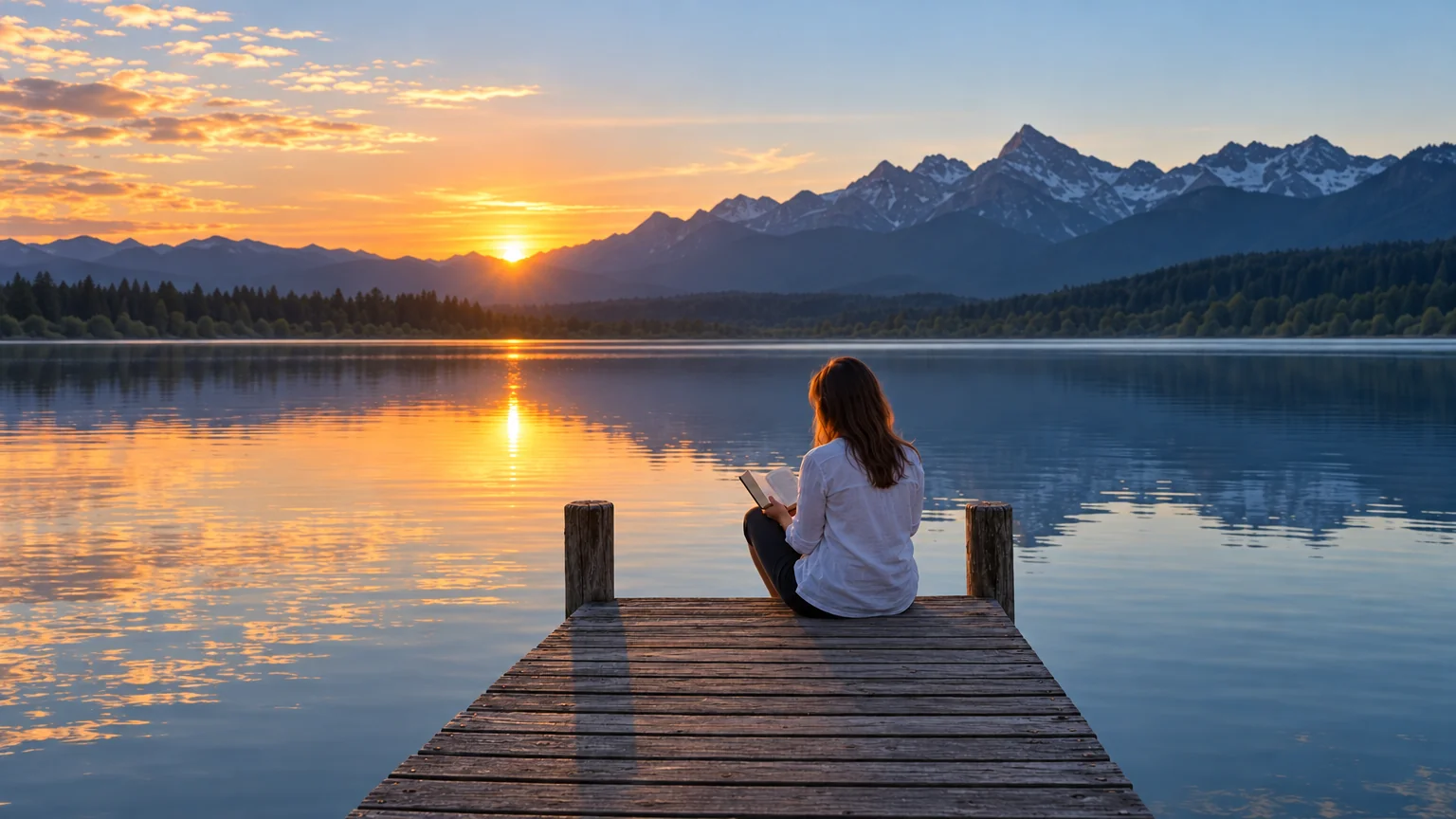
Extends the square to 16:9 so the video version and the website header match the cover.
Reframe & Expand - 4Draw the host from a selfie

A flat-vector or comic illustration of you for the cover corner and the social profiles.
Avatar from a Selfie
Good to know
- What if my show has a co-host?
- Run Avatar from a Selfie once per person with the same style, such as flat-vector or 3d-cartoon, so the two illustrations match. Each result downloads as its own file, which you can place side by side in any layout tool. For a two-person picture in one go, Couple Photo Maker works from a picture of each of you.
- Which tool makes the show art itself?
- The Album Cover Generator. It is built for square art with a name set into it, which is exactly what podcast directories display. Put the show name in the artist field, a tagline or season in the title field and the category in the genre field. A Standard render costs 2 credits, so the 4 free credits give you two tries.
- How do I keep every episode tile consistent?
- Make one cover, then use Image Text Editor to change only the episode number or title on that same file each week. The art, color and layout do not move, so the feed reads as one show. If you want a small change per season, Image Variations gives you related versions of the base art.
Tools on this route