
Posters And Invites For Every Event You Run
Every event has a poster, an invitation, a social announcement, a welcome sign and a menu card, and every one of them is due before the venue confirms the date. Clients want a look that fits the theme, whether that is a gala, a farmers market or a product launch, and they want to see three options. You want to turn a headline and a theme into a printable piece the same afternoon.
Type the headline and the theme into the AI Poster Maker, pick a style such as art-deco, minimal or bold-graphic, and choose 2:3 for posters, 3:2 for signage or 1:1 for social. The typography is set and the artwork is composed around it. Change the date or the venue afterward with Image Text Editor, use Reframe & Expand for a 9:16 story, and the AI Illustration Generator for a matching spot illustration on the menu card.

Made in the Studio with the first tool on the route.
You want
- The client wants three poster directions by tomorrow and the venue is not confirmed.
- The date moved. Every printed piece now has the wrong date.
- A gala, a market and a launch party in one month, each with its own look.
- The poster is 2:3, the welcome sign is 3:2 and the story is 9:16.
The route
- 1Design the poster from headline and theme
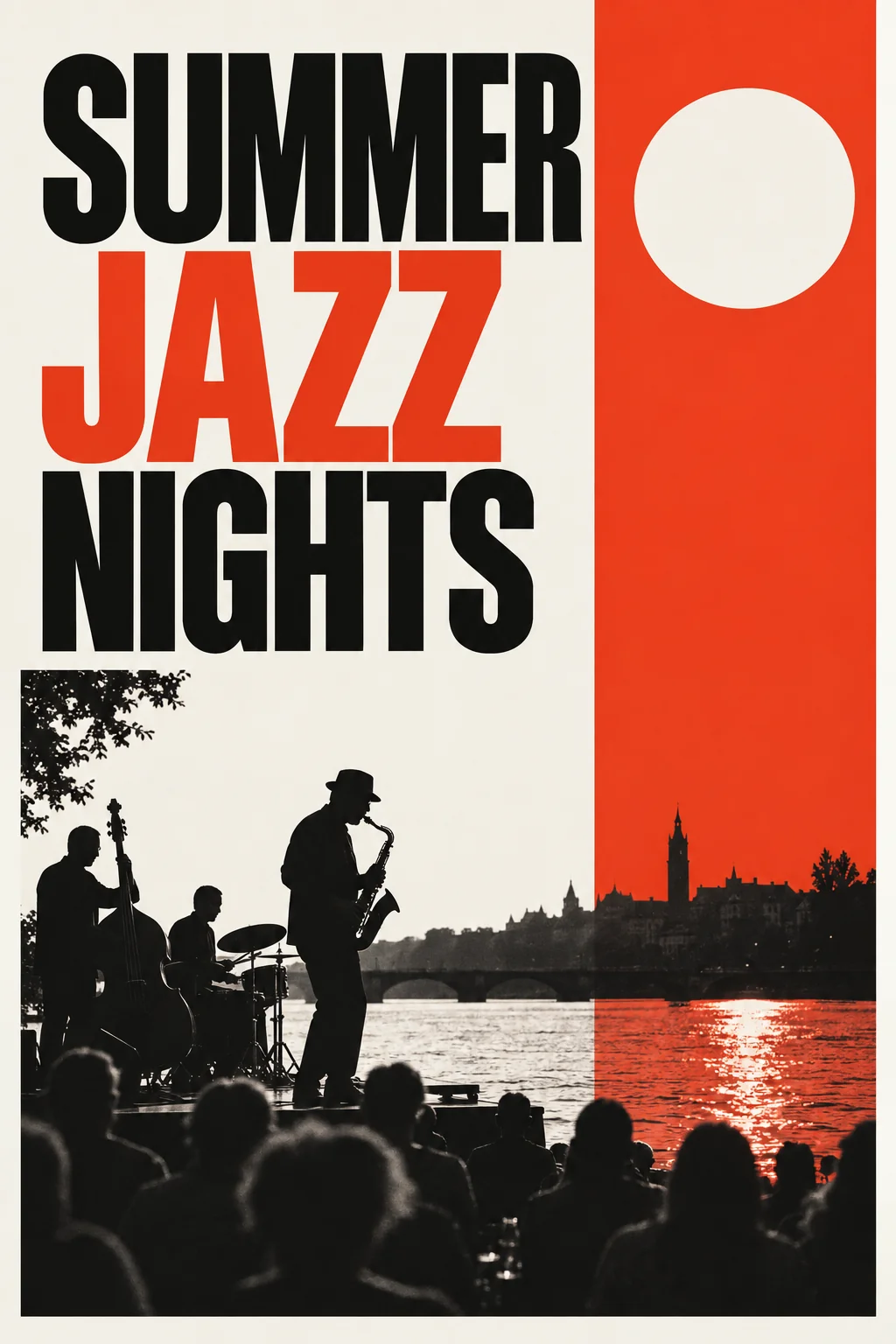
Sets your headline and theme into a finished poster in the style and shape you pick.
AI Poster Maker - 2Change the date or venue later
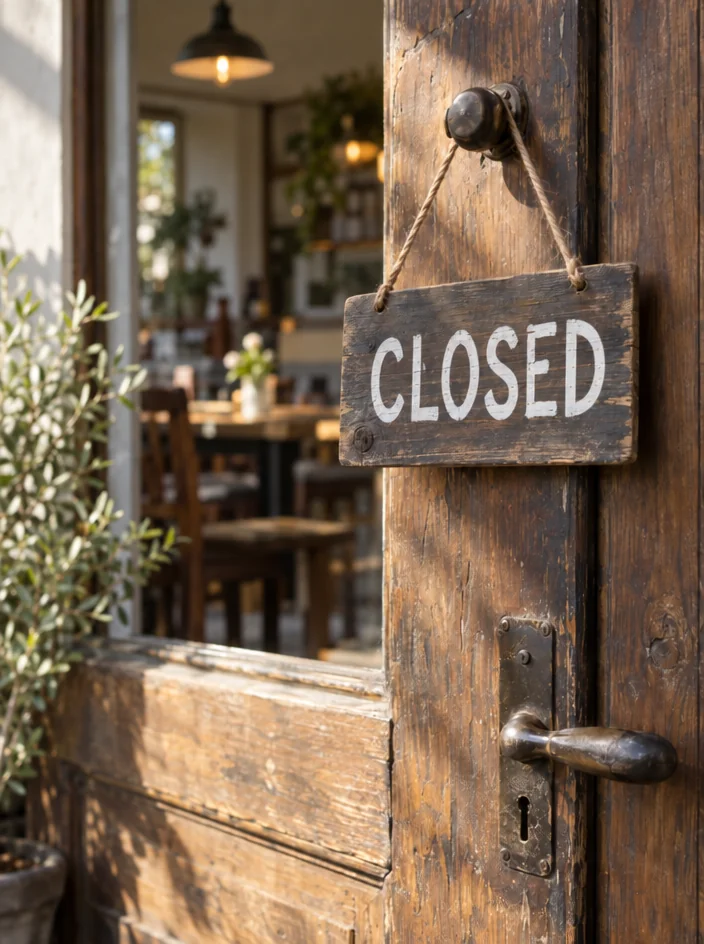
Type the current text and the new text; only the lettering changes, so a moved date does not mean a redesign.
Image Text Editor - 3Reframe for signage and stories

Turns the 2:3 poster into a 3:2 welcome sign or a 9:16 announcement without cropping the headline.
Reframe & Expand - 4Add a spot illustration for the menu card

A matching editorial or mid-century illustration for menus, place cards and the program.
AI Illustration Generator
Good to know
- Does it matter which size I pick first?
- Start with the piece that will be printed largest, usually the 2:3 poster, and reframe from there. Reframe & Expand extends the artwork to 3:2 or 9:16 so the headline is kept whole. If you begin with the square social tile, you can still reframe up, but the poster is the piece people see across a room.
- Can I change the date after the poster is made?
- Yes. Run the poster through Image Text Editor, type the date as it appears and the new date, and the lettering is redrawn in place with the rest of the design left alone. The same tool changes a venue, a sponsor line or a ticket price, so a schedule change is a one-minute fix rather than a new commission.
- Which tool makes invitations that match the poster?
- The AI Poster Maker again, with the same headline, theme and style and the 1:1 or 3:2 size, which gives you a matching invitation or card. For a decorative element on the menu card or program, the AI Illustration Generator in the same mood adds a spot illustration. Every result downloads at full resolution without a watermark.
Tools on this route