
Cast Your Whole Comic Before Page One
A comic needs a cast before it needs a script, and every character has to be drawn from twelve angles in three outfits before they are ready to appear. That is weeks of design work before a single panel. You want to explore looks fast, lock a design, keep it consistent across pages, and turn thumbnails into finished references when a deadline is close and the pages are not.
Describe a character in the AI Character Designer and choose comic, anime, western-cartoon or chibi; the output is a design sheet you can redraw from or pin to the wall. Sketch to Image takes your pencil rough and returns a comic-ink finish. Image Variations spins alternate costumes and expressions from a design you like, and Photo Cartoonizer turns a reference photo of a friend into a comic-book face for a supporting character.

Made in the Studio with the first tool on the route.
You want
- Twelve angles, three outfits, one character. And the cast is nine people.
- My thumbnails are fine; getting to finished inks by Thursday is not.
- The villain looks different on page 4 than on page 40.
- I need a comic-book version of my cousin for the neighbor character.
The route
- 1Design a character from a description
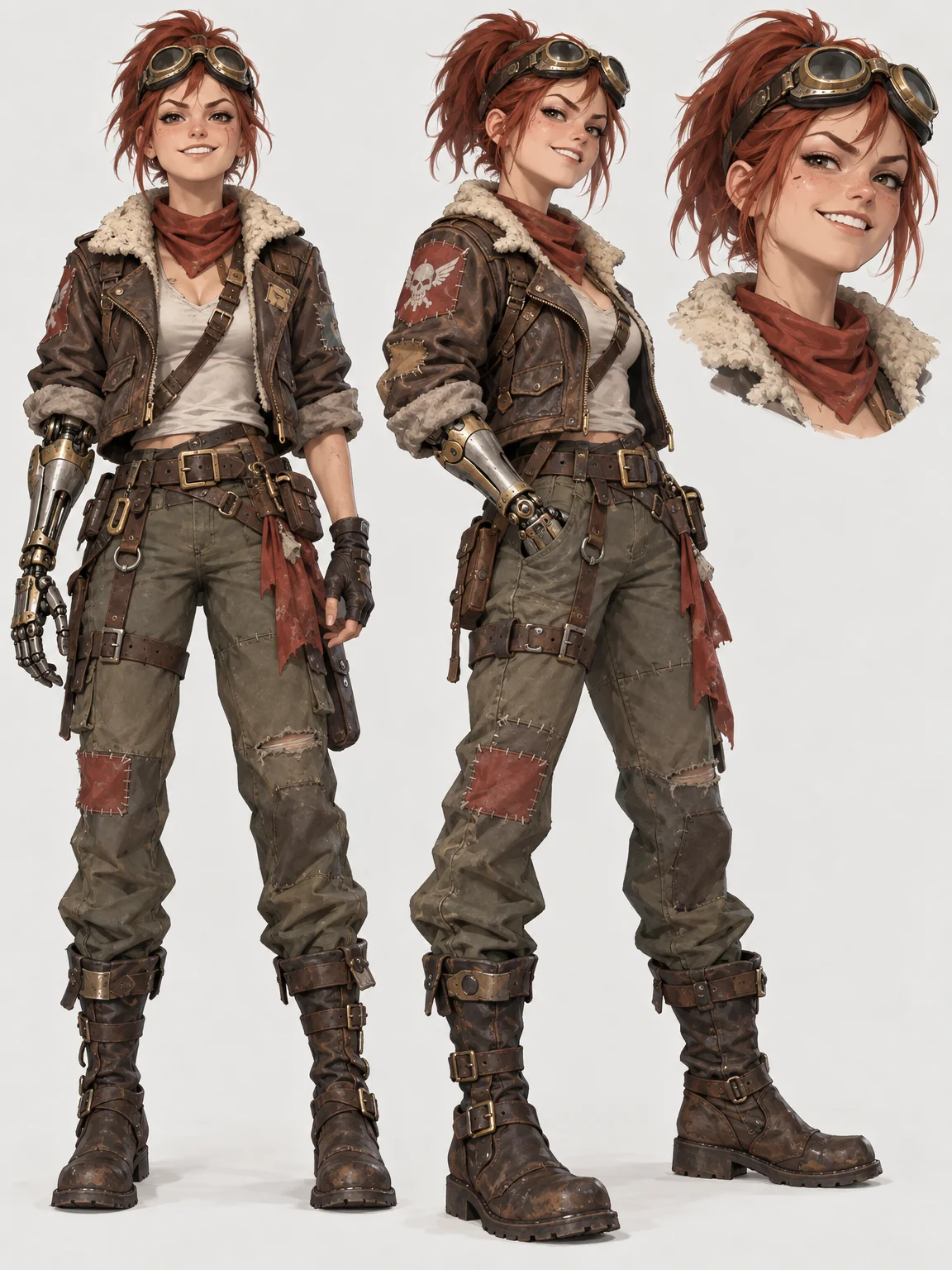
A design sheet in comic, manga or western-cartoon style from a few lines of description.
AI Character Designer - 2Explore costumes and expressions
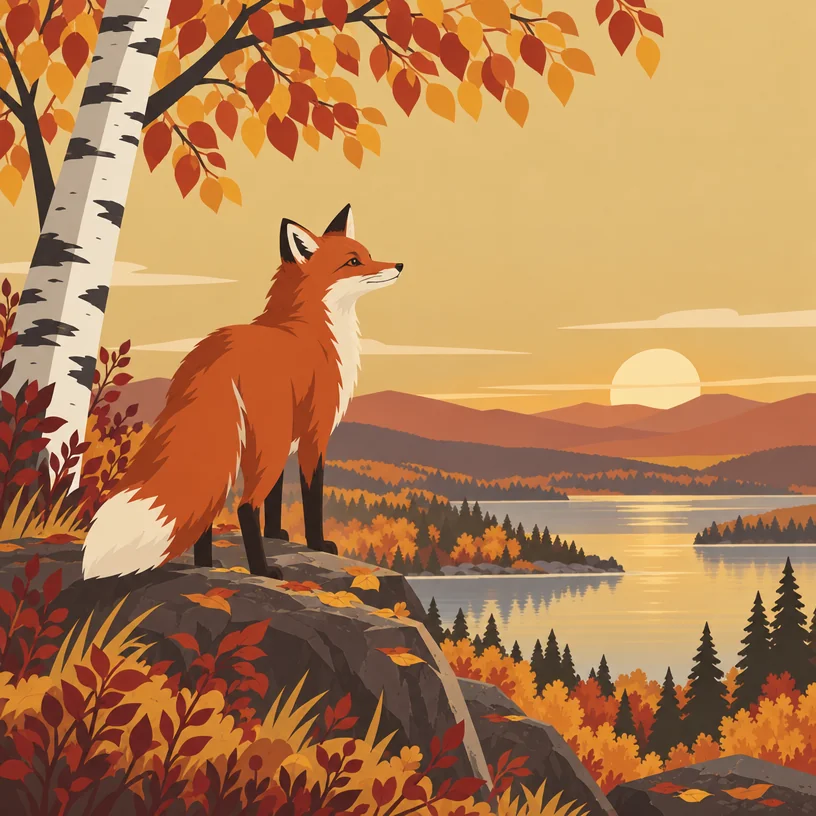
Related versions of the locked design so alternates share the same face and build.
Image Variations - 3Ink a rough sketch
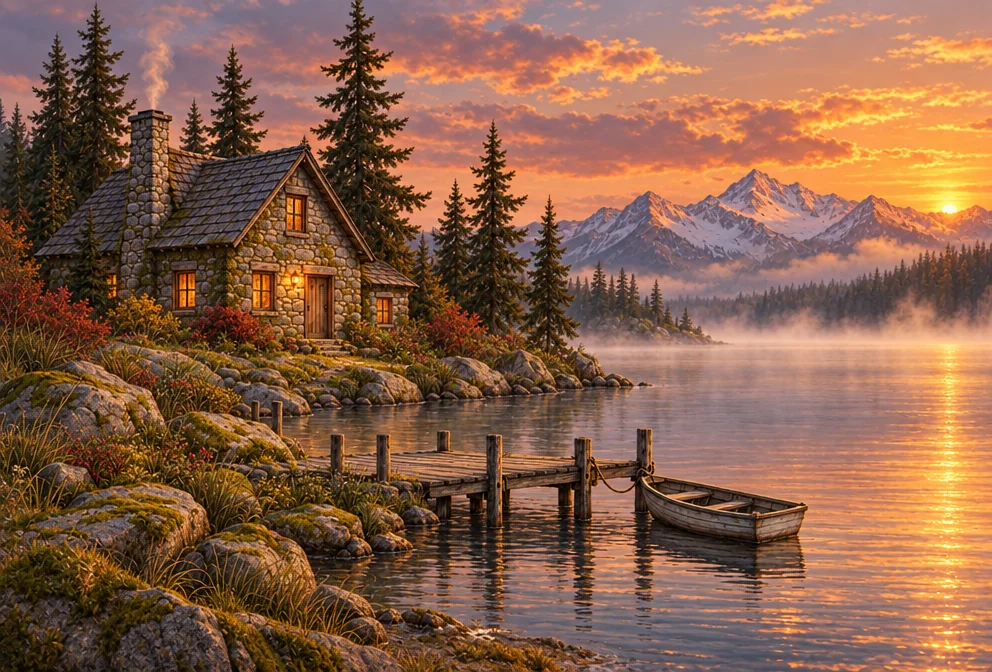
Upload a pencil thumbnail and get a comic-ink finish to work from.
Sketch to Image - 4Cartoon a photo reference

Turns a photo of a friend into a comic-book face for a supporting cast member.
Photo Cartoonizer
Good to know
- How do I keep a character consistent across pages?
- Lock one design sheet first, then generate alternates from it with Image Variations rather than from new text, so the face and proportions carry over. When you draw, work from the sheet. For a scene with a new pose, run Sketch to Image on your own rough of the character; it finishes your drawing rather than inventing a new one.
- Does it matter which style I pick?
- Yes, a lot. Comic gives bold inks and flat color, anime and chibi change the proportions and eyes, western-cartoon simplifies shapes, and fantasy-painterly renders like a cover painting. Pick the style your book is drawn in so the reference matches your line. Run the same description through two styles to compare; each is a separate render.
- What if I only have a pencil sketch?
- That is what Sketch to Image is for. Upload the rough, add an optional line describing color or mood, and pick comic-ink or another finish. The tool follows your lines and completes them, so your composition and character stay yours. A Standard one-photo render costs 4 credits, so the 4 free credits cover your first.
Tools on this route