
Concept Art For The Whole Pitch Deck
A small team has a design doc, a gray-box prototype and no art. The publisher meeting wants mood, the store page wants a key image, and the artist you hope to hire wants references before quoting. Concept art is expensive precisely because it is exploratory, and you need a lot of it to find the direction. You want fast, coherent visuals for characters, environments and props that the team can argue over.
Describe the scene in the Concept Art Generator and set the subject to character, environment, creature, vehicle or prop; the output is a painted concept piece you can pin to the board. Use the AI Character Designer with the game-concept style for a hero character sheet, the Pixel Art Generator for 16-bit placeholder sprites, and the AI Icon Maker for inventory items and UI. Image Variations explores a direction without retyping the prompt.

Made in the Studio with the first tool on the route.
You want
- The pitch is in two weeks and our art is a gray box.
- We need a dozen environment moods to pick one, not one painting that took a week.
- Placeholder sprites should not look like colored rectangles in the demo.
- Inventory icons, forty of them, all in the same style.
The route
- 1Paint a concept for the environment
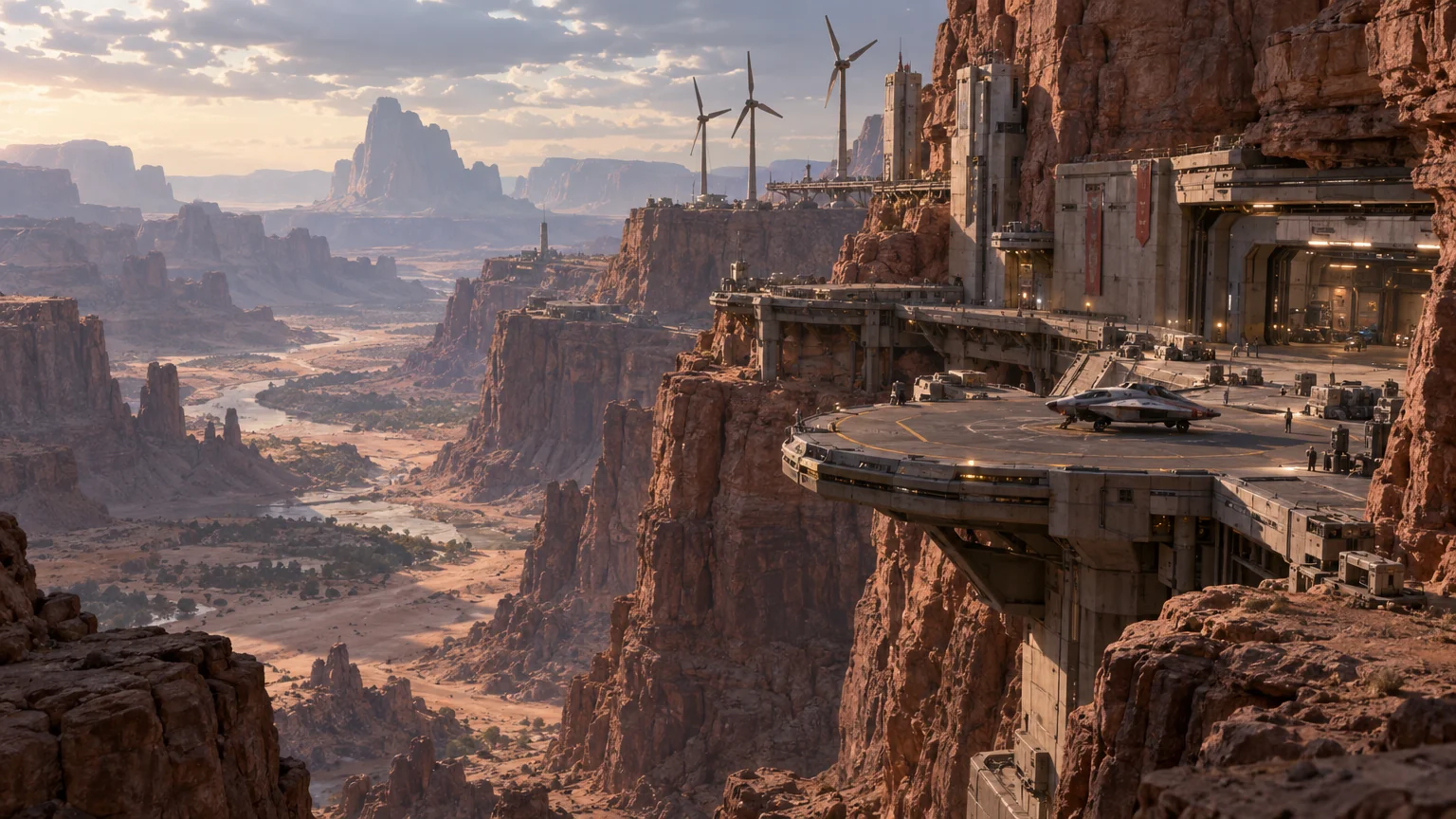
A painted mood piece for a level or region, in a single render, that the team can react to.
Concept Art Generator - 2Design the hero in game-concept style
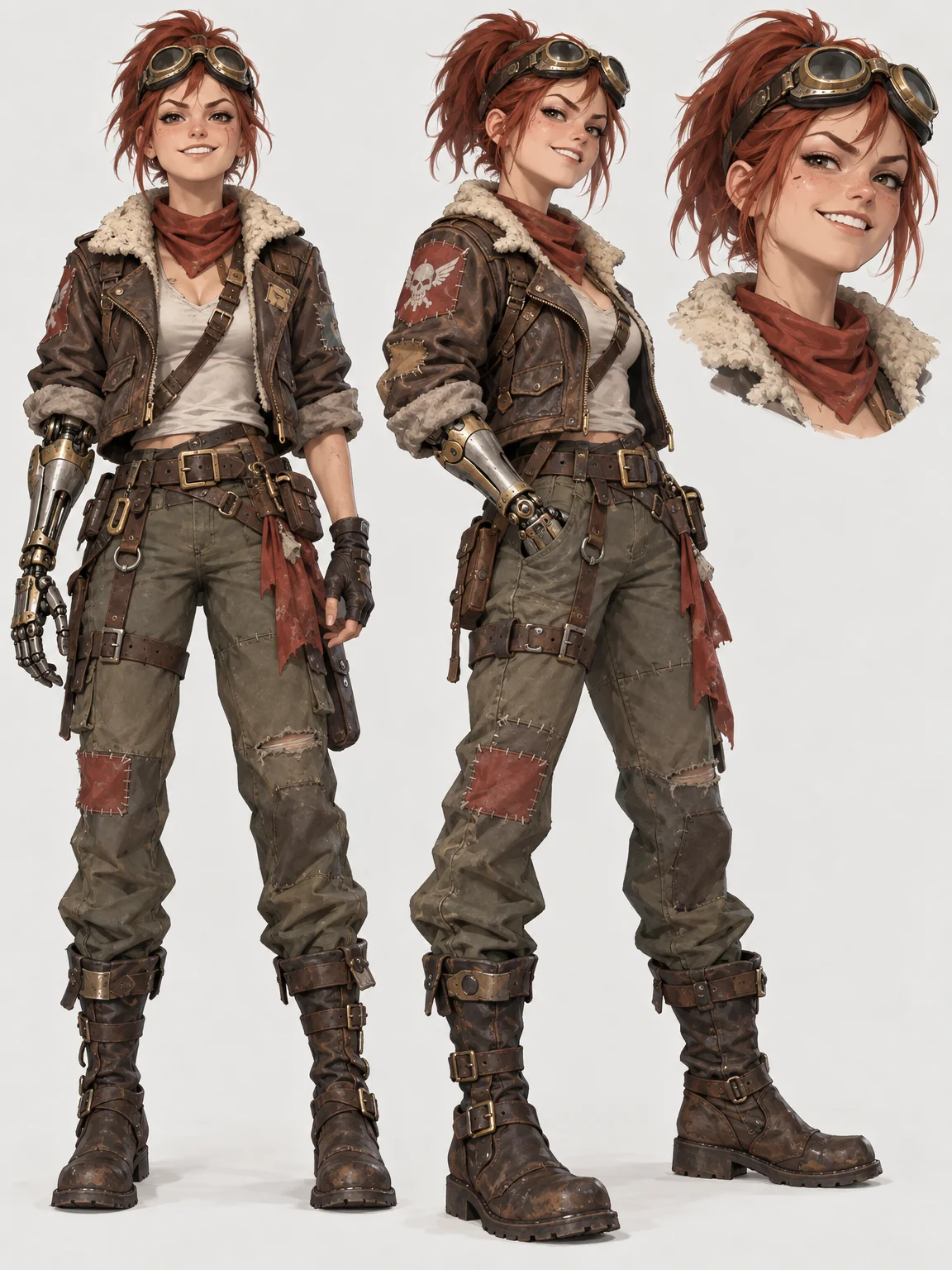
A character sheet from a description, in a style that matches the world you painted.
AI Character Designer - 3Make 16-bit placeholder sprites
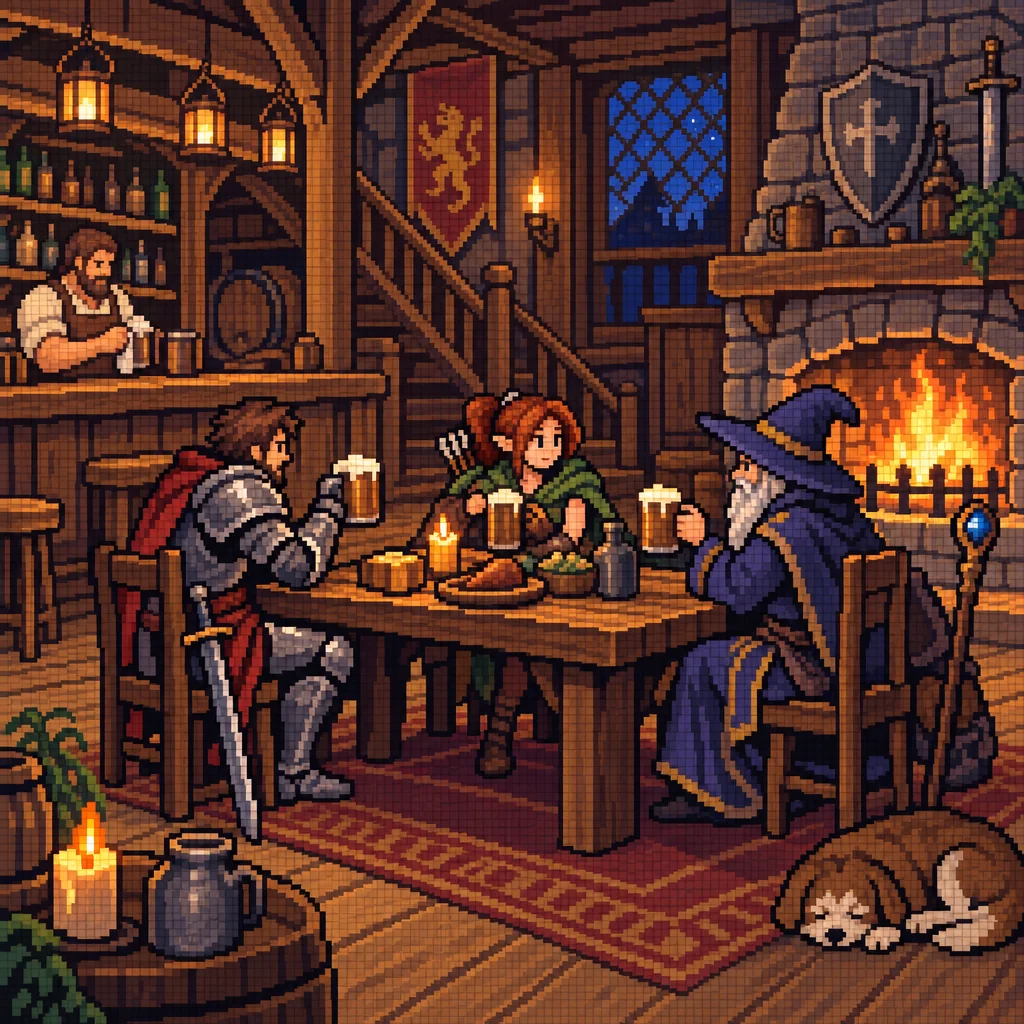
Readable sprites for the prototype so the demo does not run on rectangles.
Pixel Art Generator - 4Generate inventory icons in one style

Flat, glyph or 3d icons for items and UI that share a look across the whole set.
AI Icon Maker
Good to know
- Is it okay to use these images in a pitch deck or a store page?
- Yes. Downloads are full resolution and carry no watermark, and the results are yours to use in decks, on the store page and in the build. Teams commonly use generated concept pieces as direction and reference, then hand them to an artist for final work. What you disclose to a publisher or platform about your pipeline is your decision.
- What size are the concept pieces?
- Full resolution for the render tier you pick, with Standard costing 2 credits, Pro 10 and Max 42 for text-to-image tools such as the Concept Art Generator. For a key image on the store page or a printed poster at a show, run the Image Upscaler, which goes from 4 MP at 3 credits to 32 MP at 20.
- Can I keep a consistent style across many pieces?
- Mostly, yes. Reuse the same subject setting and the same descriptive words about palette and era in every prompt, and the results stay in one family. For a set that has to match tightly, make one piece you like, then run Image Variations or AI Style Transfer on the others using it as the reference.
Tools on this route