
Cover Art Ready Before The Master Is
The track is mixed and the release date is locked, and the distributor wants a square cover at its listed pixel size before it will schedule anything. Designers are booked, your bandmate's attempt looks like a flyer, and the visual has to fit a genre without copying anyone. You want a few directions, one you can live with on every streaming service, and a poster for the release show.
Enter your artist name, the title and the genre into the Album Cover Generator and get a square cover with the name and title set into the art. Make it several times to compare moods, then send the favorite through the Image Upscaler to reach the resolution your distributor lists. The AI Poster Maker takes the same headline and theme into a 2:3 gig poster, and Image Variations gives you alternates for each single.

Made in the Studio with the first tool on the route.
You want
- Distribution is scheduled for the 14th and I have no artwork.
- Everything I mock up looks like a gig flyer, not a record.
- I need the single art, the album art and the tour poster to feel like one campaign.
- The streaming services want a big square file and my export is tiny.
The route
- 1Generate the cover
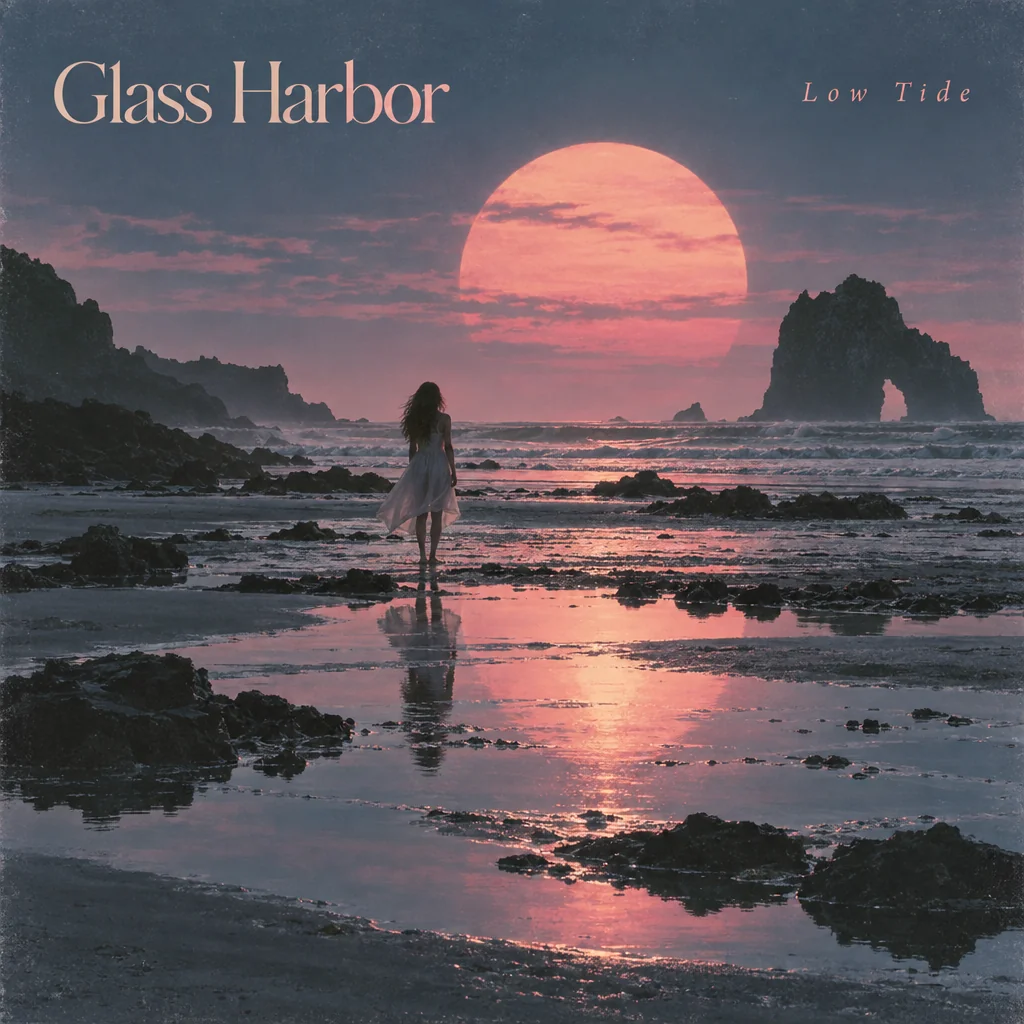
Sets your artist name and title into square artwork that fits the genre you type.
Album Cover Generator - 2Make alternates for each single
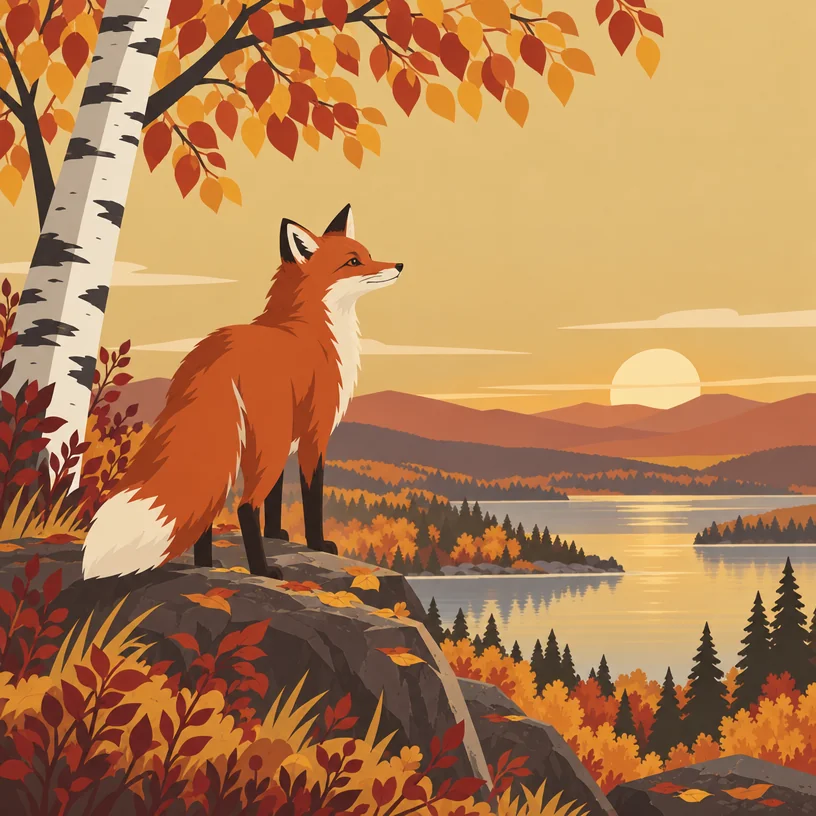
Produces related versions of the cover so every single in the campaign shares a look.
Image Variations - 3Upscale to distributor size
Streaming services list a minimum pixel size; upscale from 4 MP to 32 MP to meet it.
Image Upscaler - 4Turn it into a gig poster
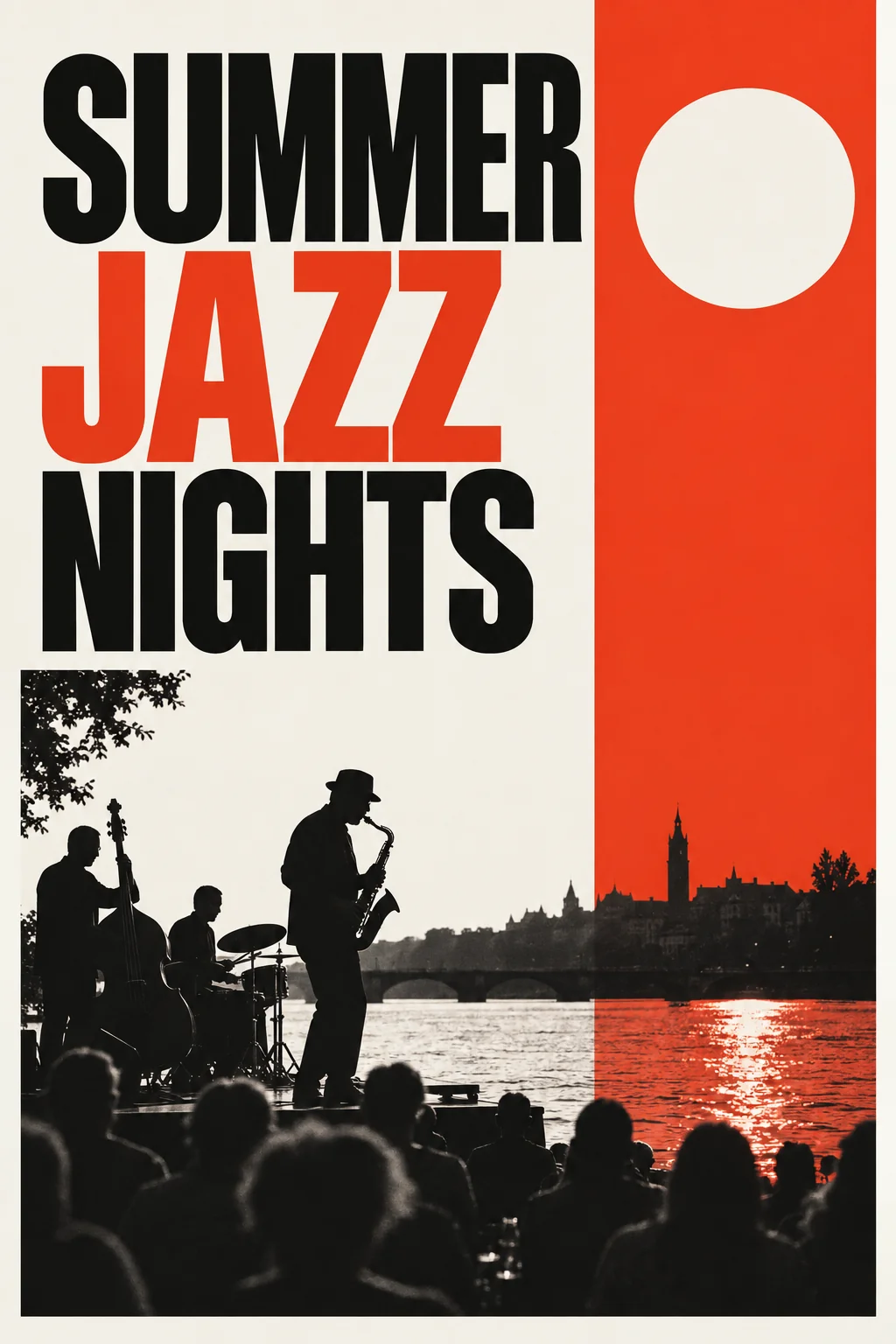
Carries the release title and theme into a 2:3 poster for the show and the venue's socials.
AI Poster Maker
Good to know
- Can I make covers for several singles that match?
- Yes. Make the album cover first, then run Image Variations on it to get related versions for each single. You can also run the Album Cover Generator again with the same artist name and genre and a new title; the genre steers the mood, so the results sit in the same world. Every result downloads without a watermark.
- Do I need to know design terms to describe what I want?
- No. The three fields are artist, title and genre, and plain words work: indie folk, drill, synth-pop, gospel. If you want a specific direction, add it to the genre line, for example dark ambient with a lone figure. The tool builds the composition and the typography from that, so you never have to name a technique.
- Is it okay to use the art for merch and vinyl?
- Yes. Downloads are full resolution with no watermark and are yours to use on shirts, vinyl sleeves and posters. Vinyl printers want a large file, so run the Image Upscaler to 32 MP for 20 credits before sending it. For a shirt, Background Remover isolates the artwork and downloads a transparent PNG.
Tools on this route