
Ad Creative For Every Placement From One Brief
A campaign brief lands on Monday and wants twelve variations by Thursday: three concepts, four placements each, plus a poster for the trade show. Stock libraries offer the same three smiling office people you used last quarter. The design team is booked on the rebrand. You want visuals that match the brief, in the aspect ratios the channels demand, that you can revise the moment a stakeholder changes a word.
Write the concept into the AI Image Generator, pick a style such as cinematic, photographic or pop-art, and set the aspect ratio for the placement. For each additional placement, run Reframe & Expand on the winner instead of generating again. Edit With Words changes a color, a prop or a season without a new brief, and the AI Poster Maker sets your headline and theme into a 2:3 or 3:2 print piece.

Made in the Studio with the first tool on the route.
You want
- Three concepts, four placements, Thursday. That is twelve files.
- Stock imagery makes every campaign look like every other campaign.
- The stakeholder wants the jacket blue now, and the render is done.
- Our story ad is 9:16 and our display ad is 16:9 and we have one image.
The route
- 1Generate the hero concept
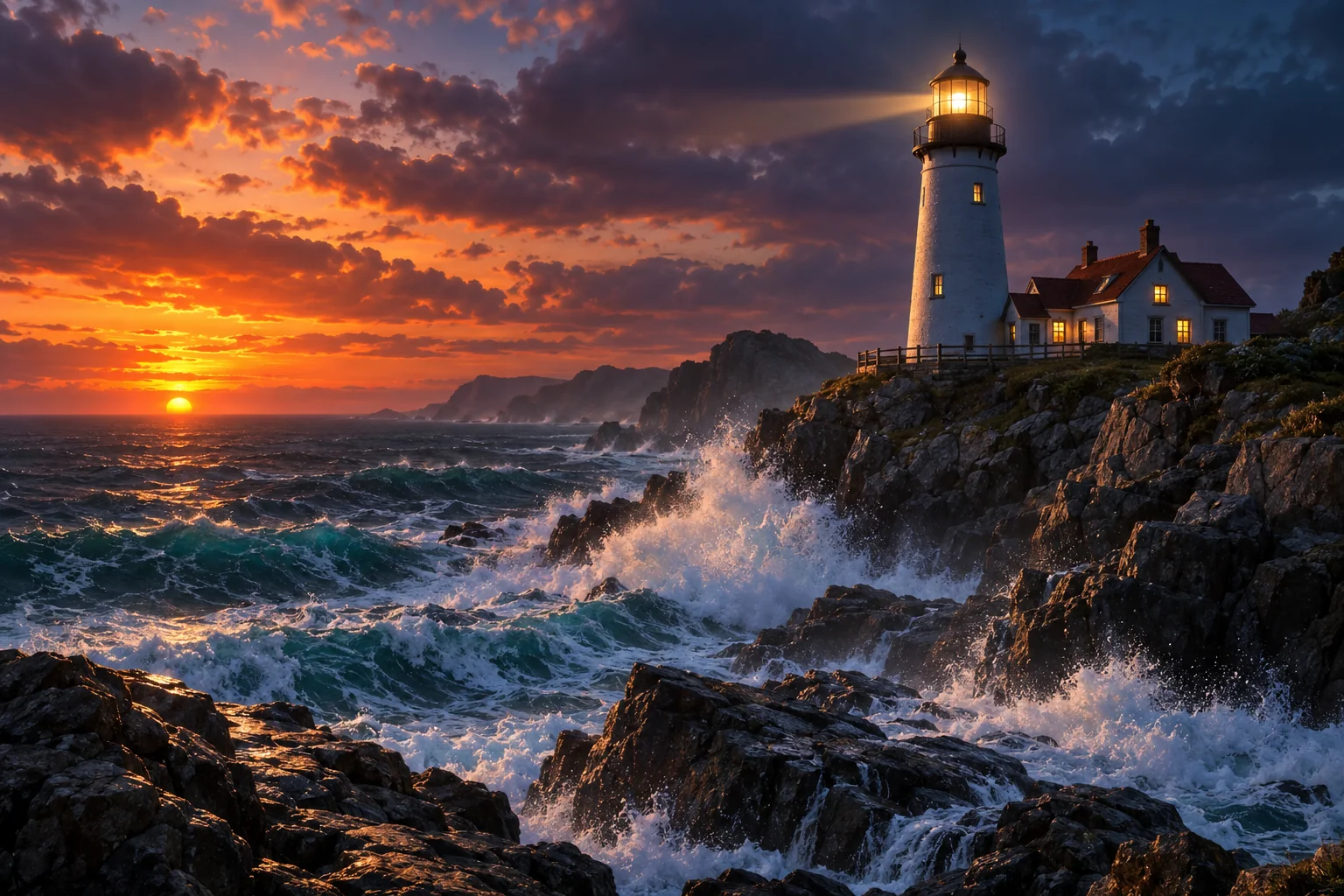
Turns the brief into a visual in a chosen style and ratio; Standard costs 2 credits, so testing concepts is cheap.
AI Image Generator - 2Revise with words
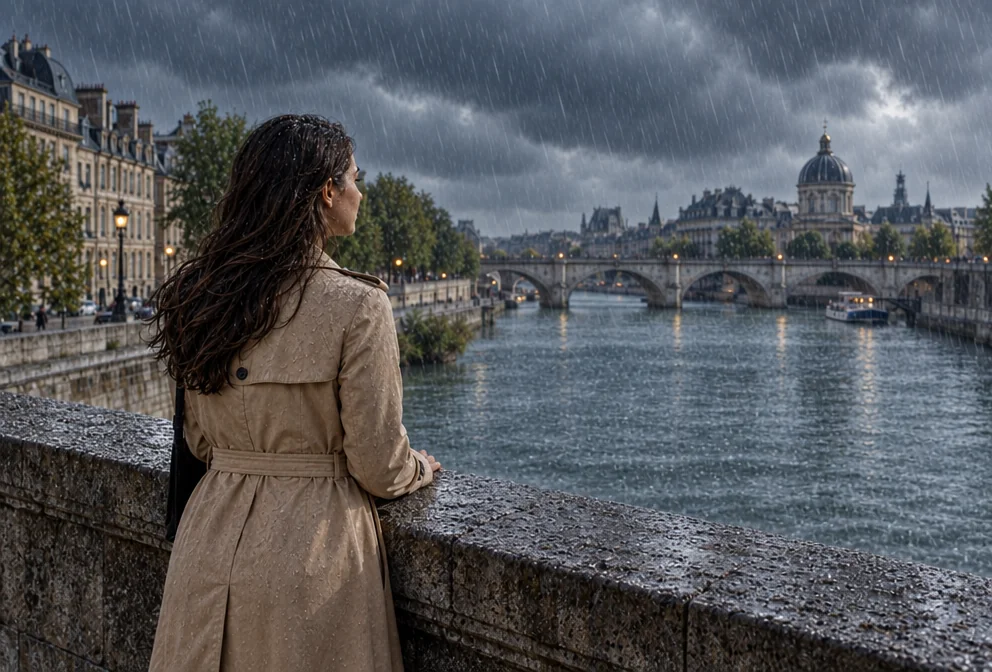
Change a color, swap a prop or move the season with a sentence instead of a new brief.
Edit With Words - 3Reframe for each placement
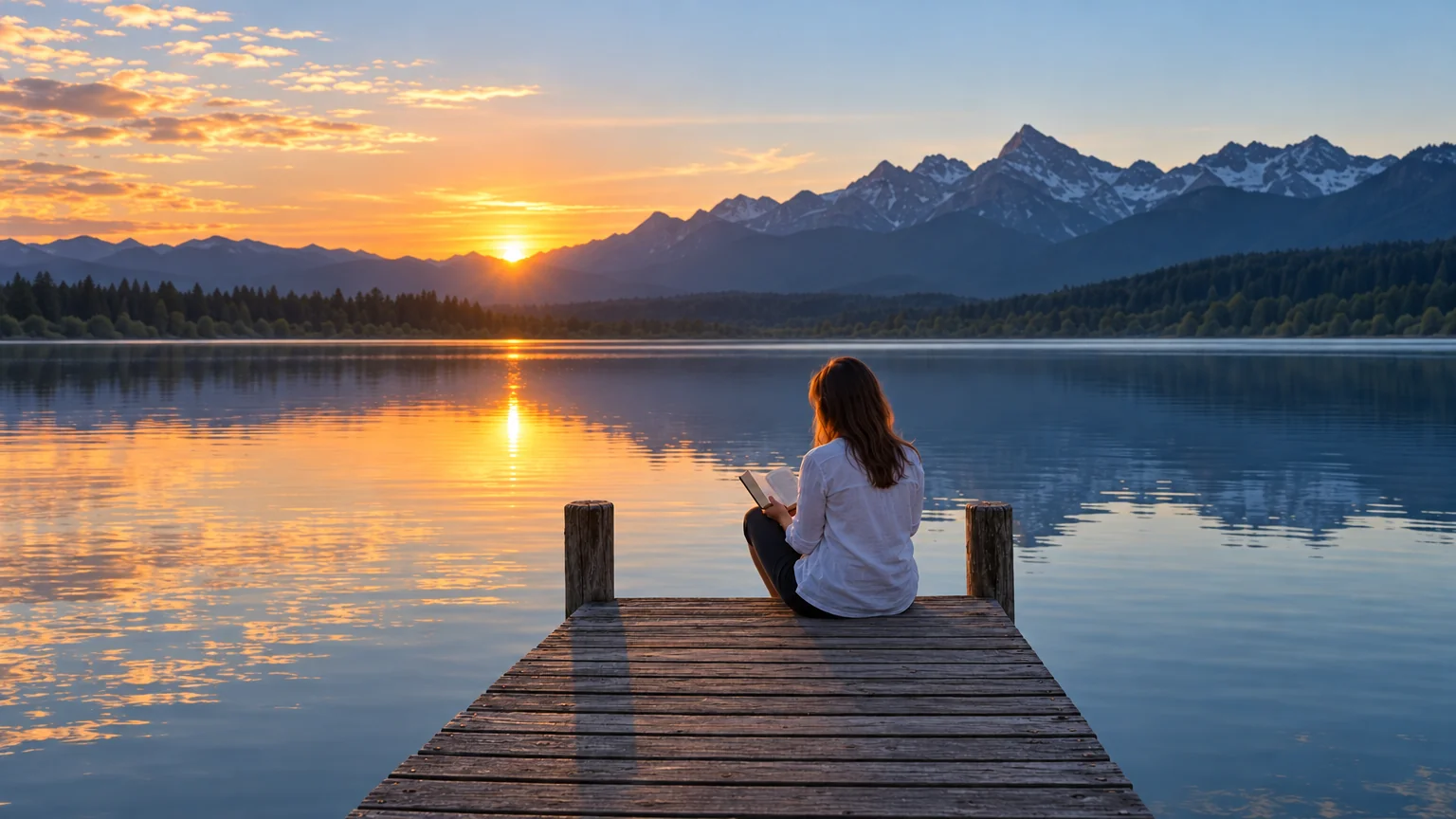
One winning image becomes 9:16, 16:9 and 1:1 files without an awkward crop.
Reframe & Expand - 4Set the trade-show poster
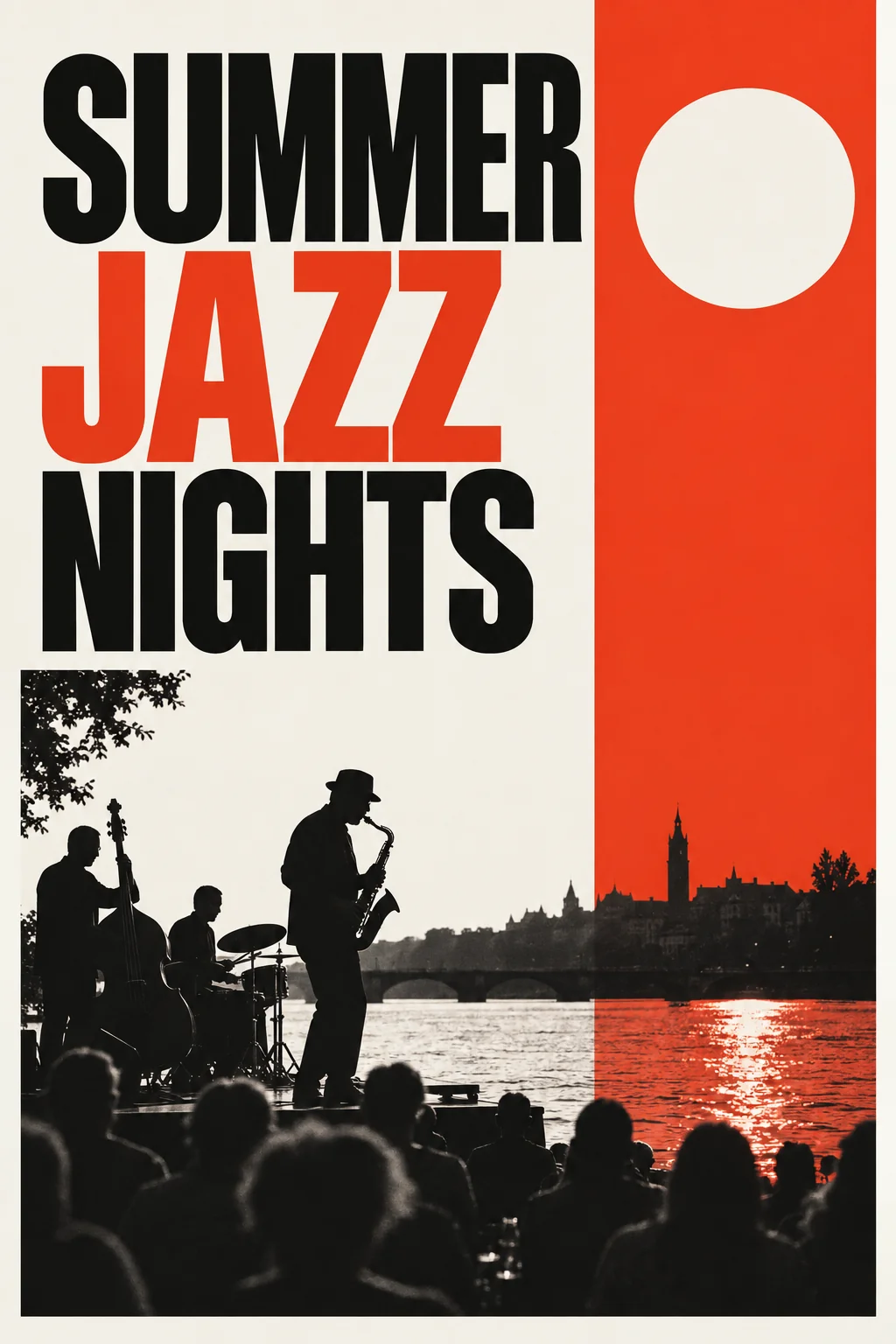
Headline, theme and style into a 2:3 print-ready poster in the same campaign look.
AI Poster Maker
Good to know
- What size should I generate for a story ad?
- Set the aspect ratio to 9:16 in the AI Image Generator for stories and vertical video covers, 16:9 for display and 1:1 for feed placements. Generate once in the ratio that matters most, then use Reframe & Expand for the others so the concept stays the same. Upscale any file the channel flags as too small.
- How many variations can I make in a week?
- As many as your credits allow. A Standard text-to-image render is 2 credits, so the $30 Pro plan at 2,500 credits a month supports more than a thousand Standard concepts, before edits and reframes. Pro quality is 10 credits and Max is 42 for final files. Plan credits reset monthly, and pack credits never expire.
- Do I need to write prompts like an engineer?
- No. Describe the picture the way you would brief a designer: subject, setting, mood, color, what is in focus. The style select handles the look, so you do not need to name techniques. When a result is close, use Edit With Words to adjust it rather than rewriting the prompt from scratch and rolling the dice again.
Tools on this route