
Image Variations
Siblings of any image — same subject and style, new composition, angle or pose
4 free credits on sign-up — your first Standard image with any tool, no card required.
- 01Pick an image from your library or upload one
- 02Render — nothing to configure
- 03Keep the sibling you prefer, or branch again from it
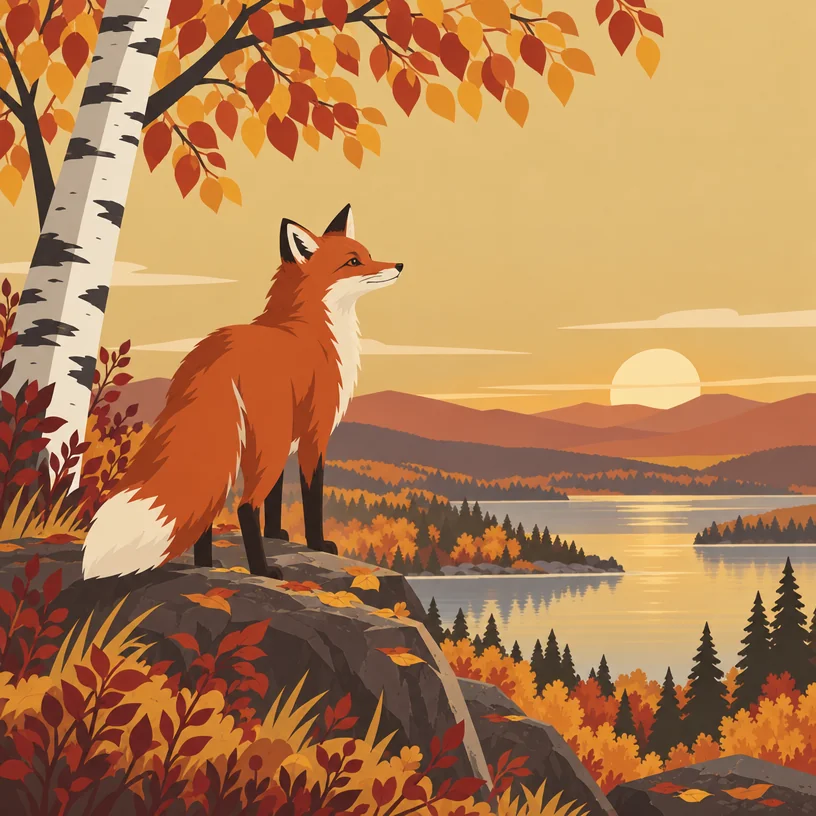
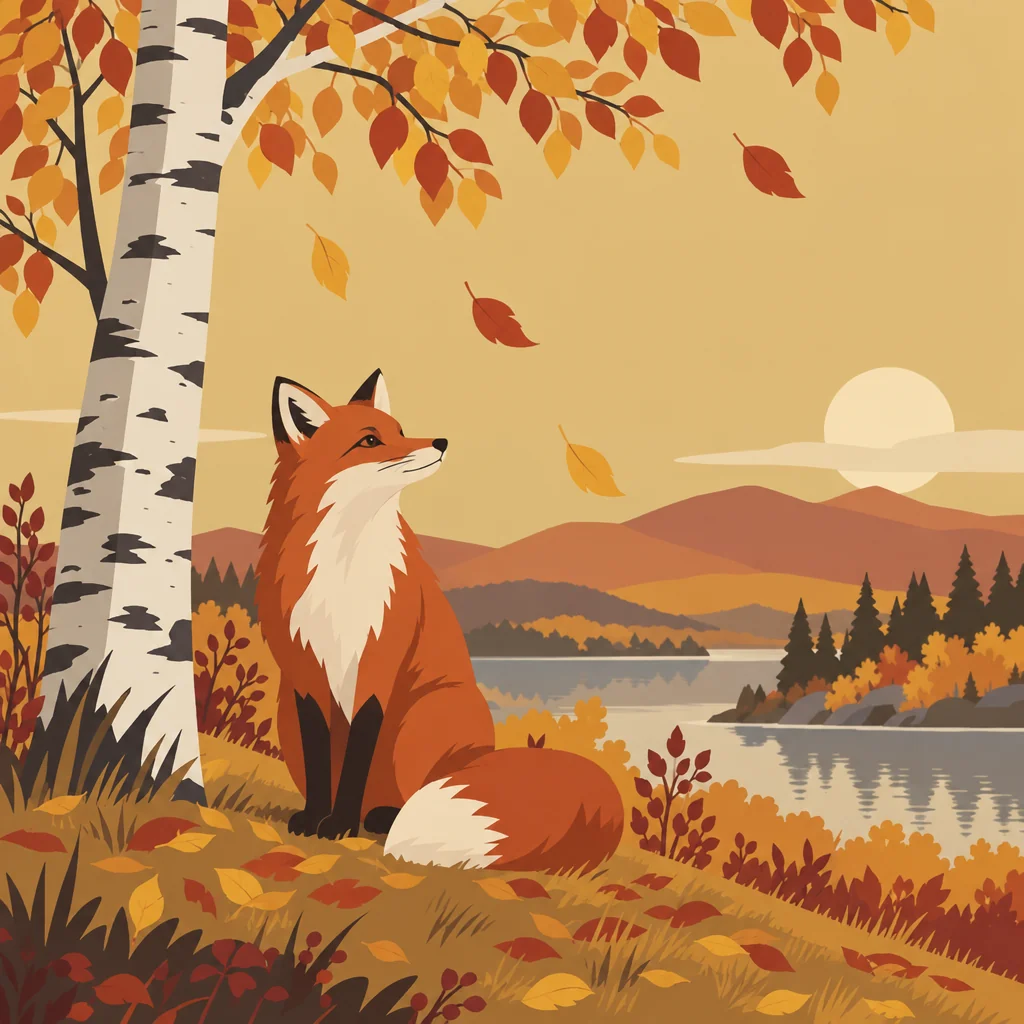
Drag the handle: the uploaded photo on the left, what the tool made on the right.
Image Variations answers the question every render eventually raises: "what if it were a little different?" Upload or select an image and the tool produces a sibling — the same subject, the same artistic style, medium, palette and mood, but a different composition, angle or pose. It is a new take from the same series rather than a copy with noise added. Illustrators use it to explore a composition, brand designers to see alternative marks, photographers to get a different framing of a product shot, and everyone else to answer "what if?".
There are no fields to fill, which is the point: it is a one-click way to explore around a result you already like. Run it three times on a favorite logo concept to see alternative marks. Run it on a character sheet to get new poses. Run it on a wallpaper to get a second one that matches the first. Because each variation is saved to your library, you can branch again from any of them. It is also the polite way to get more from a render you paid Pro or Max credits for: a Standard variation costs 4 credits and keeps the look you already approved.
It sits in the Next row under every render on the canvas, next to Edit With Words, Style Transfer and Upscale, so the loop is fast: render, vary, pick, refine. Variations cost the one-photo rate — 4 credits at Standard — and work on uploads as well as renders, which makes it useful for stretching a single product photo or illustration into a small set. Variations work on uploads too, so a single photograph or drawing can be turned into a small matched set without any prompting at all. It is also the cheapest way to build a small set from one strong source.
What you set
- Your image
After it's made
- Change details with a sentence, or hand it to any other tool
- Standard, Pro and Max quality on every make
- Enlarge to 32 megapixels or turn it into a short clip
- Every image saved to your library, downloadable full size
About this tool
- How different will the variation be?
- Expect the same subject, style, palette and mood with a changed composition, angle or pose — a sibling, not a twin and not a stranger. Run it again for another sibling.
- Can I steer what changes?
- Not here; the tool deliberately has no fields. For a specific change, use Edit With Words ("turn the character to face left") or Image to Image for a broader reinterpretation.
- Does it work on photos, not just renders?
- Yes. Upload a photo and the variation keeps its subject and look while changing the framing — a quick way to get an alternative angle of a product or scene.
- What does a variation cost?
- The one-photo rate: 4 credits at Standard, 12 at Pro and 44 at Max. Standard is usually enough for exploring compositions before you commit to a Pro render.
- Can I try Image Variations before paying?
- Yes. A new account starts with 4 free credits, which covers your first Standard image with Image Variations — no card required. After that, credits come from a monthly plan or a one-time pack.
Often used next
Edit With Words
The universal edit: say what should change and everything else stays put
Image to Image
Reimagine any image with a sentence while keeping its layout recognizable
AI Style Transfer
Repaint any image in Van Gogh, ukiyo-e, cyberpunk or a reference image's style
AI Image Generator
One prompt, forty styles, nine aspect ratios — the canvas starts here
Made for