
Turn A Client's Idea Into A Reference In Minutes
A client walks in with a phrase, a Pinterest board and a vague sense of where on the arm it goes. Getting from that to a design they will commit to takes drawing time you would rather spend on the machine. You want quick references in the styles your shop actually does, something to react to at the consult, and a way to show a piece in three styles before anyone picks up a pencil.
Type the subject into the Tattoo Design Generator, a heron in reeds, a compass with peonies, and pick the style: fine-line, traditional, blackwork, geometric, watercolor or japanese. The result is a clean design on plain ground that your artists can trace, redraw or use as a talking point. Sketch to Image turns a rough pencil idea into a finished reference, and Image Variations gives the client a few takes on the one they like.

Made in the Studio with the first tool on the route.
You want
- Clients describe an idea in ten words and expect to see it in ten minutes.
- I want to show one motif in traditional, fine-line and blackwork without drawing it three times.
- Half the consult is explaining why the Pinterest reference will not work on a forearm.
- The flash wall needs fresh sheets every season.
The route
- 1Generate the design in your shop's style
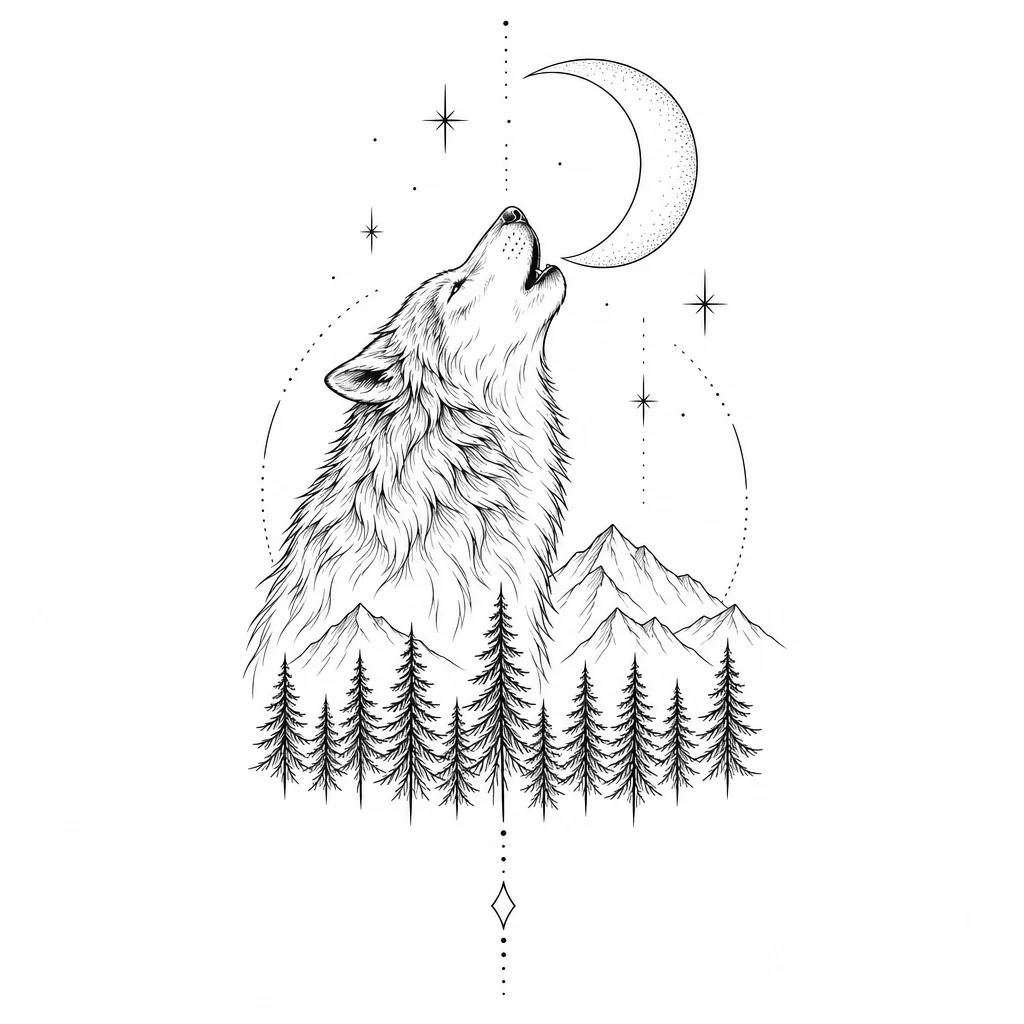
Turns the client's words into a clean design in fine-line, traditional, blackwork, geometric, watercolor or japanese style.
Tattoo Design Generator - 2Make a few takes for the client to choose from

Related versions of the design so the consult becomes a choice rather than a blank page.
Image Variations - 3Finish a rough sketch

Upload an artist's pencil rough and get a resolved reference in comic-ink or another style.
Sketch to Image - 4Upscale for the stencil printer
Stencils need clean lines at size; 4 MP for 3 credits keeps edges crisp.
Image Upscaler
Good to know
- Which tool turns a client's words into a design?
- The Tattoo Design Generator. Type the subject, such as a moth with a crescent moon, and pick one of six styles. Run the same subject in two styles to show the client the difference; each run is a separate render, and the 4 free credits on a new account cover your first Standard result.
- Is it okay to tattoo a design that came out of the tool?
- That is your call as the artist, and most shops use the results as references to redraw in their own hand rather than as final stencils. The design downloads at full resolution with no watermark. Treat it as you would any reference: adapt it to the body, the placement and your style before it goes on skin.
- Does it matter how detailed my subject description is?
- Some. A short, concrete subject works best: a stag skull with wildflowers, a swallow carrying a ribbon. Add placement or size words when they change the composition, such as a long forearm piece. Leave color and line weight to the style pick; fine-line and blackwork behave very differently from watercolor, and the style handles that.
Tools on this route