
Photo to Art
Photos into oil, watercolor, anime, pencil or stained glass — likeness kept
4 free credits on sign-up — your first Standard image with any tool, no card required.
- 01Upload a photo — portraits, pets, places and products all work
- 02Choose a medium — oil, watercolor, anime, pencil, stained glass and more
- 03Render, then upscale for a print or reframe for a wall
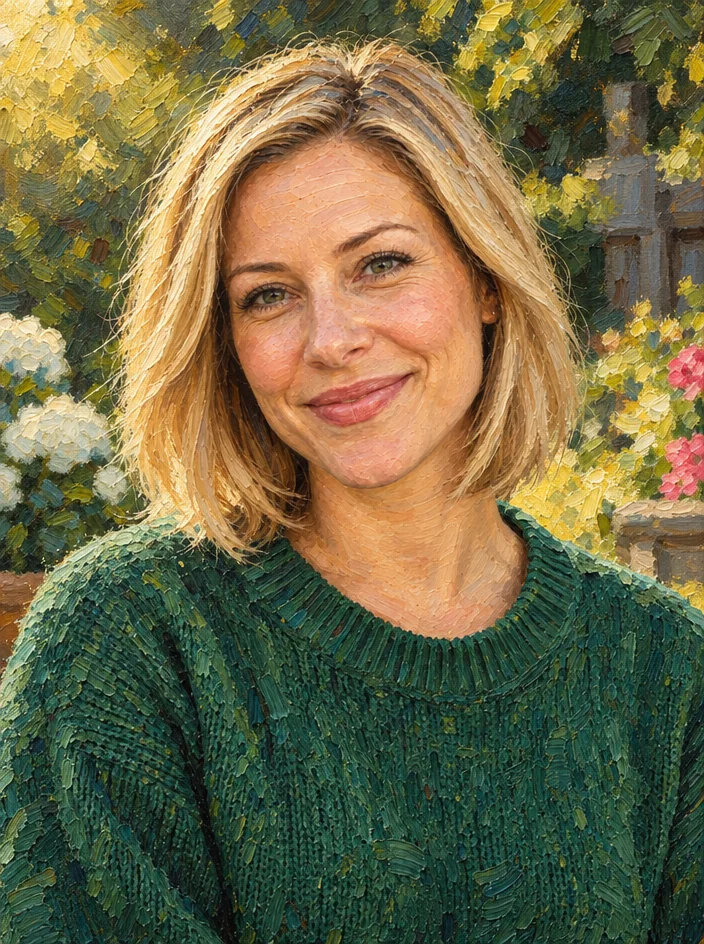
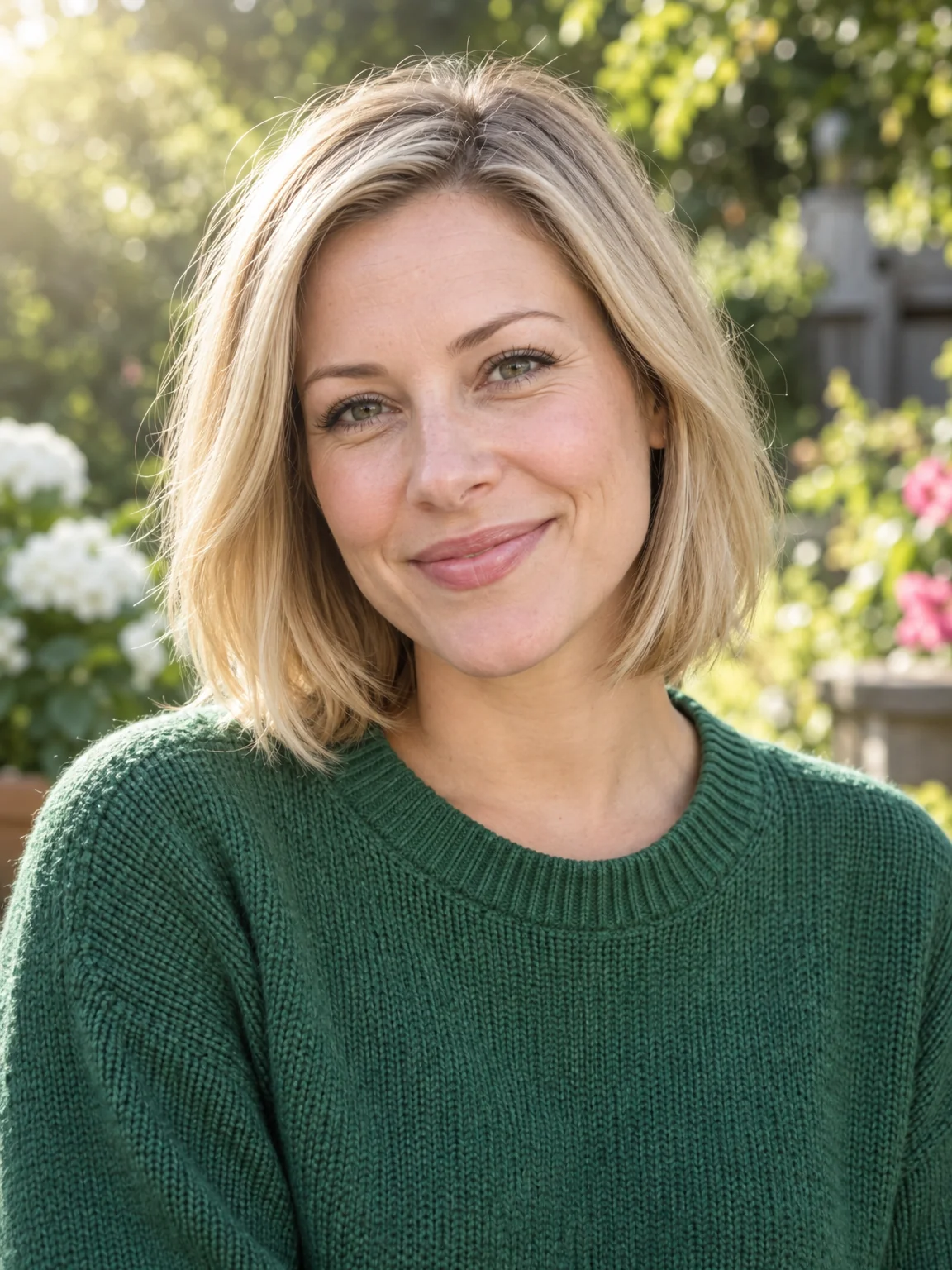
Drag the handle: the uploaded photo on the left, what the tool made on the right.
Photo to Art turns a photograph into artwork without losing the people in it. Upload a photo, pick a medium, and the composition, the subject and every face stay clearly recognizable while the whole image is rendered consistently in the chosen medium — not a filter over the pixels but a repainting of the scene. Families use it for portrait prints, pet owners for keepsakes, couples for wedding gifts, travellers for a painted version of a favorite view, and small businesses for storefront and menu art. Every medium keeps the scene readable, so a group in a garden stays a group in a garden.
Ten media cover the classic requests. Oil painting brings impasto brushstrokes and glazed color. Watercolor brings translucent washes and paper highlights. Anime gives clean line art and cel shading, comic gives heavy inks and Ben-Day dots, pop art gives 1960s screen-print color. Pencil and charcoal produce drawings with real paper grain. Stained glass renders the scene in leaded jewel-toned panes, mosaic in tiles with grout lines, and low poly in flat geometric facets. The medium also decides the mood: oil is formal, watercolor is gentle, pencil is quiet, pop art is loud, stained glass is celebratory, and low poly is modern, so choose by the room the print will hang in.
Family portraits, pet photos, wedding pictures, travel shots and product photos all work. The result is a natural gift print, a profile picture or a poster; upscale it for anything over A4. For a very different reinterpretation that is allowed to change the scene, use Image to Image; for a specific artist's brushwork or a reference painting, use Style Transfer. Every rendered piece is saved to your library, so a portrait can be revisited in another medium months later without uploading the photo again. Print sizes up to A2 are straightforward once the render has been through Upscale, and transparent cutouts are possible with Background Remover.
What you set
- Your photo
- Art styleOil paintingWatercolorAnimeComicPop artPencil drawingCharcoalStained glassMosaicLow poly
After it's made
- Change details with a sentence, or hand it to any other tool
- Standard, Pro and Max quality on every make
- Enlarge to 32 megapixels or turn it into a short clip
- Every image saved to your library, downloadable full size
About this tool
- Will faces still be recognizable?
- Yes — keeping the subject and every person clearly recognizable is part of the instruction. Media with heavy abstraction (mosaic, low poly) simplify features more than oil or pencil do.
- Which medium works best for a gift print?
- Oil painting and watercolor are the classic choices for portraits and pets; pencil suits a quiet, elegant look; pop art suits a bold statement piece. Render two and compare.
- Can I use a group photo?
- Yes. The whole composition is repainted consistently and each person is kept recognizable. Use Pro or Max quality for groups so smaller faces keep their detail.
- How large can I print the result?
- Render at Pro or Max, then use Upscale to 16 or 32 megapixels for A2 and larger. Standard quality is fine for screens and small prints.
- Can I try Photo to Art before paying?
- Yes. A new account starts with 4 free credits, which covers your first Standard image with Photo to Art — no card required. After that, credits come from a monthly plan or a one-time pack.
Often used next
AI Style Transfer
Repaint any image in Van Gogh, ukiyo-e, cyberpunk or a reference image's style
Photo Cartoonizer
Photo to cartoon avatar — classic, 3D animated, comic, retro or caricature
Photo to Anime
Photos into anime — classic, shonen, shojo, film, cyberpunk, chibi or manga
Image Upscaler
Enlarge any image to 4, 8, 16 or 32 megapixels with detail added, not smeared