
Background Changer
Keep the subject, swap the setting — one sentence, blended in properly
4 free credits on sign-up — your first Standard image with any tool, no card required.
- 01Upload the photo with the subject you want to keep
- 02Describe the new background, including the light
- 03Render, check the edges and shadows, then upscale for print
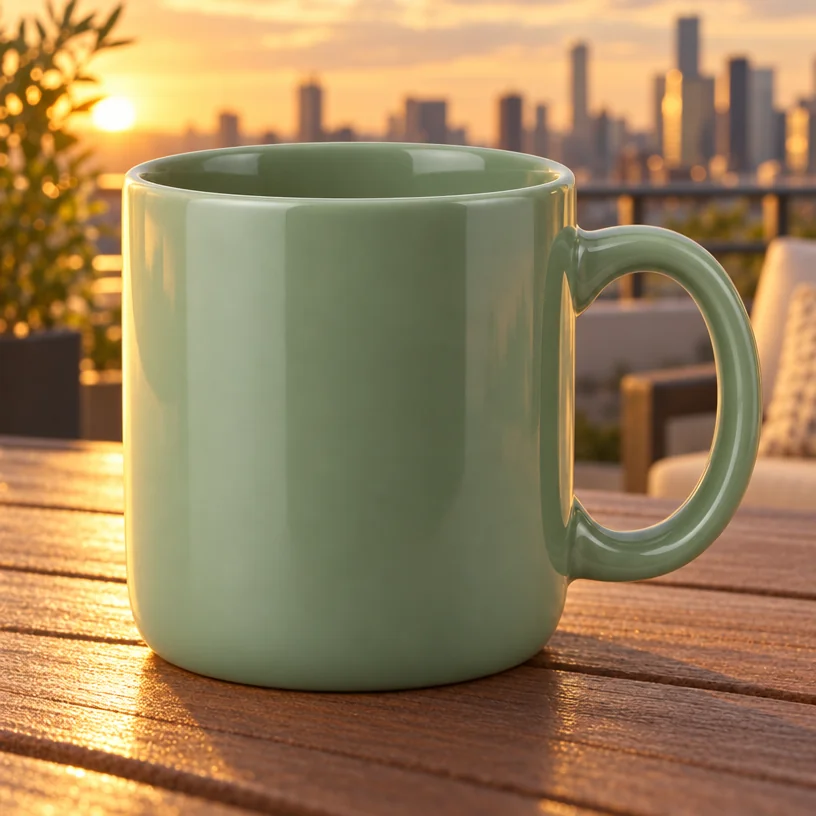
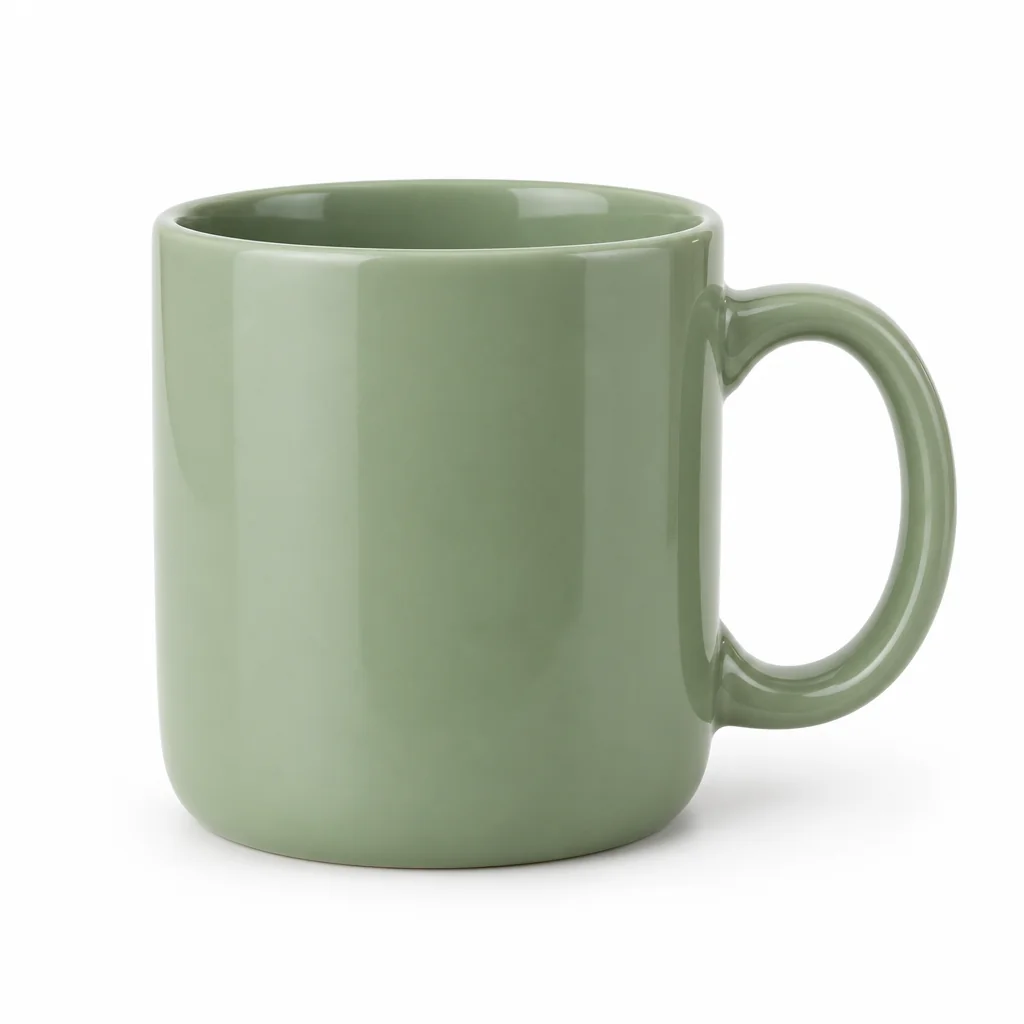
Drag the handle: the uploaded photo on the left, what the tool made on the right.
The Background Changer moves your subject somewhere else. Upload a photo, describe the new setting — a rooftop at golden hour, a white studio sweep, a marble counter by a window, a misty forest — and the main subject is kept exactly as it is, including its edges and details, then blended into the new background with matching lighting, color and shadows. E-commerce sellers, portrait photographers, social managers and anyone who needs one subject in several settings use it, and the description-based workflow means no masking or layer work. Reflections on glossy surfaces are matched as well.
It is the everyday tool for product photography and portraits alike. A product shot on a kitchen table becomes a catalogue image on a studio background or a lifestyle scene on a café table. A headshot taken against a bare wall gains an office, a garden or a soft gradient. A car on a driveway is parked on a coast road. Because the subject is preserved, the same photo can be dropped into five settings for five campaigns. It also handles the light: a subject shot in flat indoor light placed on a golden-hour rooftop is re-lit to match, with shadows that fall the right way, which is what makes the composite believable.
Describe the light in the new background as well as the place — "at golden hour", "under soft overcast light" — so the blend looks natural. For a transparent cutout with no background at all, use Background Remover instead; for a small change to an existing background, Edit With Words is lighter. Upscale the result before print. Every rendered version is saved to your library, so a product shot can be revisited in a new setting for the next campaign without uploading the original again. The examples under this description each open the canvas with a background already written, so a product only needs to be attached.
What you set
- Your photo
- New backgrounde.g. a rooftop terrace at golden hour
After it's made
- Change details with a sentence, or hand it to any other tool
- Standard, Pro and Max quality on every make
- Enlarge to 32 megapixels or turn it into a short clip
- Every image saved to your library, downloadable full size
About this tool
- Will the subject's edges look cut out?
- The subject is kept intact and blended with matching lighting, color and shadows rather than pasted. Describing the light of the new scene helps the blend; Pro quality refines hair and fine edges.
- Can I use it for product photos?
- Yes — it is one of the most common uses. Describe a studio sweep, a lifestyle surface or an outdoor scene, and keep the light description consistent across a catalogue for a matching set.
- How is this different from Background Remover?
- Background Remover cuts the subject out and gives you a transparent PNG. Background Changer generates a new scene behind the subject and blends the two together in one step.
- Can I keep part of the original background?
- Describe the new scene as a variation of the old one ("the same room, but with a large window and evening light"), or use Edit With Words for a targeted change instead.
- Can I try Background Changer before paying?
- Yes. A new account starts with 4 free credits, which covers your first Standard image with Background Changer — no card required. After that, credits come from a monthly plan or a one-time pack.
Often used next
Background Remover
Cut out the subject in one click — transparent PNG from 1 credit
Edit With Words
The universal edit: say what should change and everything else stays put
Add Object to Image
Add anything to a photo with matching light, shadow, scale and perspective
Object Remover
Describe what to remove and the background fills in behind it
Made for