
Pixel art logo concept ideas
Pixel art turns a logo concept into hand-placed pixels on a visible grid — hard, unaliased pixel edges, a limited palette with careful dithering — and leaves it feeling crisp and nostalgic. It is one of the more rewarding Pixel art pairings, and logo concepts wear it well.
For Pixel art logo concepts the prompt should cover the brand's idea, one memorable shape and two or three colors. Frame it as one centered symbol with generous empty space around it, then let the Pixel art preset handle medium and palette. One Pixel art habit worth keeping for logo concepts: ask for "a limited 16-color palette" if you want a stricter old-console feel.
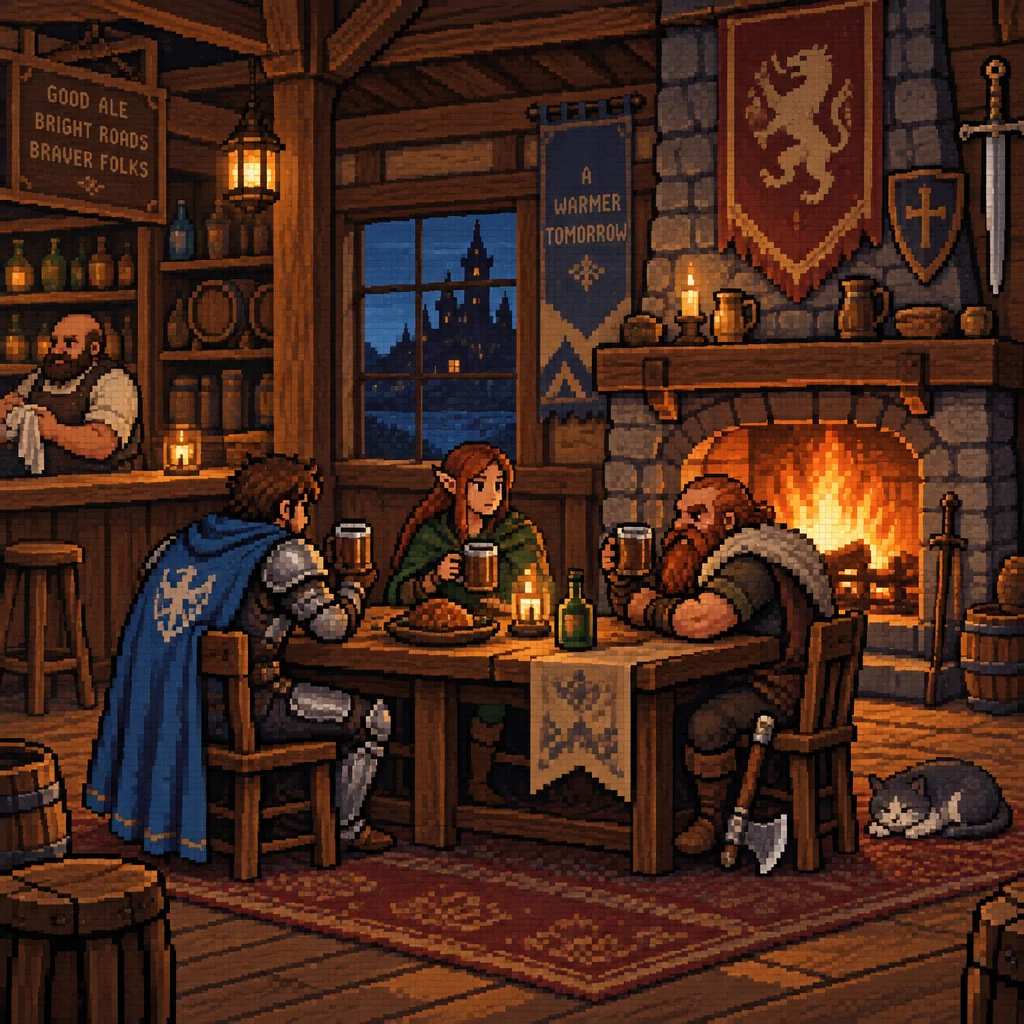
Made with the preset on this page.
Where it shines
- Try one centered symbol with generous empty space around it — it gives hand-placed pixels on a visible grid the most to work with on logo concepts.
- Expect a limited palette with careful dithering — a natural Pixel art fit for logo concepts.
- Edges come out as hard, unaliased pixel edges, which decides how much fine detail a Pixel art logo concept keeps.
- Pixel art logo concepts tend to land in profile icons, retro merch and indie game assets.
The recipe
- 01
Render the logo concept in Pixel art
Opens the canvas with Pixel art selected and a logo concept prompt ready to edit.
AI Image Generator - 02
Make three Pixel art logo concept siblings
Each variation keeps the Pixel art treatment and the logo concept but changes the composition, so you can pick the strongest one.
Image Variations - 03
Upscale the Pixel art logo concept for print
Take the chosen Pixel art logo concept to 8, 16 or 32 megapixels before downloading.
Image Upscaler
Questions
- Can I mix Pixel art with another style for this logo concept?
- Pick one style in the select and describe the second in words — "Pixel art with a hint of comic book" — or render the logo concept once, then send it through Style Transfer.
- What should a Pixel art logo concept prompt say?
- For Pixel art logo concepts, cover the brand's idea, one memorable shape and two or three colors; leave out medium words, because the preset already adds hand-placed pixels on a visible grid.
- Does Pixel art work for subjects other than logo concepts?
- The Pixel art style page lists every subject it pairs with beyond logo concepts, from portraits to abstract pieces; the same preset carries across all of them.
Keep exploring