
Cutecore logo concept ideas
Picture a logo concept rendered as plush textures, ribbons and sparkles: dreamy pink and lavender pastels, soft glow and fuzzy edges, a mood that reads cozy and toy-like. That is what the Cutecore style does to logo concepts on this canvas.
Start the Cutecore logo concept with one centered symbol with generous empty space around it. Add the brand's idea, one memorable shape and two or three colors, and stop there; over-describing fights the Cutecore look. For Cutecore logo concepts specifically: pile on the props: bows, hearts, stars, plushies — the style thrives on abundance.
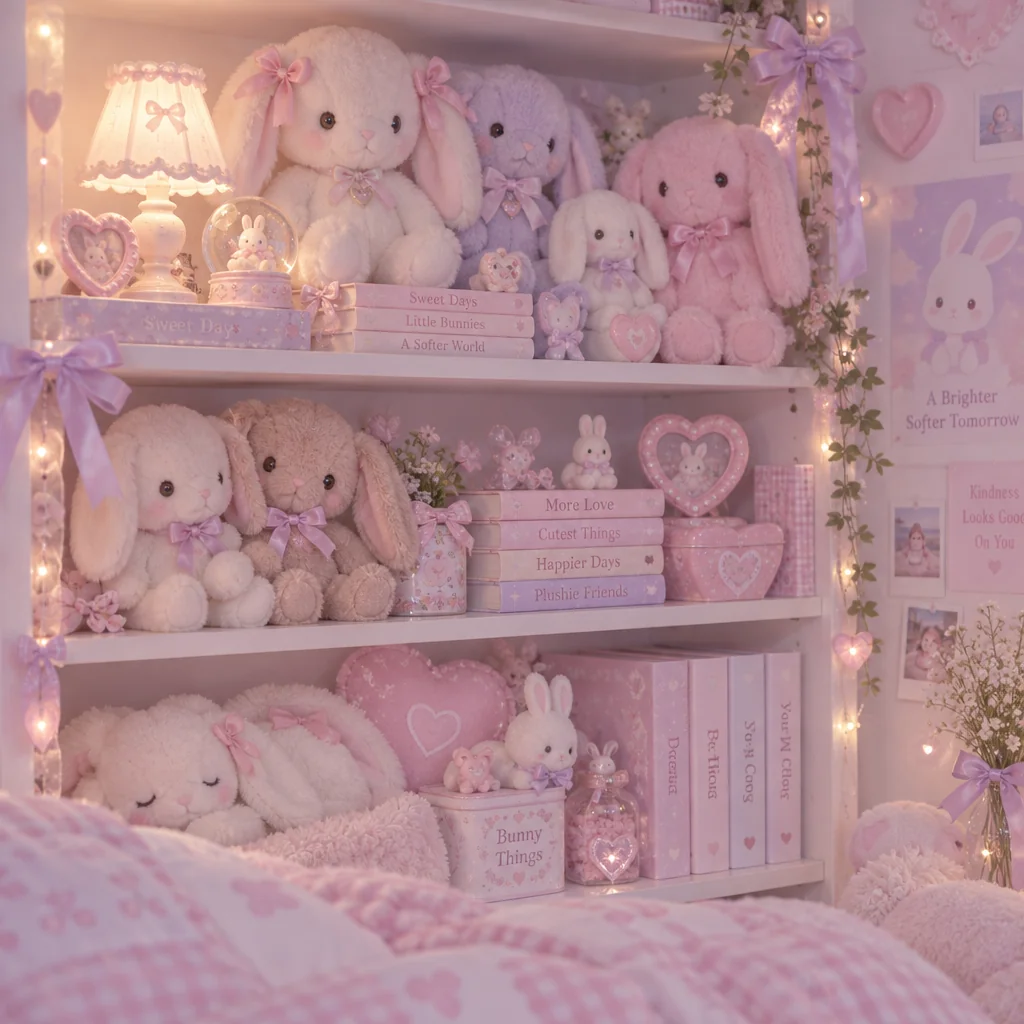
Made with the preset on this page.
Where it shines
- Framing that works: one centered symbol with generous empty space around it, so the Cutecore treatment has room to breathe.
- The Cutecore palette (dreamy pink and lavender pastels) suits logo concepts that should feel cozy and toy-like.
- Because of soft glow and fuzzy edges, Cutecore logo concepts read best with a clear silhouette.
- Where a Cutecore logo concept ends up: phone wallpapers and beauty and craft branding, with the logo concept as the hero.
The recipe
- 01
Render the logo concept in Cutecore
The style select is preset to Cutecore; the prompt box opens with a starter logo concept you can rewrite.
AI Image Generator - 02
Make three Cutecore logo concept siblings
Each variation keeps the Cutecore treatment and the logo concept but changes the composition, so you can pick the strongest one.
Image Variations - 03
Reframe the Cutecore logo concept to its final format
Extend the logo concept to a poster, banner or phone aspect while keeping the Cutecore rendering consistent.
Reframe & Expand
Questions
- Which aspect ratio suits a Cutecore logo concept?
- 1:1 is the usual pick for logo concepts; the aspect select on the canvas has nine options and the Cutecore rendering adapts to any of them.
- Can I use a Cutecore logo concept commercially?
- You own the Cutecore logo concept you render, subject to the Terms of Service; check that it does not reproduce a protected character, mark or likeness before publishing it.
- How do I get several Cutecore logo concepts that match?
- Render one logo concept you like, then use Image Variations; each sibling keeps the Cutecore palette and medium and changes only the composition.
Keep exploring