
Watercolor cityscape ideas
Run a cityscape through the Watercolor style and you get translucent washes on textured paper with soft blooms of pigment with white paper highlights; bleeding wet-on-wet edges carry the drawing, and the whole image feels loose and airy.
Describe the era of the buildings, the traffic, the weather and the signage, ask for a street-level or rooftop view anchored by one landmark, and keep style words out of the prompt — the Watercolor preset already supplies them. A note that applies to every Watercolor cityscape on this page — leave room for white — "loose" and "unfinished edges" are good words here.
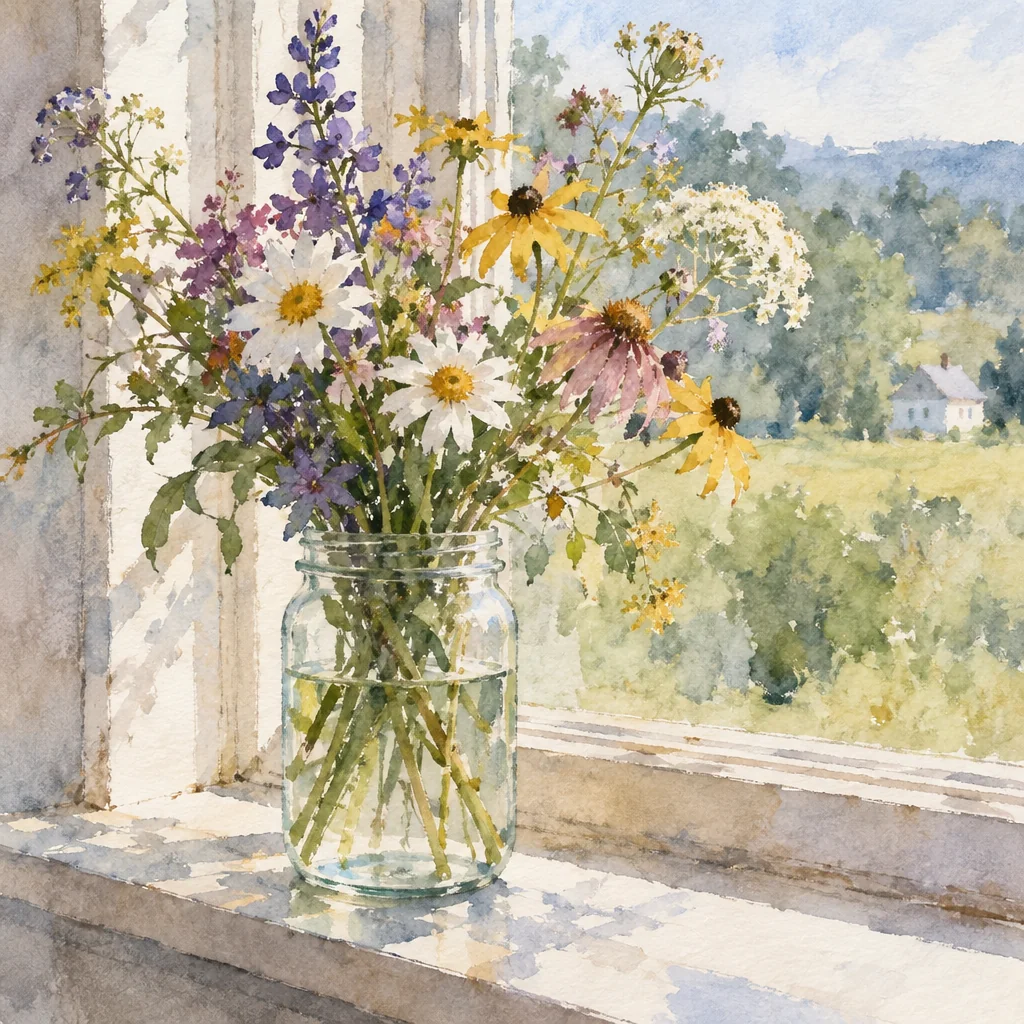
Made with the preset on this page.
Where it shines
- Best framing for a Watercolor cityscape: a street-level or rooftop view anchored by one landmark.
- Color arrives as soft blooms of pigment with white paper highlights; describe your own only if the Watercolor cityscape needs a specific one.
- Bleeding wet-on-wet edges define this Watercolor pairing — plan the cityscape composition around them.
- Good uses for a Watercolor cityscape: wedding stationery, botanical prints, gentle branding.
The recipe
- 01
Render the cityscape in Watercolor
The preset carries the Watercolor look, so the prompt only has to describe the cityscape.
AI Image Generator - 02
Adjust the Watercolor cityscape with a sentence
Change the cityscape's details — colors, props, expression — without losing the Watercolor finish.
Edit With Words - 03
Upscale the Watercolor cityscape for print
Take the chosen Watercolor cityscape to 8, 16 or 32 megapixels before downloading.
Image Upscaler
Questions
- How many credits does a Watercolor cityscape cost?
- A Watercolor cityscape is a text-to-image render — 2 credits at Standard, 10 at Pro and 42 at Max — with no upload involved, and new accounts start with 4 free credits.
- Will the cityscape keep fine detail in Watercolor?
- In a Watercolor cityscape, detail resolves as bleeding wet-on-wet edges, so small textures become part of the style rather than photographic. Use Pro or Max quality when the cityscape carries tiny elements the Watercolor treatment should keep.
- Can I turn a Watercolor cityscape into a short clip?
- Yes — the Animate button under any render produces a 4 to 12 second clip of the cityscape, and the Watercolor treatment carries into the motion.
Keep exploring