
Vinyl toy AI image generator
Vinyl toy renders your subject as a designer collectible: glossy surfaces, simplified anatomy, a product-shot backdrop. It is the mock-up you would send to a factory.
Choose Vinyl toy from the style select, write the subject, render: the preset supplies glossy collectible vinyl render with clean flat colors with soft studio reflections, so your prompt only has to describe what is in the frame. Say "on a pedestal" or "in blister packaging" to change the presentation. Below, 6 subject pages show Vinyl toy on portraits, animals, fantasy creatures, vehicles and more.
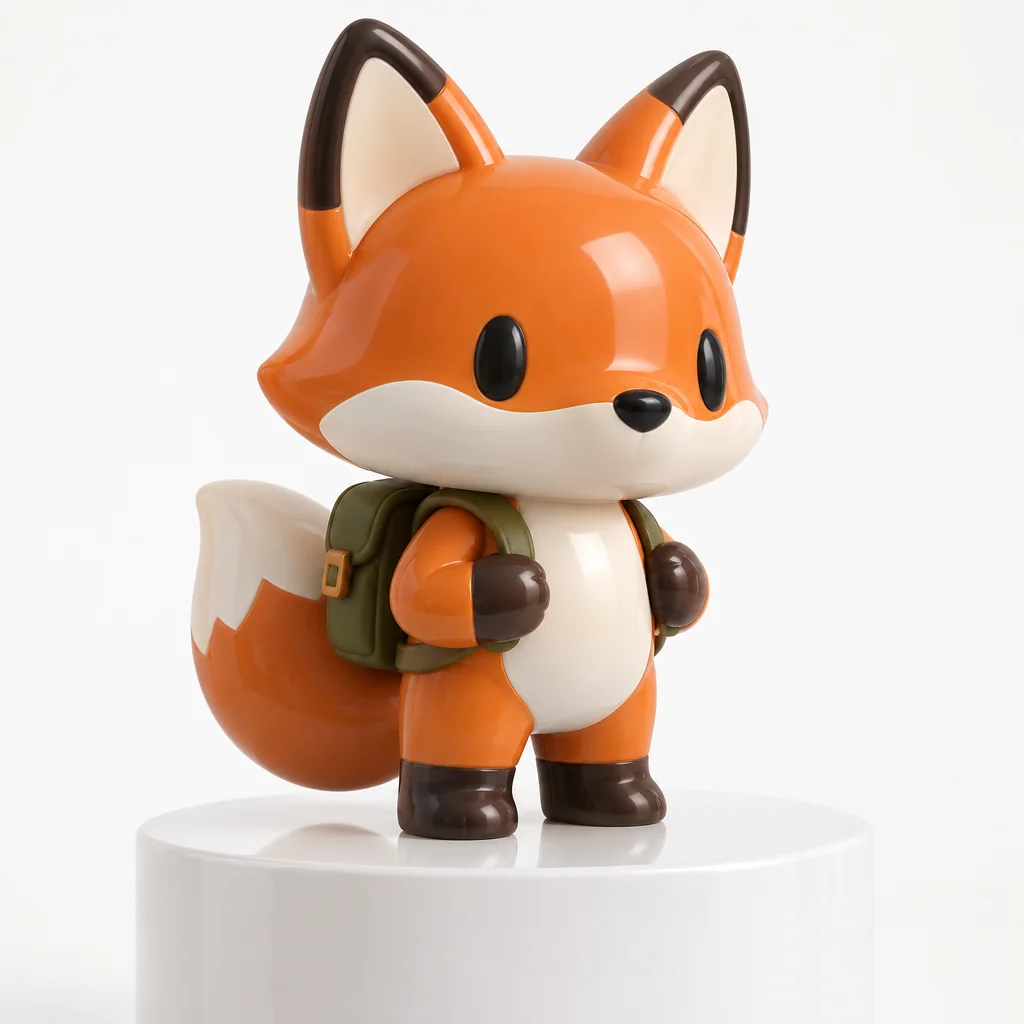
Made with the preset on this page.
Where it shines
- Medium: glossy collectible vinyl render
- Palette: clean flat colors with soft studio reflections
- Edges and lines: simplified chunky forms
- Reach for it when you need merch previews, NFT-style collectibles or brand character reveals
The recipe
- 01
Render with Vinyl toy selected
The canvas opens with the style preset and a starter prompt ("a designer vinyl fox figure with a tiny backpack on a white pedestal") you can replace with your own subject.
AI Image Generator - 02
Spin off variations
Get siblings of the best render — same Vinyl toy treatment, different composition — before committing.
Image Variations - 03
Upscale the keeper
Take the final Vinyl toy image to 8, 16 or 32 megapixels for print or a wallpaper.
Image Upscaler
Questions
- What does the Vinyl toy style change about my prompt?
- Nothing in your words — the canvas appends a fixed description of glossy collectible vinyl render, clean flat colors with soft studio reflections and simplified chunky forms after your prompt, so the subject stays yours and the rendering becomes Vinyl toy.
- What aspect ratios work with Vinyl toy?
- All nine in the aspect select, from square to 21:9 ultrawide, work with Vinyl toy: glossy collectible vinyl render adapts to any frame, wide formats suit merch previews, tall ones suit brand character reveals.
- Can I get several Vinyl toy images that match?
- Render one you like, then run Image Variations: each sibling keeps glossy collectible vinyl render and clean flat colors with soft studio reflections and changes only the composition.
Keep exploring