
Isometric fantasy creature ideas
Picture a fantasy creature rendered as clean 30-degree axonometric illustration: flat shaded planes in a tidy palette, crisp geometric forms, a mood that reads orderly and miniature. That is what the Isometric style does to fantasy creatures on this canvas.
Start the Isometric fantasy creature with a full-body pose that shows how the creature moves. Add what it is built from, its size, its temperament and its habitat, and stop there; over-describing fights the Isometric look. For Isometric fantasy creatures specifically: ask for a "cutaway" or "floating island" base to frame the miniature.
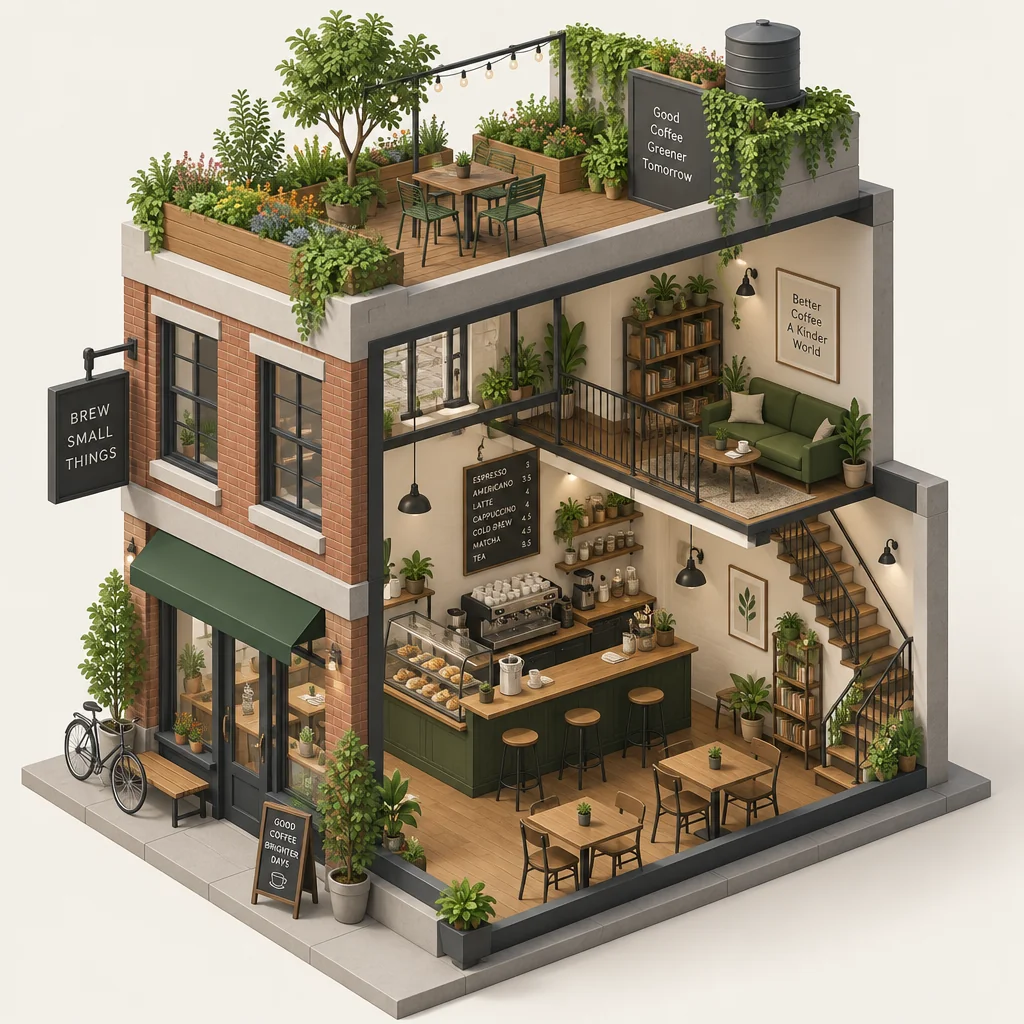
Made with the preset on this page.
Where it shines
- Framing that works: a full-body pose that shows how the creature moves, so the Isometric treatment has room to breathe.
- The Isometric palette (flat shaded planes in a tidy palette) suits fantasy creatures that should feel orderly and miniature.
- Because of crisp geometric forms, Isometric fantasy creatures read best with a clear silhouette.
- Where a Isometric fantasy creature ends up: product diagrams and city and room illustrations, with the fantasy creature as the hero.
The recipe
- 01
Render the fantasy creature in Isometric
The style select is preset to Isometric; the prompt box opens with a starter fantasy creature you can rewrite.
AI Image Generator - 02
Make three Isometric fantasy creature siblings
Each variation keeps the Isometric treatment and the fantasy creature but changes the composition, so you can pick the strongest one.
Image Variations - 03
Reframe the Isometric fantasy creature to its final format
Extend the fantasy creature to a poster, banner or phone aspect while keeping the Isometric rendering consistent.
Reframe & Expand
Questions
- Which aspect ratio suits a Isometric fantasy creature?
- 3:2 or 4:5 is the usual pick for fantasy creatures; the aspect select on the canvas has nine options and the Isometric rendering adapts to any of them.
- Can I use a Isometric fantasy creature commercially?
- You own the Isometric fantasy creature you render, subject to the Terms of Service; check that it does not reproduce a protected character, mark or likeness before publishing it.
- How do I get several Isometric fantasy creatures that match?
- Render one fantasy creature you like, then use Image Variations; each sibling keeps the Isometric palette and medium and changes only the composition.
Keep exploring