
Constructivist AI image generator
Constructivist is 1920s avant-garde propaganda in its most graphic form: diagonals, red and black, photomontage. It is impossible to ignore, which is the point.
Choose Constructivist from the style select, write the subject, render: the preset supplies bold poster geometry and photomontage with red, black and cream, so your prompt only has to describe what is in the frame. Ask for a "strong diagonal" and three colors only. Below, 9 subject pages show Constructivist on portraits, landscapes, cityscapes, animals and more.
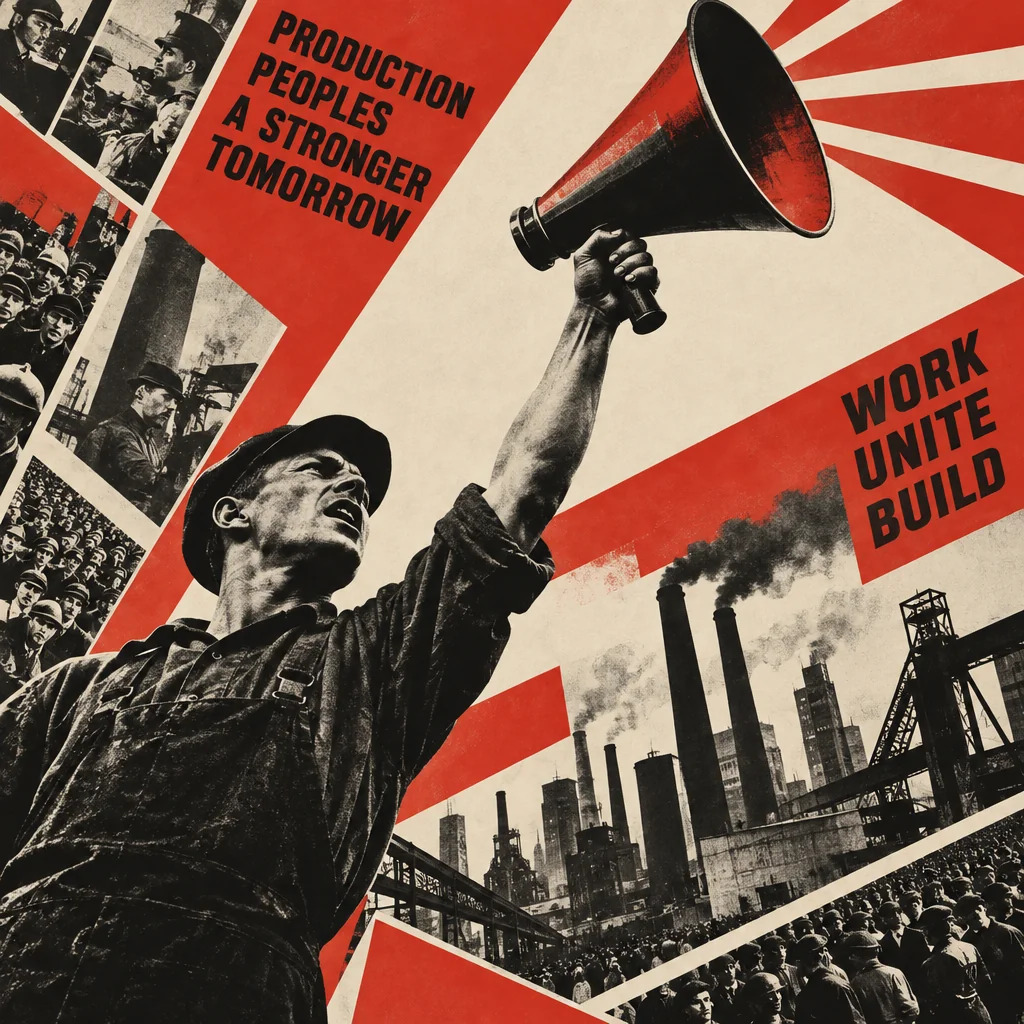
Made with the preset on this page.
Where it shines
- Medium: bold poster geometry and photomontage
- Palette: red, black and cream
- Edges and lines: hard diagonals and heavy sans-serif energy
- Reach for it when you need protest and event posters, editorial covers or bold brand campaigns
The recipe
- 01
Render with Constructivist selected
The canvas opens with the style preset and a starter prompt ("a worker raising a megaphone above a factory skyline, diagonal composition") you can replace with your own subject.
AI Image Generator - 02
Spin off variations
Get siblings of the best render — same Constructivist treatment, different composition — before committing.
Image Variations - 03
Upscale the keeper
Take the final Constructivist image to 8, 16 or 32 megapixels for print or a wallpaper.
Image Upscaler
Questions
- What does the Constructivist style change about my prompt?
- Nothing in your words — the canvas appends a fixed description of bold poster geometry and photomontage, red, black and cream and hard diagonals and heavy sans-serif energy after your prompt, so the subject stays yours and the rendering becomes Constructivist.
- What aspect ratios work with Constructivist?
- All nine in the aspect select, from square to 21:9 ultrawide, work with Constructivist: bold poster geometry and photomontage adapts to any frame, wide formats suit protest and event posters, tall ones suit bold brand campaigns.
- Can I get several Constructivist images that match?
- Render one you like, then run Image Variations: each sibling keeps bold poster geometry and photomontage and red, black and cream and changes only the composition.
Keep exploring