
Pictures Worth Posting From Behind The Counter
A cafe sells atmosphere as much as coffee, and the feed is where people decide whether to walk in. You have a phone full of latte art and croissants taken between orders, with a till and a stack of lids in the corner of every frame. What you want is a consistent look, top-down pictures of the cup, the plate and the wooden table, that you can post several times a week without a second thought.
Choose the overhead style in the Food Shot Maker and upload the counter picture. The cup, the foam pattern and the pastry are kept; the table, the light and the clutter around them are replaced with a clean top-down setting. For a snapshot that only needs a lift, Photo Polish in food mode brightens and sharpens without rebuilding the scene. When you want merch, the Seamless Pattern Maker makes a coffee-bean tile for cup sleeves and wall prints.

Made in the Studio with the first tool on the route.
You want
- The lids, the till and the tip jar are in every picture I take.
- Our feed jumps between warm and cold, bright and dim, depending on who posted.
- Latte art melts before I can find a clean spot to photograph it.
- Posting daily takes more pictures than a busy morning leaves time for.
The route
- 1Remake the cup and plate from above

Replaces the counter clutter with a clean top-down setting while the drink and the pastry are kept as served.
Food Shot Maker - 2Brighten snapshots that are close

Food mode lifts exposure and color on pictures that only need a nudge, for 4 credits at Standard.
Photo Polish - 3Make a pattern for sleeves and signage
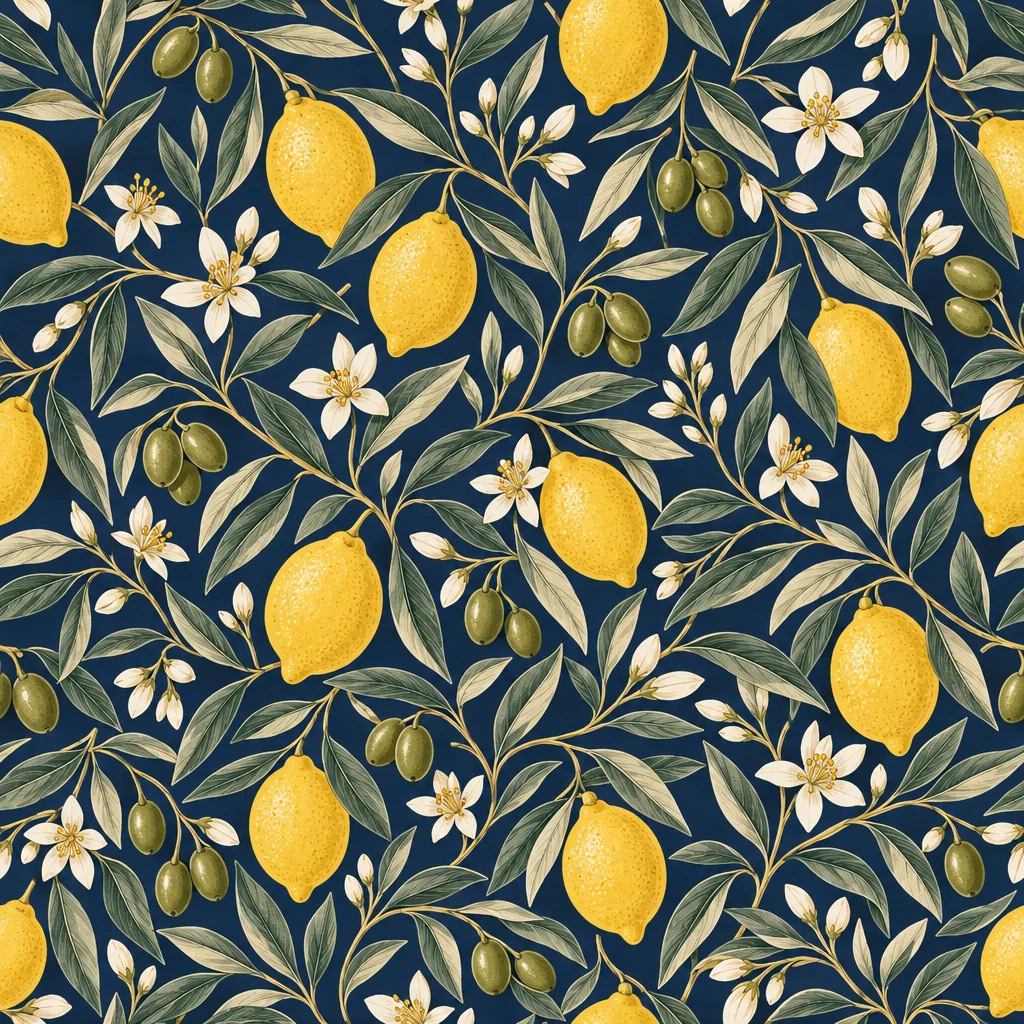
Type a motif like coffee beans and croissants; the repeating tile works for cup sleeves, menus and wall prints.
Seamless Pattern Maker
Good to know
- Do I need a proper table for the overhead look?
- No. Photograph the cup wherever it sits, on the counter, a tray or the pass. The overhead style rebuilds the surface and light beneath it, so a steel counter in the original does not show up in the result. Try to hold the phone directly above the cup and keep the foam sharp; the tool handles the rest.
- Is it okay to use these pictures on our menu board and website?
- Yes. Downloads are full resolution without a watermark, and the images are yours to use across the board, the site, delivery apps and posts. Because the drink and the pastry in the picture are your own, the pictures show what you actually serve. For a large printed board, run the Image Upscaler first.
- How many pictures can I make with the free credits?
- New accounts start with 4 free credits, which covers one Standard render of a one-photo tool such as the Food Shot Maker. After that, a 250-credit pack is $4.99 and never expires, which works out to more than sixty Standard food renders. Plans start at $15 a month for 1,000 credits.
Tools on this route