
Set Your Candles In A Room Worth Buying Into
Candles sell on mood, and a jar on a workbench next to a wax melter has none. Buyers want to see the candle lit on a side table, in a gift-ready flat lay, or dressed for the holiday collection. Your labels change with every scent, so you need a way to picture new drops the same week you pour them, and the look has to stay consistent across the whole line.
Bring one picture of the candle to the Product Scene Maker and choose living-room, festive or garden, adding a line of scene details like a linen throw and a book. The jar, wick and label are kept, so the scent name reads correctly. For gift-set pictures, the Flat Lay Maker arranges the candle on linen or marble with props you name. The Seamless Pattern Maker turns a botanical motif into wrapping paper and box liners.

Made in the Studio with the first tool on the route.
You want
- Every picture I have has the workshop in the background.
- Six scents, six labels, and I need them all to look like one collection.
- The holiday line launches in three weeks and I do not own a single festive prop.
- Gift-set flat lays take an afternoon to arrange and never look quite right.
The route
- 1Place your candle in a living-room scene

Sets the jar on a side table with soft home light while the label, wax color and wick are kept.
Product Scene Maker - 2Arrange a flat lay for gift sets

Lays the candle on linen or marble with props you name, for the gift-guide picture.
Flat Lay Maker - 3Make wrapping paper in a matching motif
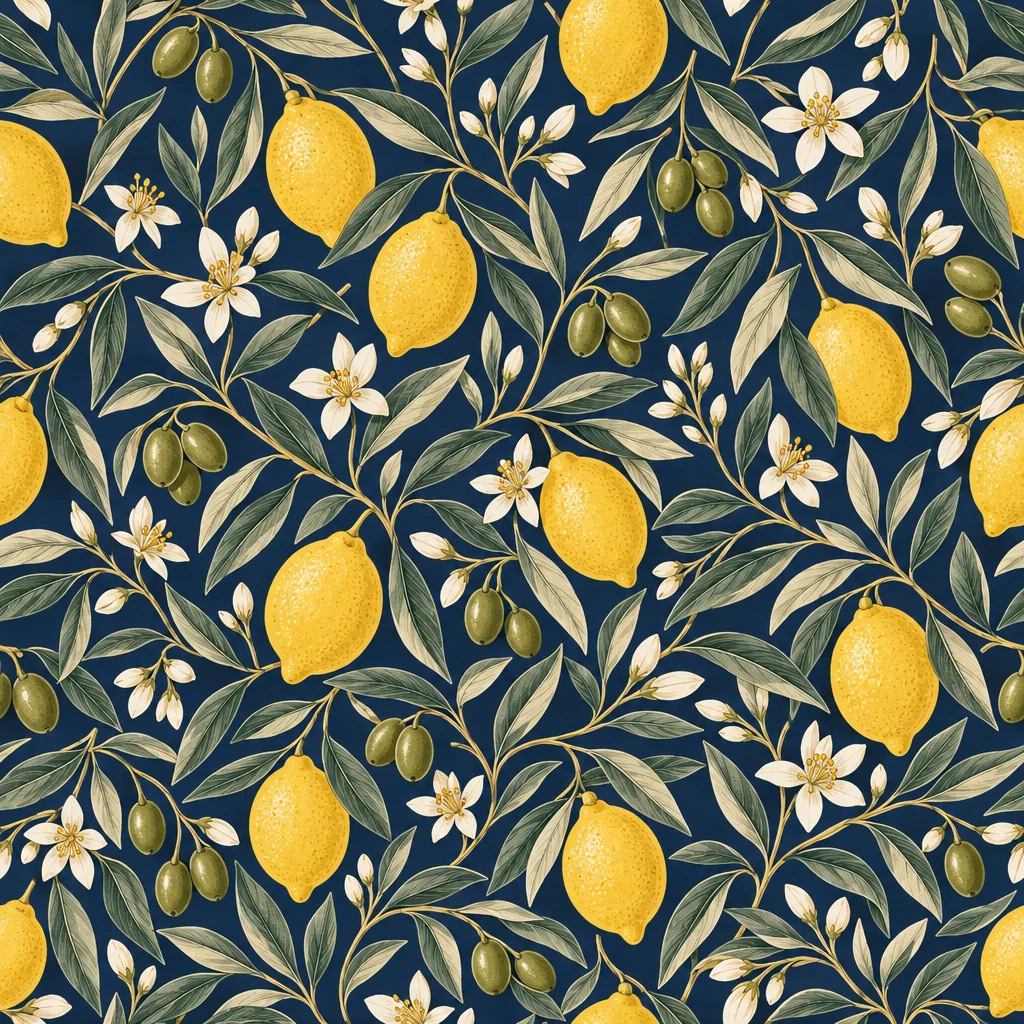
A botanical or geometric tile for tissue, box liners and the shop banner.
Seamless Pattern Maker - 4Upscale the hero for the site
A large home-page image benefits from 4 MP or more; 3 credits and up.
Image Upscaler
Good to know
- What size picture should I upload?
- Any phone picture works; there is no minimum. Fill the frame with the candle, keep the label sharp and facing the lens, and use daylight so the wax color is true. The result downloads at full resolution, and for a big home-page hero you can send it through the Image Upscaler afterward.
- Can I picture the candle lit?
- Yes. Photograph it lit if you can hold it steady, and the flame carries through into the scene. If your original is unlit, add a line to the scene details asking for a lit wick and warm glow, or run the result through Light Changer with the candlelight option to get the soft flicker on the surrounding surfaces.
- Will the label still read correctly?
- The tool keeps the product as it sees it, including the label text, so a sharp, front-facing original gives a readable label. If a letter comes out soft, Image Text Editor can correct it, or re-run the scene from a closer picture. Check the label at full zoom before you publish, as you would with any product image.
Tools on this route